DC5 User’s Manual
Setup 1-21
1.7 Loading ribbon cassettes
1.7.1 Loading and removing the cassettes
The DC5 can take up to 8 cassettes, the DC5sx up to 5. The cassettes can be loaded or
removed from the cassette station at any time, even during printing. If the printer is missing
a color, then it will give a message on the touch screen just before it needs the color. The
machine automatically detects the end of a ribbon. If the machine runs out off a certain
ribbon color while printing, then it will pause until the operator inserts a new ribbon. As
soon as the machine detects a new ribbon roll, it will continue to print and complete the
image.
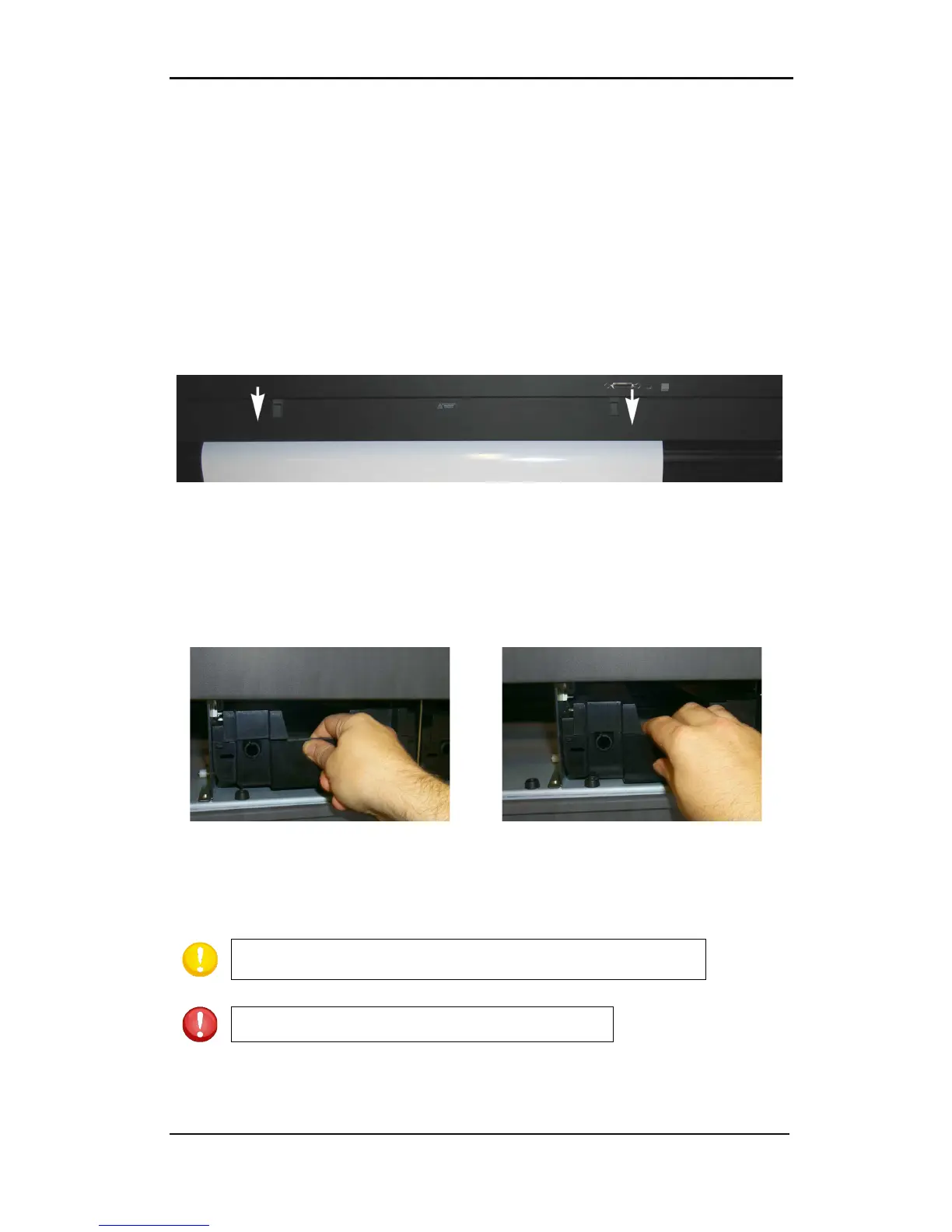
ALWAYS load or remove cassettes from behind the printer. To remove a cassette, open the
rear cover by pulling down both latches simultaneously.
FIG 1-18
1-18 REAR CASSETTE STATION COVER
To remove a cassette, lift it enough to pass over the rubber bumper. Pull it backwards and
out of the printer.
To load a cassette, push it gently into an open location until it just passes the rear bumper.
Press it down and pull it backwards against the bumper.
Close the rear cover. After the media is loaded, the DC5(sx) will take the cassette and
estimate the amount of ribbon in the cassette, available for printing.



 To Next Page