DC5 User’s Manual
Setup 1-19
1.6.3 Unloading the media.
First detach the media from the take-up roll (if used).
Then push on the (up arrow) key until the media does not move any further.
Go to the back of the machine and press on the top switch. The machine will rewind the
media supply roll and move the media from under the clamps.
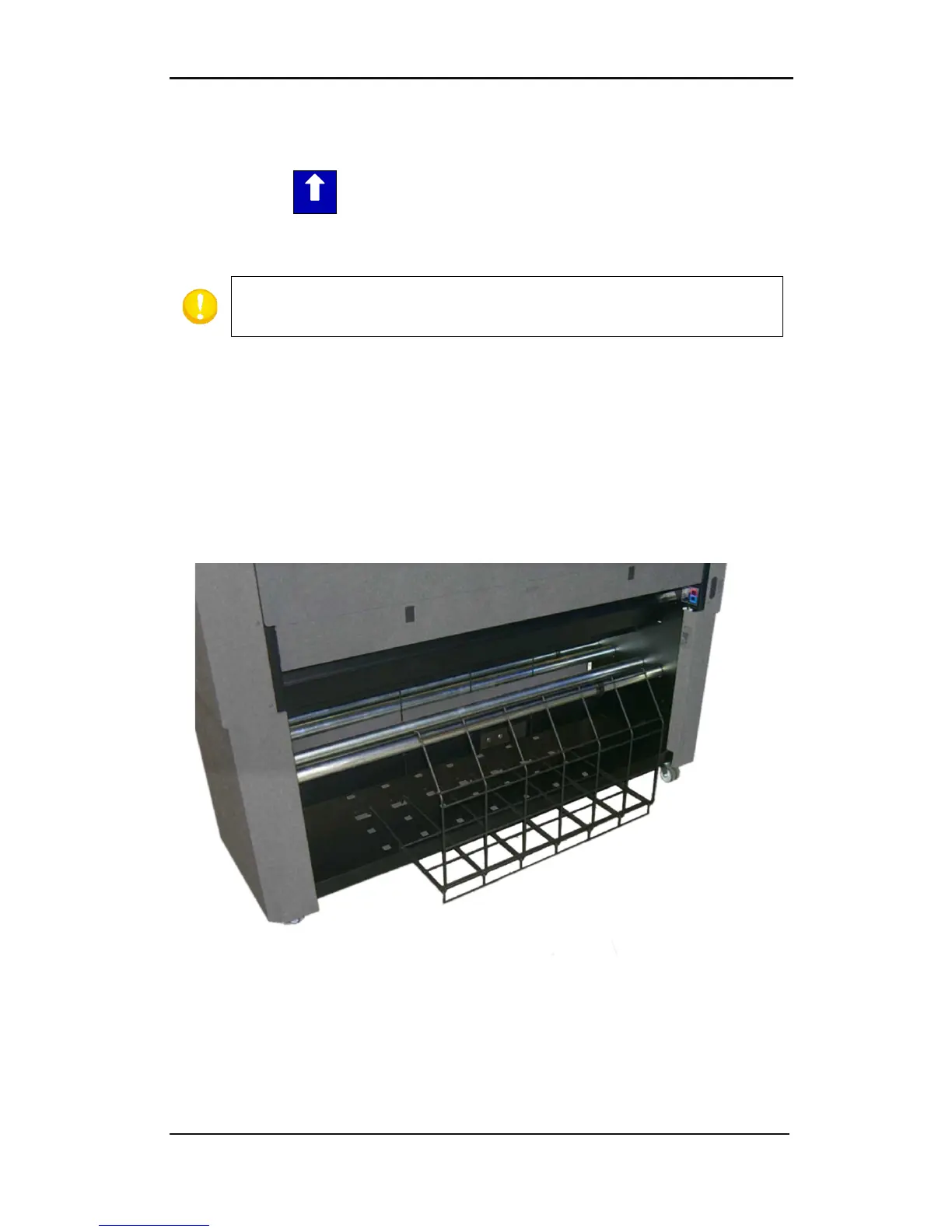
1.6.4 Using the media basket
It is strongly recommended to always use the rear basket while printing. The basket
prevents the vinyl from touching the ground or the base of the DC5(sx), thus preventing the
vinyl from collecting dust.
When the DC5(sx) is used for print and cut, then the media baskets, front and rear, MUST be
used, otherwise the vinyl will pick up dust, damaging the print.
The front and rear baskets are designed to hold at least 6 meter of vinyl. Depending on the
type of vinyl, it is possible to hold up until 10 meters of vinyl.
FIG 1-17
1-17 REAR BASKET



 To Next Page