DC5 User’s Manual
Detailed Operation 4-10
4.4.4 Calibrate touch screen
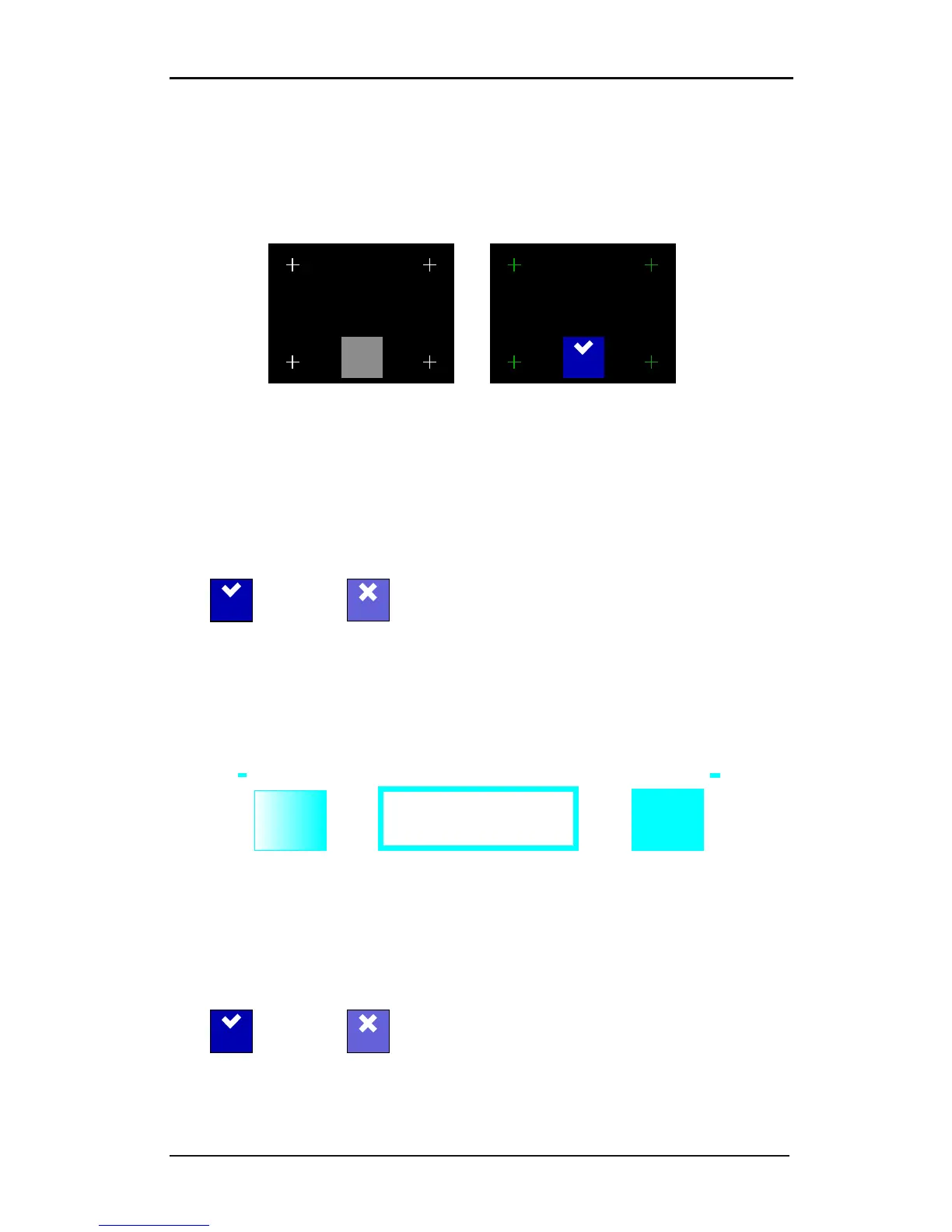
This option makes it possible to calibrate the touch screen. Perform this calibration if the
illustration of the button on the touch screen does not match the area that needs to be
pressed to activate the button.
Press button to start the calibration and follow the guidelines on the screen.
4.4.5 LCD contrast
The LCD contrast submenu is used to adjust the contrast (or intensity) of the touch screen.
The firmware automatically rejects values that would make the touch screen too dark to be
able to use it.
Press the LCD contrast button and set it to the desired value.
Press to confirm or
to cancel.
4.4.6 Calibrate media
Calibrate media is used to optimize the parameters of the OptiTrac sensor. Press the
‘calibrate media’ button to perform the calibration. The DC5(sx) prints out the pattern
below. The calibration is automatic. Some values are shown on the touch screen while the
machine is calibrating. They can be useful for a service technician.
FIG 4-8
4-8 CALIBRATE MEDIA TEST
4.4.7 Menu Units
The setting of these options determines whether the speed and size values are displayed in
the metric measure system or in the ENG/US measure system.
Press the ‘Menu units’ button and set to the desired measure system.
Press to confirm or
to cancel.



 To Next Page