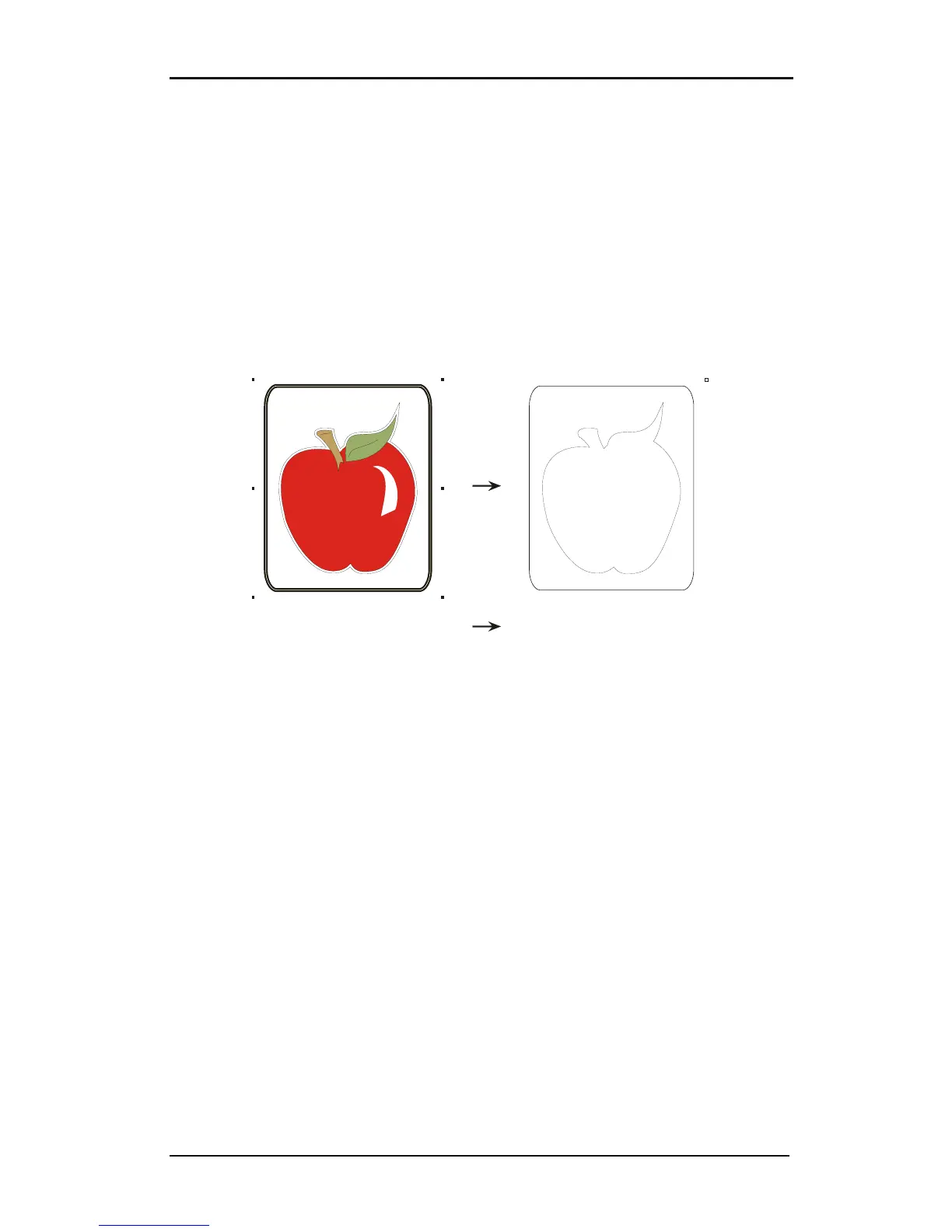
Make sure that he origin mark (top right) is also defined as a contour. This will be used
as the origin for the cutting.
It is recommended to use WinPlot for sending cutting data to the DC5(sx). WinPlot also
send the OPOS parameters automatically to the DC5(sx). Just click on the OPOS cut icon and
the parameters will be send to the cutter and the special load will be activated (the machine
will ask the user to put the knife tip above the first OPOS mark. When using WinPlot, then
the orientation of the design loaded in the Summa cutter must be the same as the
orientation on screen in WinPlot.



 To Next Page