DC5 User’s Manual
Detailed Operation 4-9
4.4 System menu
This menu bundles the less frequently used parameters and calibrations. Only the
parameter take up roll and ribbon save are user dependent parameters.
4.4.1 Take-up roll
The take-up roll sub-menu is used to activate or deactivate the take-up rollers (optional on
DC5sx). This option can be set to disabled, print job only and print and cut job.
Press the take up roll button and select the desired setting.
Press to confirm or
to cancel.
4.4.2 Ribbon save
The ribbon save sub-menu is used to set the ribbon save mode. In standard mode, a ribbon
is used over the full width of the print job as soon as one dot is required in the print pass. No
ribbon will be used if no data in that ribbon color is required in the print pass. In ribbon save
mode high, no ribbon will be used if no data in that ribbon color is required in the print
pass. The ribbon will also be saved as soon as no data in that ribbon color is required
anymore on the right-hand side of the image. The default setting is standard.
Press the ribbon save button and change the setting, if necessary.
Press to confirm or
to cancel.
4.4.3 Copy User settings
This menu enables the operator to copy the parameters from one user to another user.
When copying the parameters, the user name is not changed. These parameters can then
be used as starting values for configuring a new user. Press the copy user button.
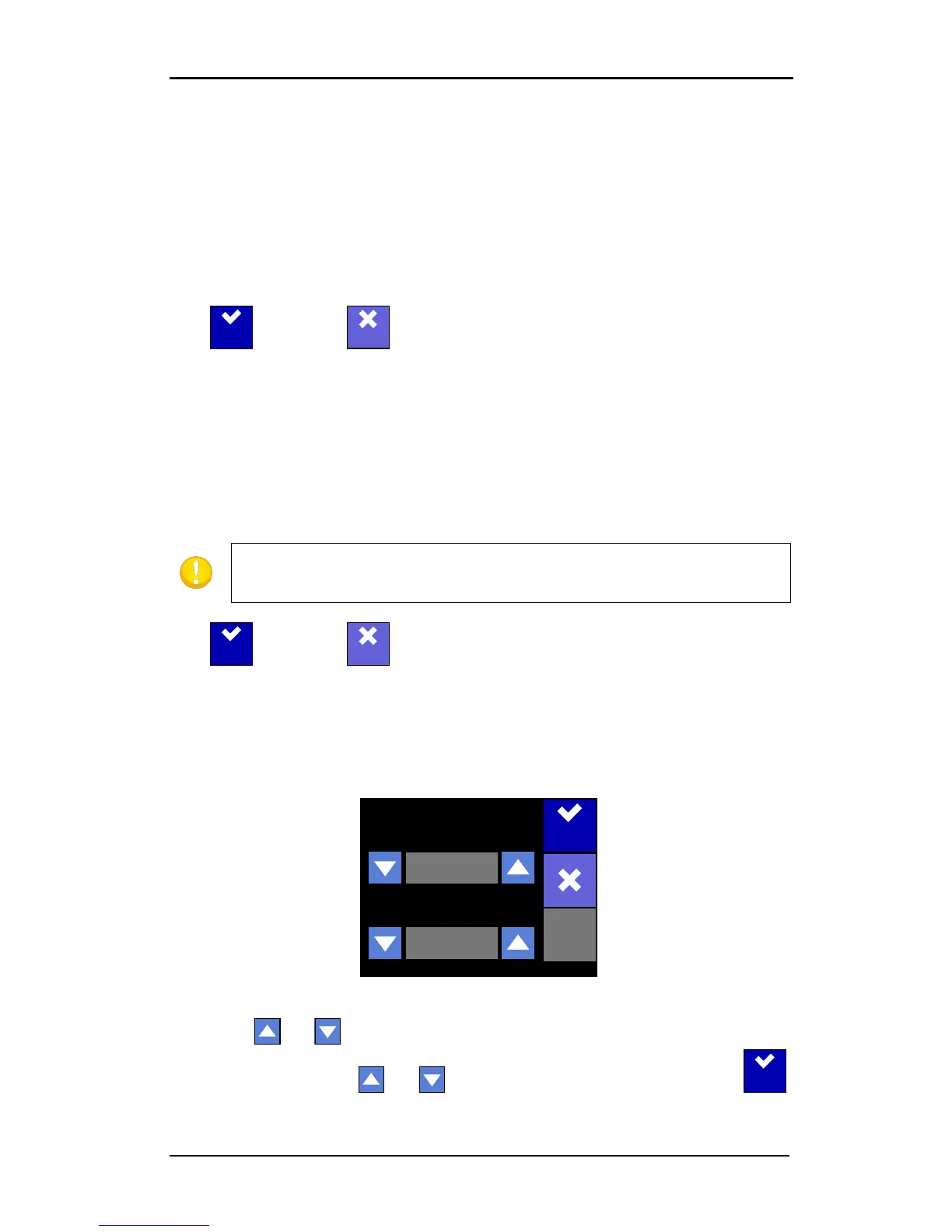
FIG 4-5
4-5 USER CONFIGURATION MENU
Use the top and arrows to scroll through the users from which the parameters will
be copied. Use the bottom and arrows to select the destination user. Press
to confirm. The user configurations are setup to quickly change several parameters
depending on the type of vinyl or the kind of job.



 To Next Page