DC5 User’s Manual
Software 6-12
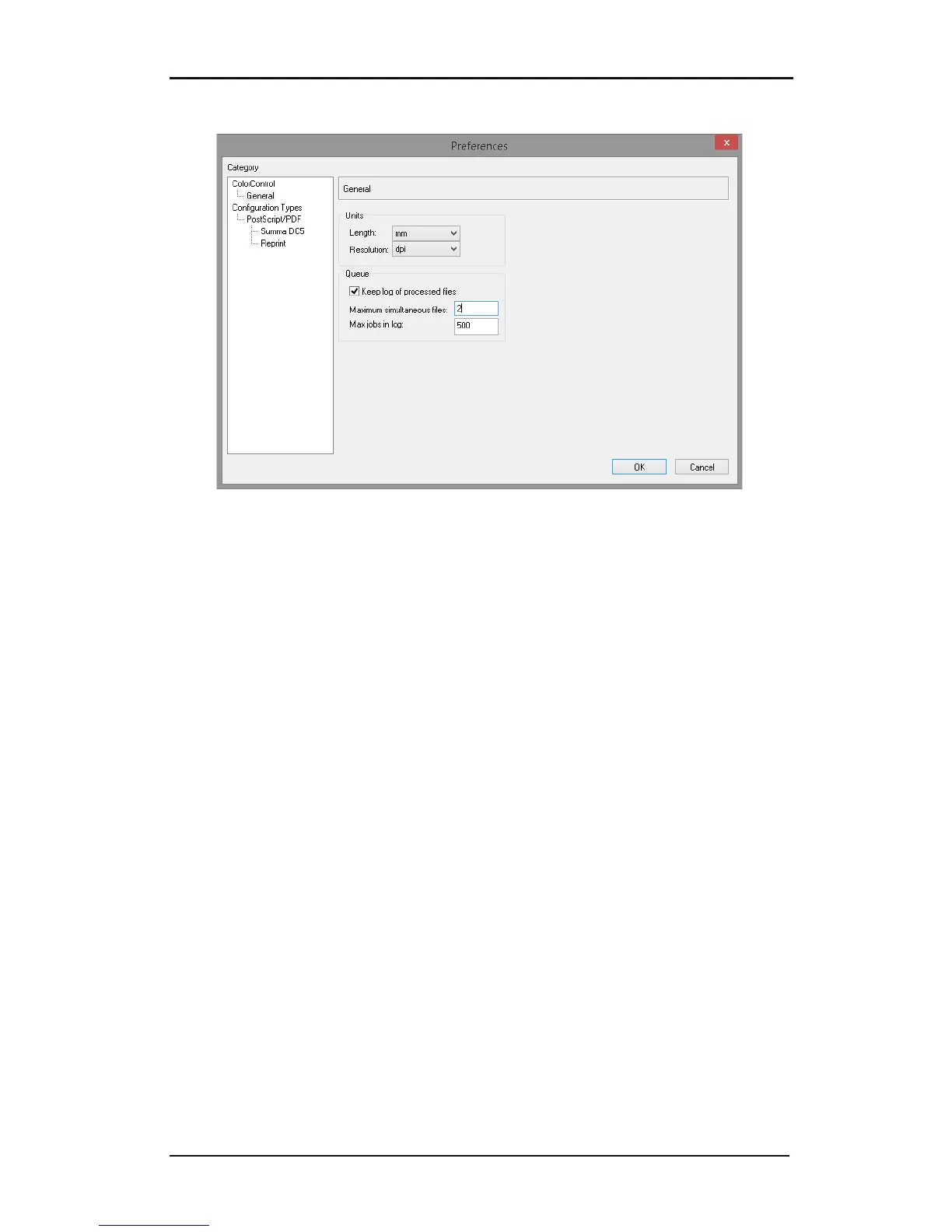
6.3.1.2 General preferences
FIG 6-15
6-15 PROCESS PREFERENCES
1. Units: Sets the units of measurement for pixel resolution, page size and rulers within the
preview menu. The units can be set separately for media size and pixel resolution.
2. Queue: Here the preferences for the queue can be set. The rip is much faster than the
printer. So to unburden the computer while the printer is printing, all ripped jobs are
sent to a separate spooler (called queue) so that several jobs can be quickly ripped after
one another. The program also keeps a log of all jobs that have been ripped. The
preferences for those options can be set here.



 To Next Page