DC5 User’s Manual
Software 6-2
FIG 6-1
6-1 INSTALLATION OF SOFTWARE
6.1.1 USB driver installation
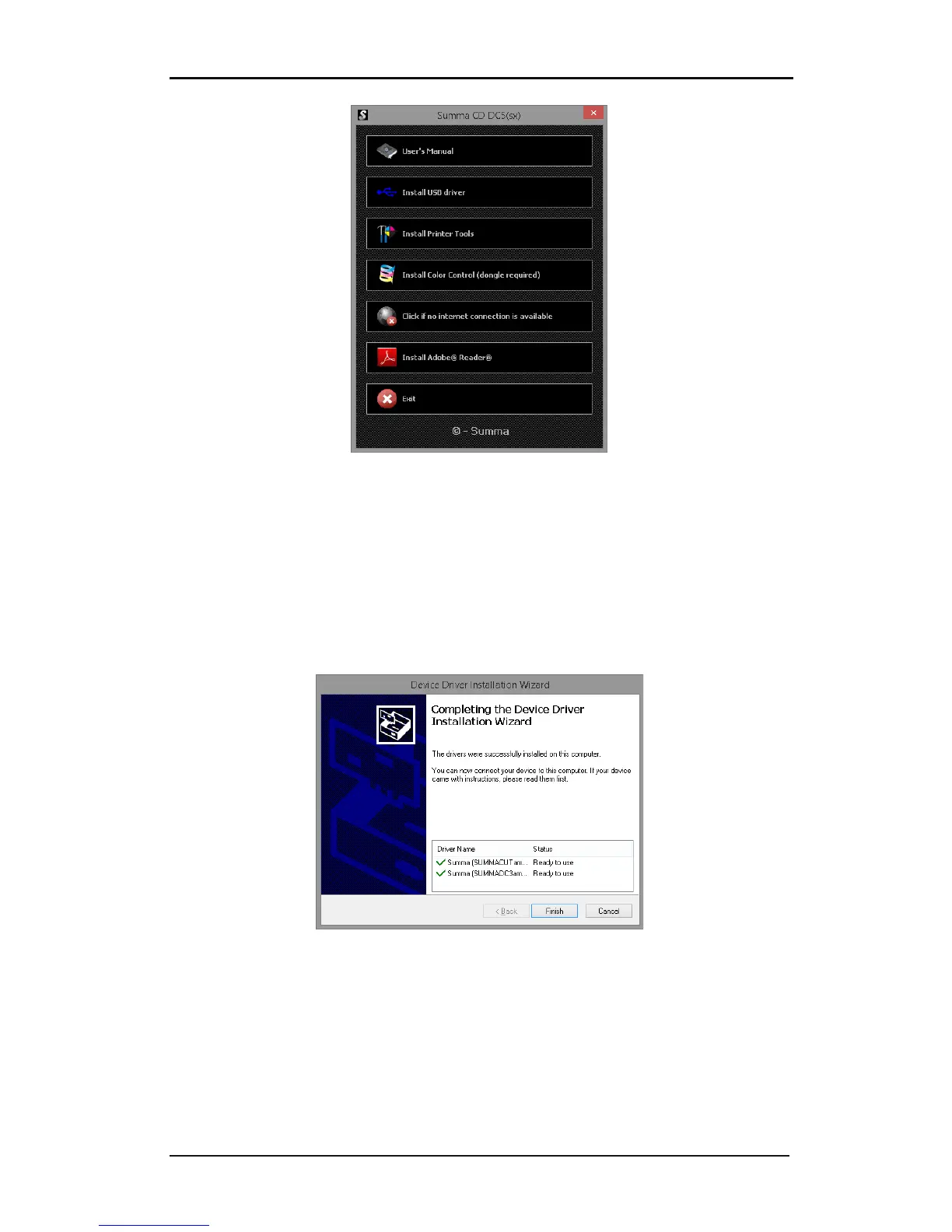
This installation has no options. Click on ‘Install’ and ‘Next’ when prompted. The final
window, that appears just before the installation is finished, shows whether the installation
of the driver was successful or not.
Check if there is a green checkmark before Summa (SUMMAUSB). If not, then the driver has
not been installed correctly.
FIG 6-2
6-2 USB DRIVERS INSTALLATION



 To Next Page