EasyManua.ls Logo

Summa DC5 - Knife Installation

Summa DC5
104 pages
Print Icon
To Next Page IconTo Next Page
To Previous Page IconTo Previous Page
Loading...
DC5 User’s Manual
Setup 1-24
1.8 Knife Installation
WARNING: The DC5(sx) uses razor-sharp knives. Touching the knife with bare
hands may cause injury. Take extreme care when operating the
printer and
when installing, removing or handling the printer’s knife blade!
1.8.1 Removing the drag knife
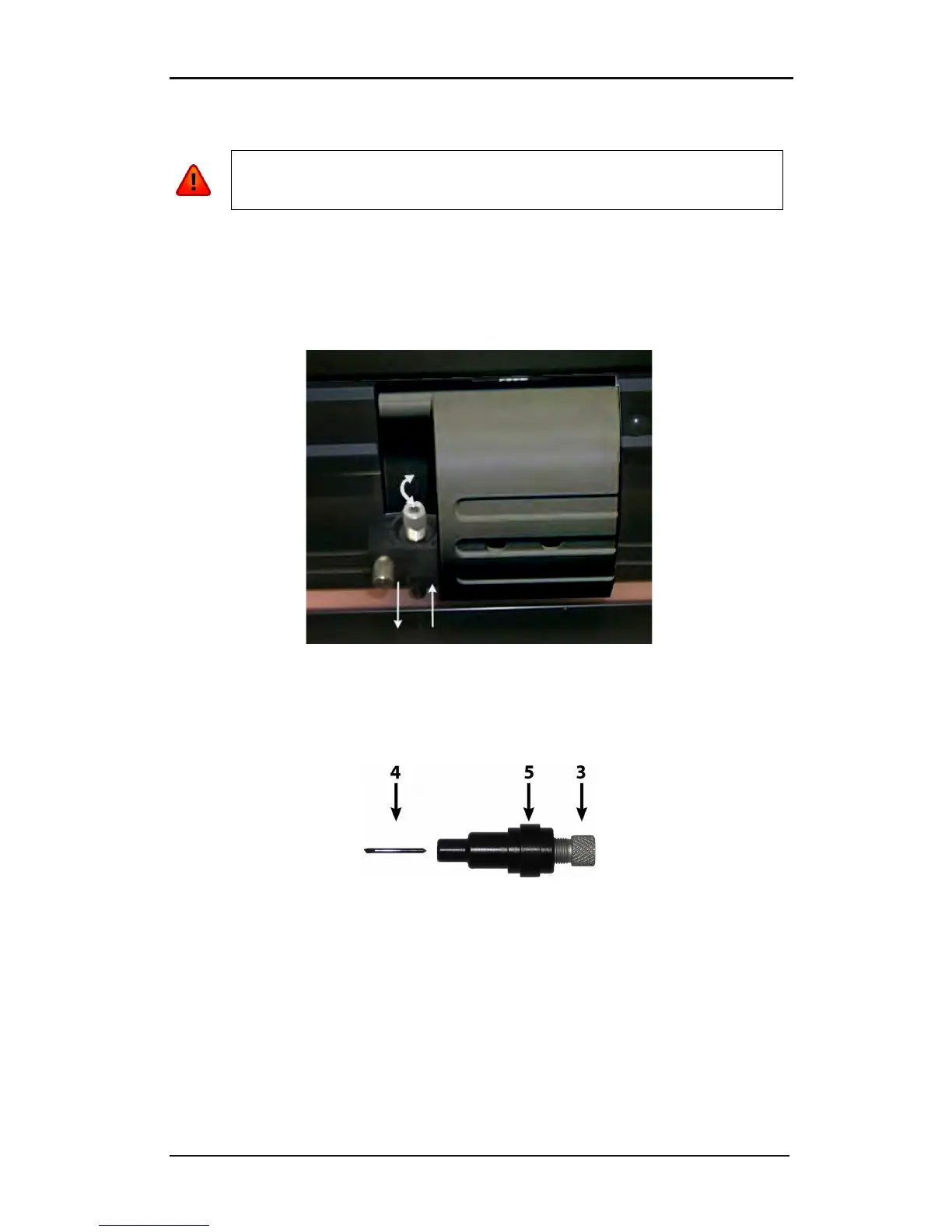
1. Loosen the head clamp screw (1) and remove the knife holder from the clamp
(2).
FIG 1-24
1-24 REMOVING THE DRAG KNIFE HOLDER FROM THE CLAMP
2. Turn the knurled adjustment knob (3) clockwise to push the knife (4) out of the
holder (5).
FIG 1-25
1-25 REMOVING THE KNIFE FROM THE STANDARD DRAG KNIFE HOLDER
3. Carefully pull the knife from the holder.


Table of Contents

Related product manuals