DC5 User’s Manual
Detailed Operation 4-5
4.2.9 Clean printhead
This routine cleans the printhead. If the transfer of the ribbon has degraded, then this
cleaning procedure will clean the printhead automatically. Moreover, the printhead is
periodically cleaned while printing. Do not use this cleaning routine too often as it can
prematurely wear down the printhead surface. This procedure cleans any build-up from the
heat resistant layer, which is coated on the backside of the ribbon.
Press the Clean head button to start the cleaning procedure.
4.2.10 Dot Overlap
The dot overlap parameter is used to activate or deactivate the dot overlap. When the
DC5(sx) prints the next pass of an image, the last dot on the edge of the previous pass is
reprinted. The Dot overlap can be set to on, half or off. It is advised to set the dot overlap to
ON. When printing with a mask (see 0), set it to HALF. If this parameter is set to off, then
small gaps between printing bands may appear. Press the dot overlap button and set it to
off, half or on.
Press to confirm or to cancel.
4.2.11 Color offset
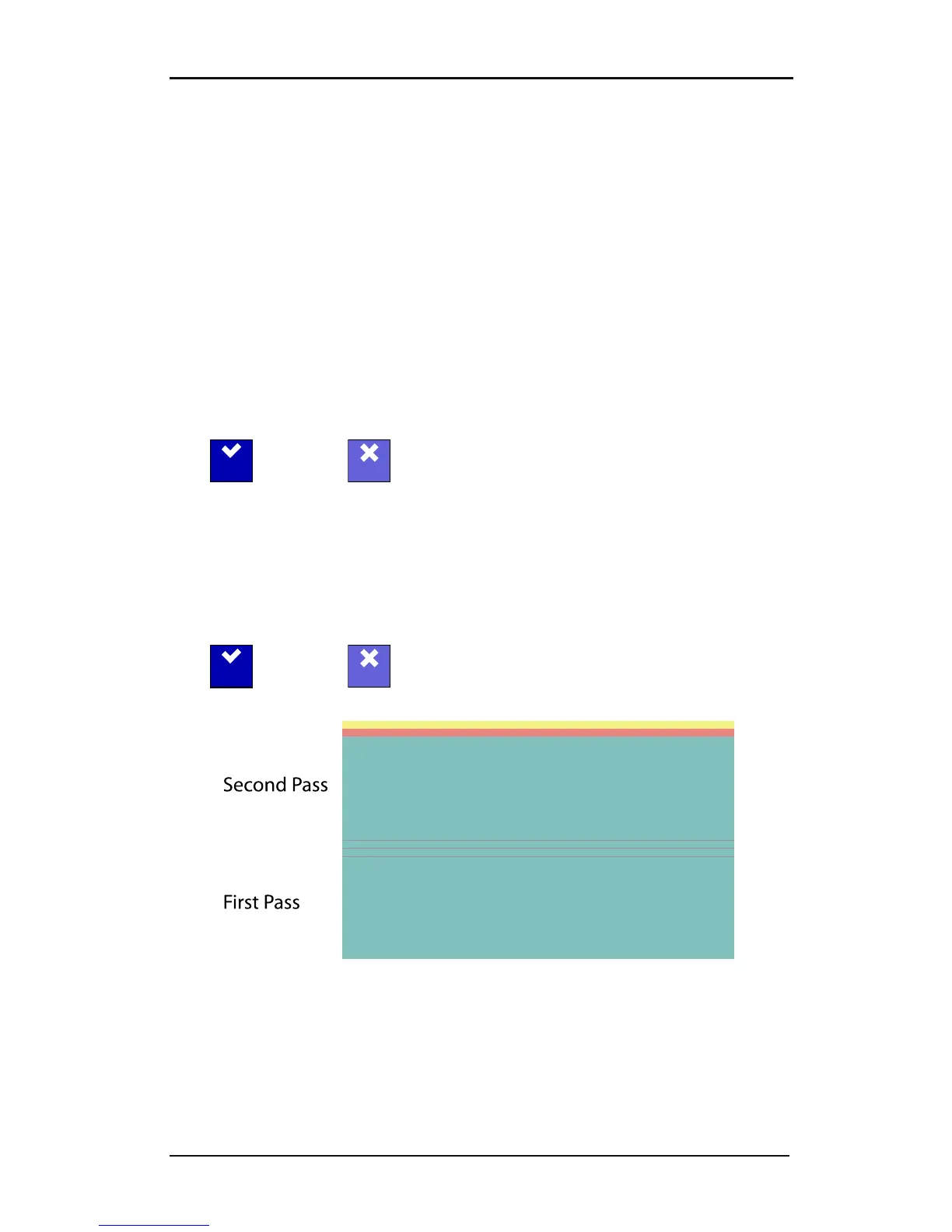
The color offset sub-menu is used to set the color offset feature. While printing, the DC5(sx)
shifts each color plane 8 dots (standard). This is to blend the printed strips together more
gradually. The figure below shows how offset color plane strips are printed. Color offset can
be increased (16 dots: high) or disabled (0 dots: disabled). It is advised to set the color offset
to standard. Press the dot Color offset button, then set it to off, half or on.
Press to confirm or to cancel.
FIG 4-3
4-3 COLOR OFFSET



 To Next Page