DC5 User’s Manual
Setup 1-3
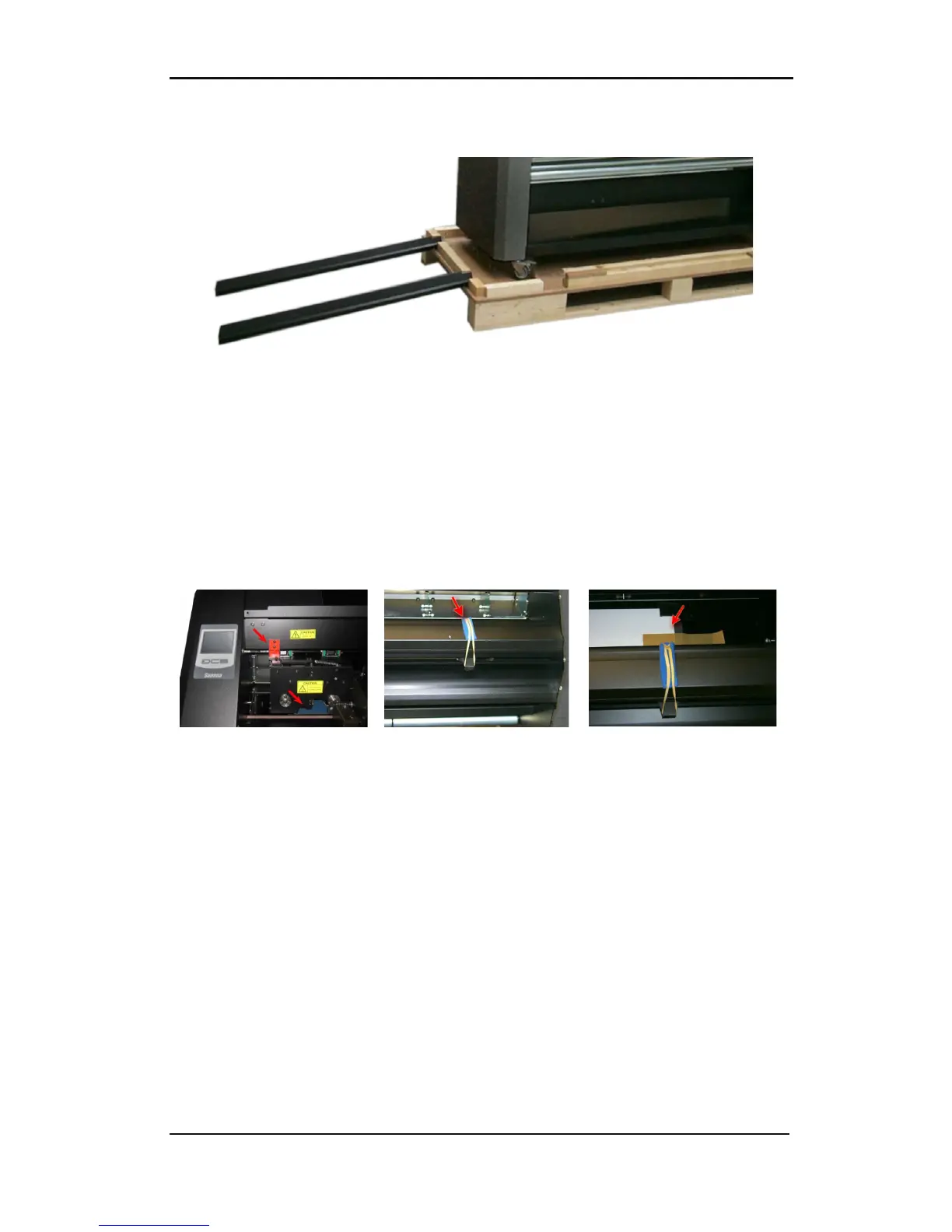
Position the ramps in this way the printer can be rolled down from the pallet. Be sure the
wheels of the printer are aligned with the ramp legs.
FIG 1-4
1-4 UNPACKING THE DC5(sx) FINAL STAGE 4
Open the front cover and loosen the printer carriage, then remove the foam underneath the
carriage, which is protecting the printhead.
Loosen the cutter carriage.
Remove the protective sheet from the printing surface. The printing surface is very fragile,
please read section 5.1.6.
FIG 1-5
1-5 UNPACKING DC5(sx) FINAL STAGE 5



 To Next Page