DC5 User’s Manual
Software 6-9
6.2.4 Print
FIG 6-10
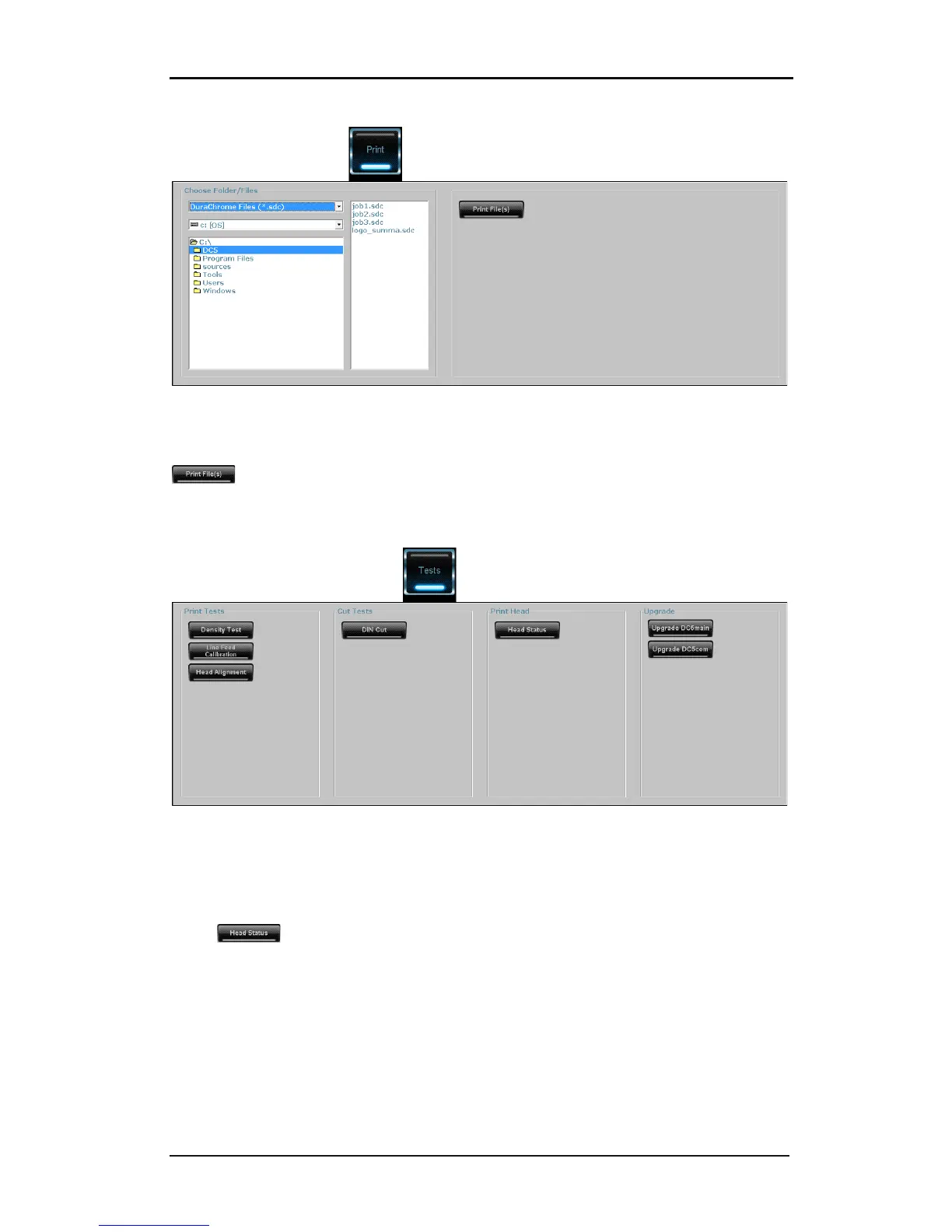
6-10 PRINT MENU
This can be used to send files to the printer. Select the file on the left then click on the
key to send the file(s).
Files could be test files, head profile, jobs,…
6.2.5 Tests
FIG 6-11
6-11 TESTS MENU
The print and cut tests are the same tests that are available on a DC with an internal hard
drive. If the internal hard drive is not present, then the calibration tests have to be started
from here. Those tests are explained in other sections of this manual.
When is clicked, the printer sends a coded head status to the computer. This
head status can be used for warranty issues. The code can only be decoded by Summa.
There are also two buttons to upgrade the firmware for the DC. The procedure for a
complete firmware upgrade is as follows:



 To Next Page