DC5 User’s Manual
Basic Operation 2-4
2.1.5 Configuration
The DC5(sx) printers include 16 user configurations, all of which consist out of the same
parameters. Each configuration can have unique parameter settings. This allows the printer
to be quickly and easily reconfigured for different types of jobs or media.
NOTE: A couple of users are pre-configured at the factory. They are configured
for the use of the Summa premium vinyls. The rest of the users are configured
NOTE: It is recommended to change the user instead of doing a calibration when
changing the media type.
1. Press
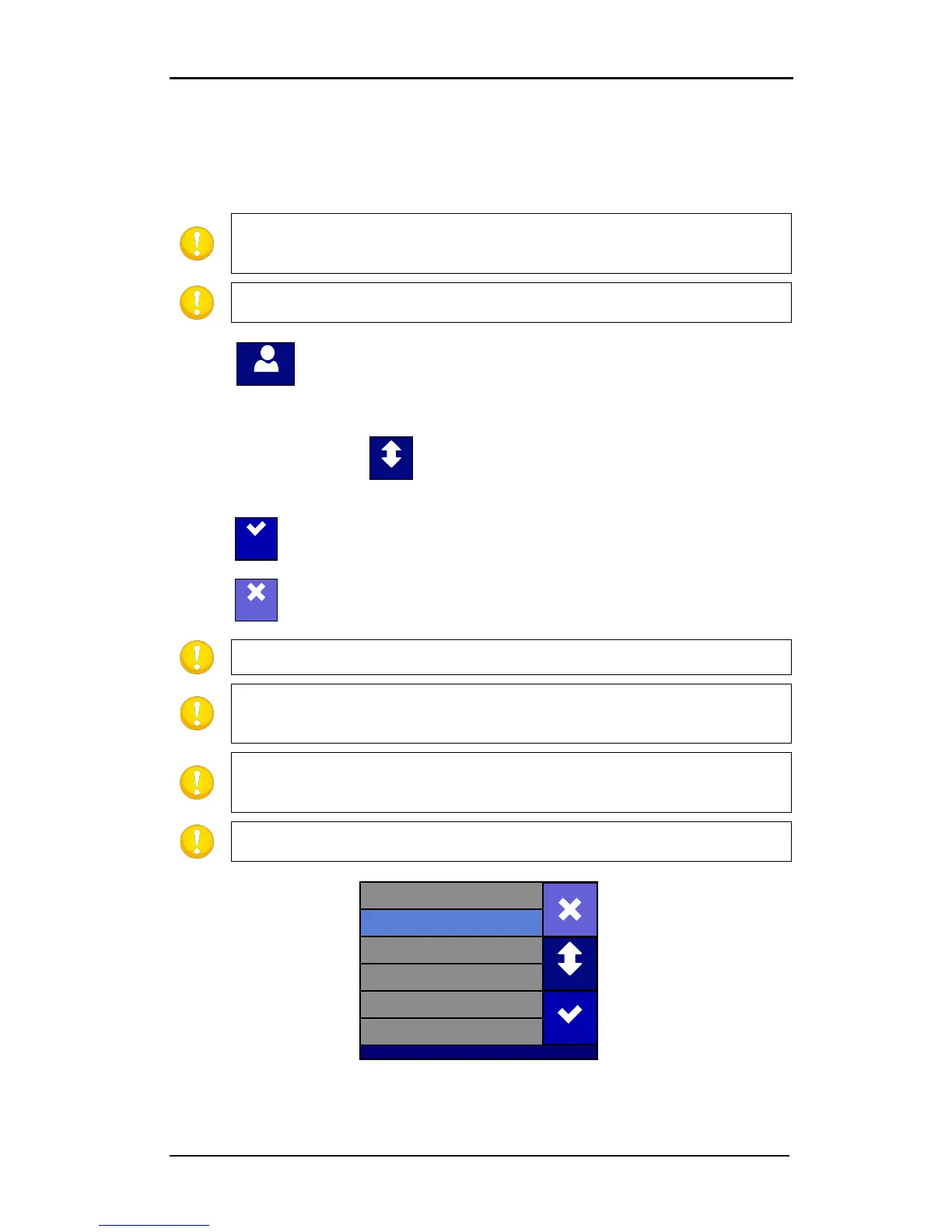
The first 6 users will appear on the screen.
2. Press (once or twice) on to show the rest of the users. Select the desired user
when it comes on the screen.
3. Press to confirm the new user.
4. Press to leave the menu without changing the user.
NOTE: Use easy names to quickly recognize what each user is configured to do.
NOTE: The touch screen can be used to change user configurations. User
configuration names can only be modified through Summa Cutter Control (PC
only).
NOTE: Some extra predefined users can be found on the DC5 USB stick under
the subdirectory ‘users’. Send them to the DC5(sx) with Summa Printer Control
these predefined users will overwrite the current user
parameters. It is advised to start from 16 down when creating your own.
FIG 2-3
2-3 USER CONFIGURATION MENU
USER_CONFIG_05
USER_CONFIG_04
PREMIUM_CLEAR
PREMIUM_30_INCH
Cancel
Eth 192.168.1.7
PREMIUM_24
Apply
USER_CONFIG_06
More



 To Next Page