S Class 3 User’s Manual
Setup 1-24
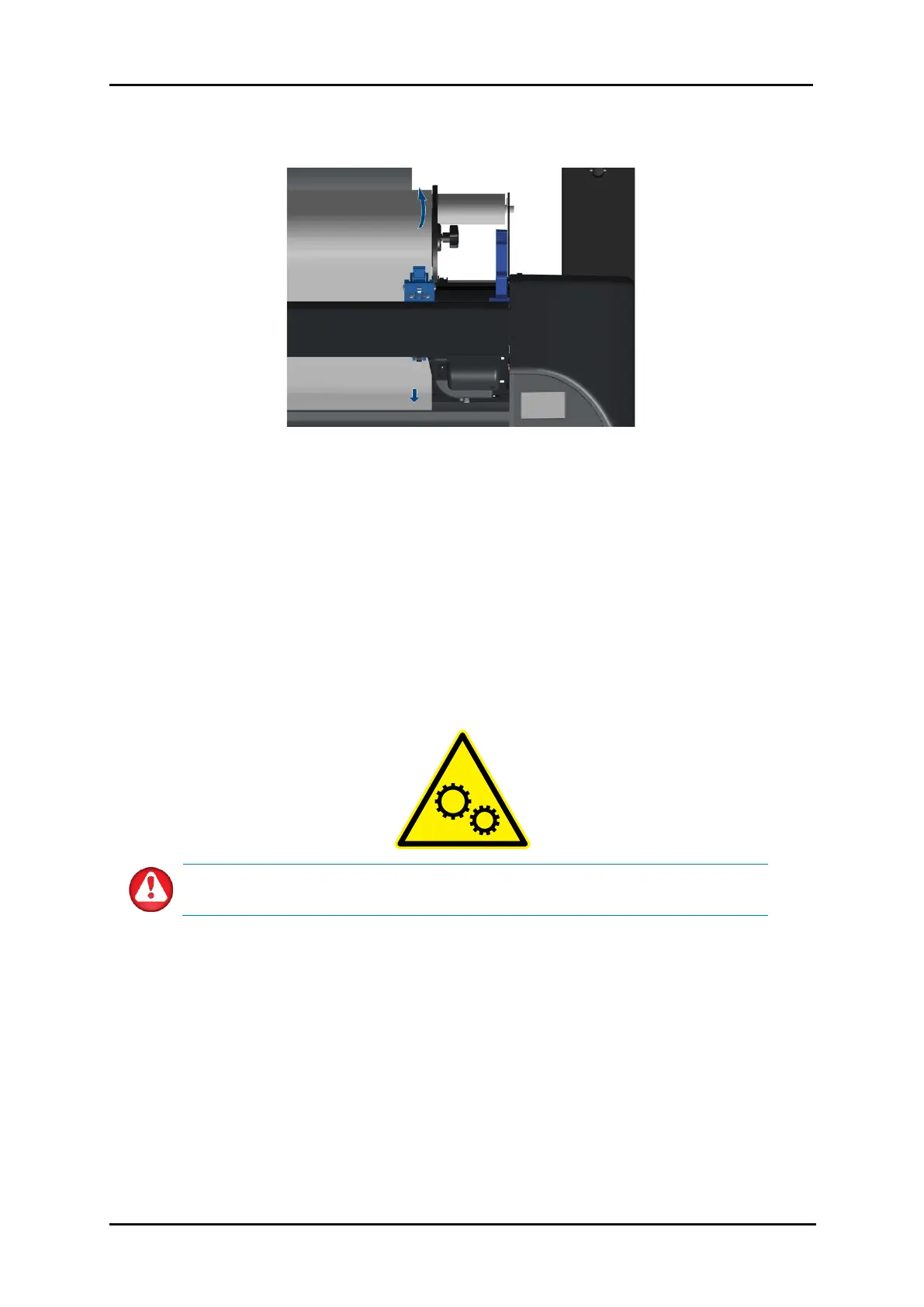
8. From the front of the cutter, gently pull on the material while holding the flange so that the
material is tight.
FIG 1-17
1-17 MEDIA POSITION
When the above procedure does not work, e.g., because the media is too narrow to reach the long
grit roller, try positioning the left media edge over the second left grit roller and positioning the
right media edge somewhere over the long grit roller. Continue moving the left pinch roller
towards the long grit roller until both pinch rollers are in their designated position and directly
over the edges of the vinyl.
In any case, both edges of the media must cover a grit roller. If this is not the case, reposition the
material roll to cover the grit roller.
9. Make sure the media follows a straight path from the roll to the cutter. To accomplish this, slide
the media roll and the flange guides along the media support rollers if necessary.
WARNING: Keep fingers and other body parts away from the cutting area. There
are hazardous moving parts present.









 To Next Page