S Class 3 User’s Manual
Detailed operation 4-7
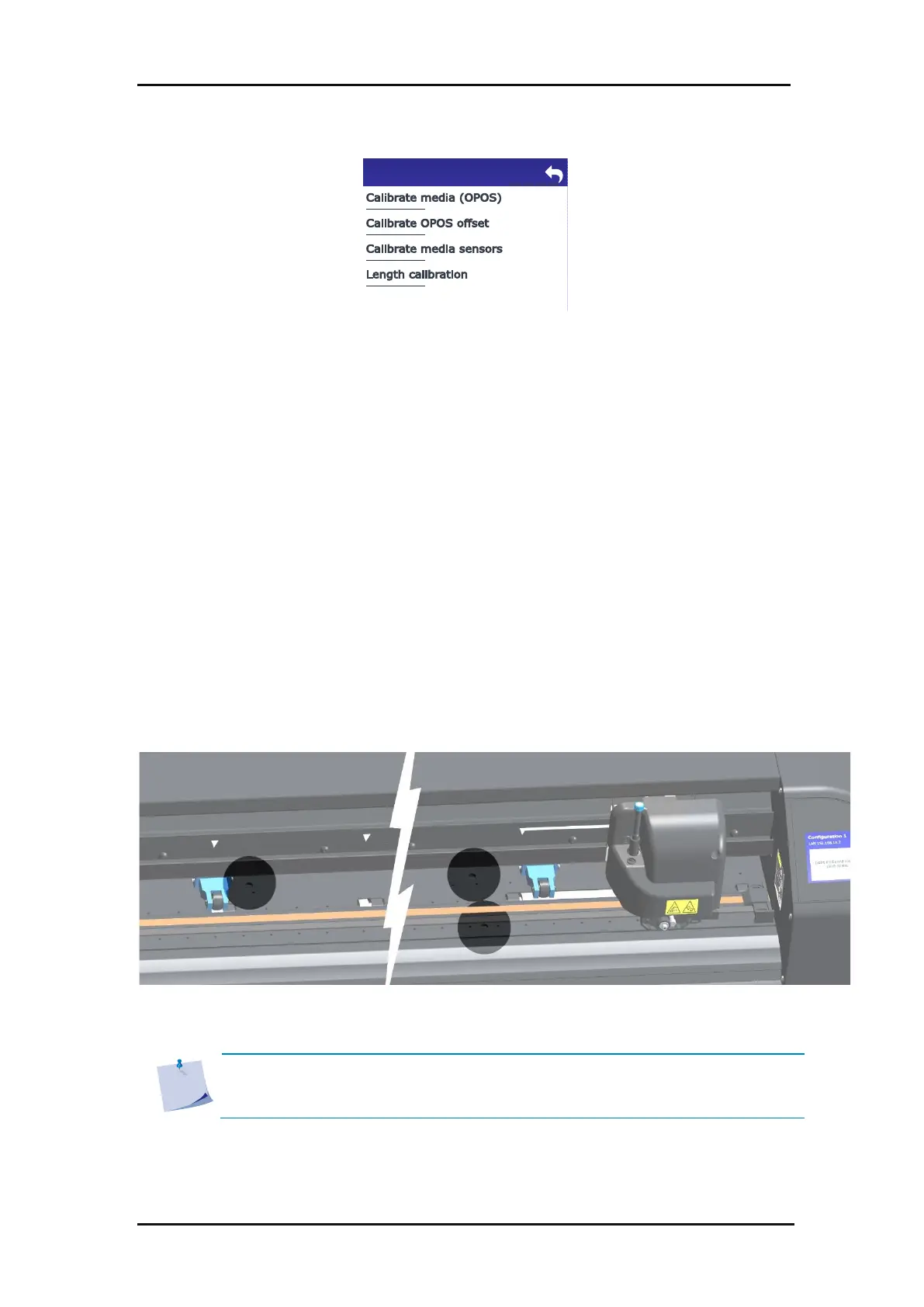
FIG 4-5
4-5 CALIBRATIONS MENU
This calibration is used for particular combinations of registration mark colour and media
colour. The procedure is explained in section 3.4.2.
This calibration determines the distance between the centre of the OPOS sensor and the knife
tip. This is a media-independent calibration and may only be performed when the knife holder
is removed. The procedure is explained in section 3.4.1.
The media sensors are factory calibrated and detect the end of most common media types.
However, in a few rare cases, the sensors fails in doing so (e.g. media with a black backing or
transparent media). In this case, the sensors can be adjusted so that they detect correctly with
this kind of media.
FIG 4-6
4-6 BACK SENSOR FOR MEDIA DETECTION
NOTE: Media sensor calibration is user dependent. If necessary, select a separate
user for a specific type of media and calibrate the sensor. Then switch to that user
every time this type of media is used again.









 To Next Page