S Class 3 User’s Manual
Basic operation 2-14
The cutter will reload the media and perform the length calibration test. Take out the media and
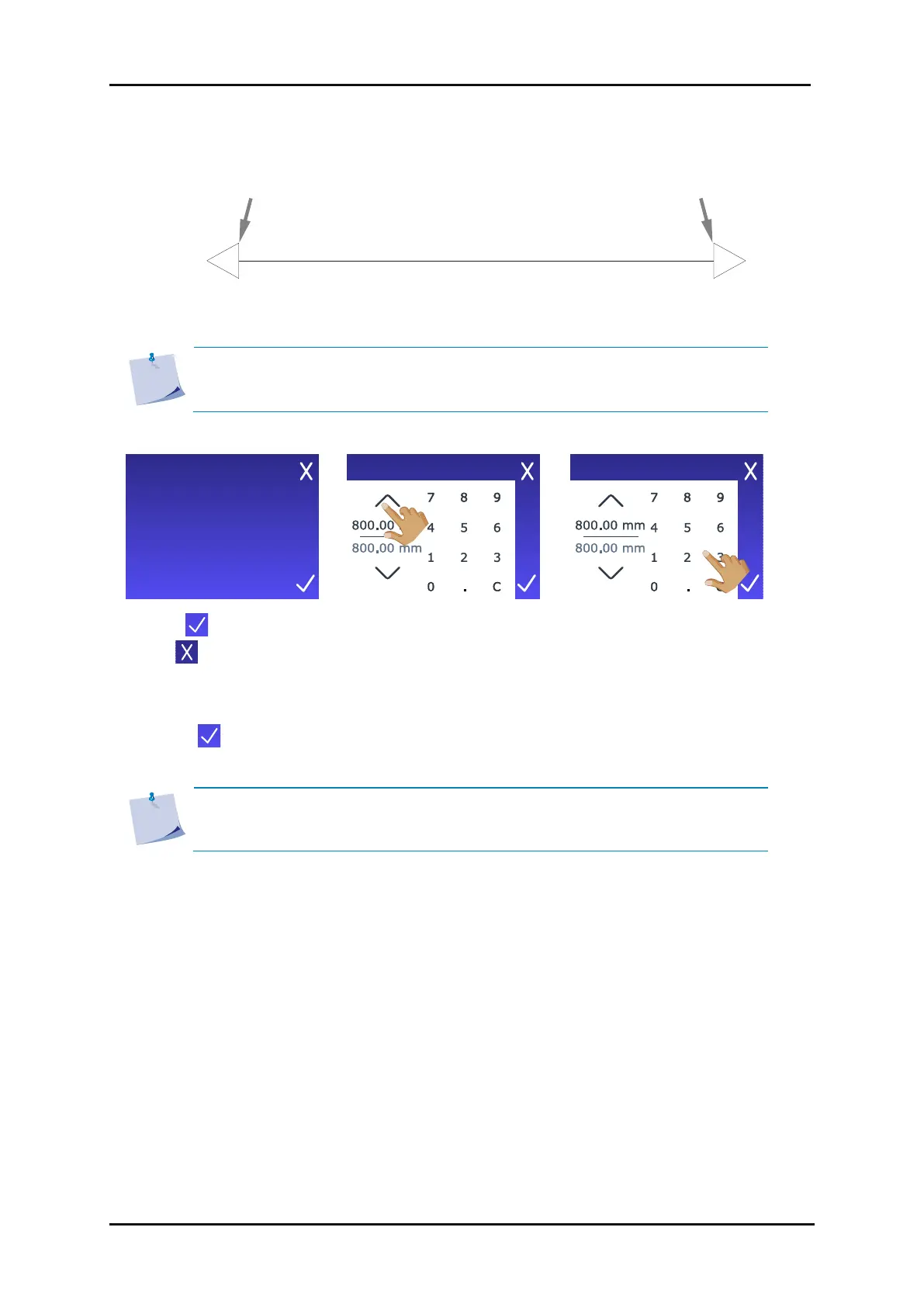
measure the length of the cut line using a ruler (measuring device). Enter the distance between line
1 and line 2 as shown in the figure below.
FIG 2-12
2-12 LENGTH CALIBRATION PATTERN
NOTE: The cutter will only be as accurate as the accuracy of the calibration. If
the ruler used in calibration is inaccurate, recalibrating may worsen the accuracy
of the cutter. The accuracy of the calibration will be reflected directly in the cuts.
10. Tap to enter the value
or to leave the menu
without changing.
11. Use the arrow keys to
change the value…
12. …or use the numbers to
enter the new value.
13. Tap to confirm the value of the measured distance.
NOTE: Consider changing the username once the user is calibrated. It will make
future reference easier.









 To Next Page