Detailed operation 4-1
4 DETAILED OPERATION
This chapter includes a detailed list of all parameters that can be changed and tests that can
be initiated from the touchscreen. This chapter can be used as a reference for locating a
particular parameter setting or test, and it also explains the less frequently used parameters.
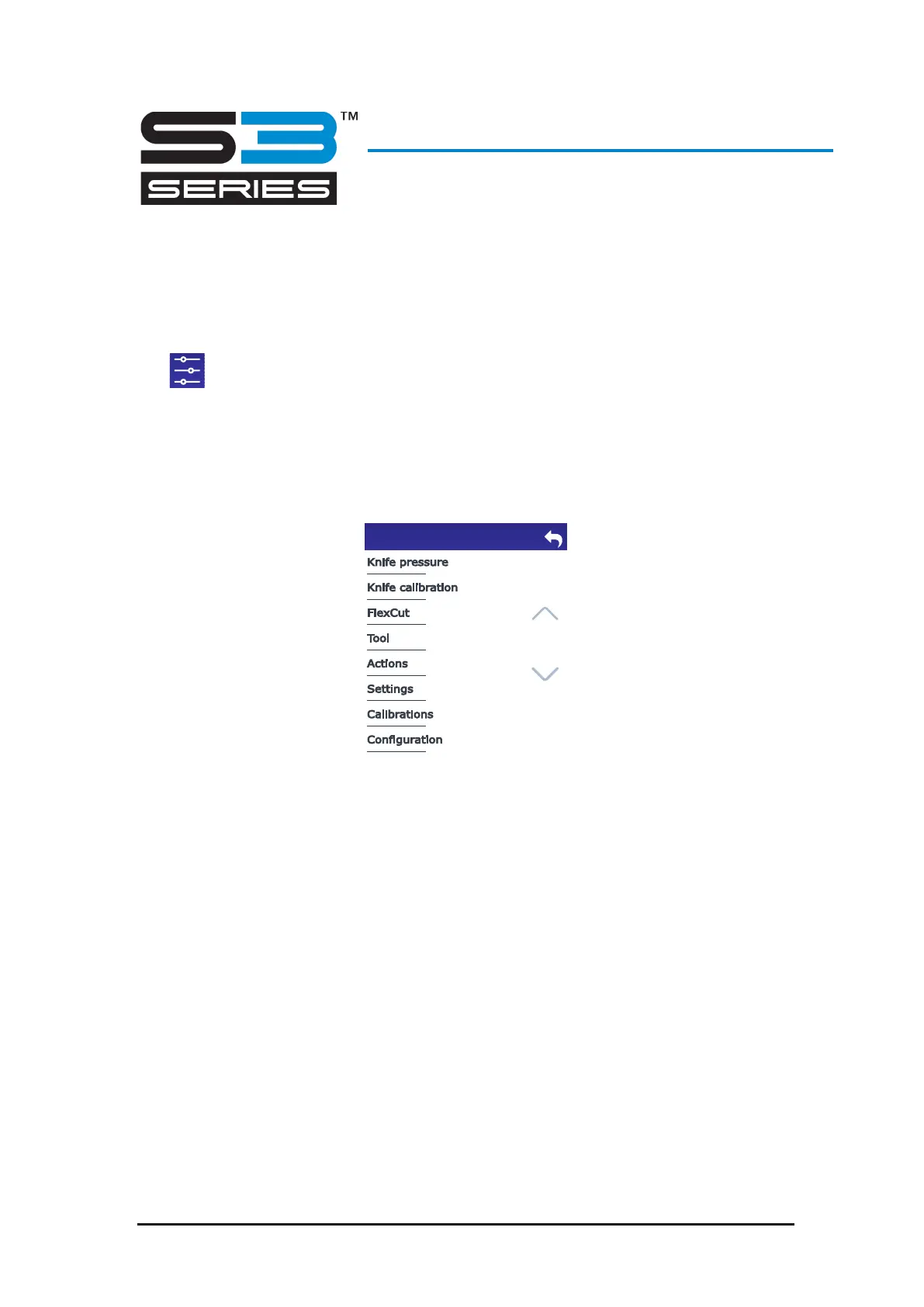
Tap to access the main menu.
The main menu contains parameter settings and submenus. Use the up and down arrows on
the right to navigate through the menu.
FIG 4-1
4-1 MAIN MENU
*Depending on what tool is installed.
This parameter is explained in section 2.3.2.
*Depending on what tool is installed.
This parameter is explained in section 2.3.3.









 To Next Page