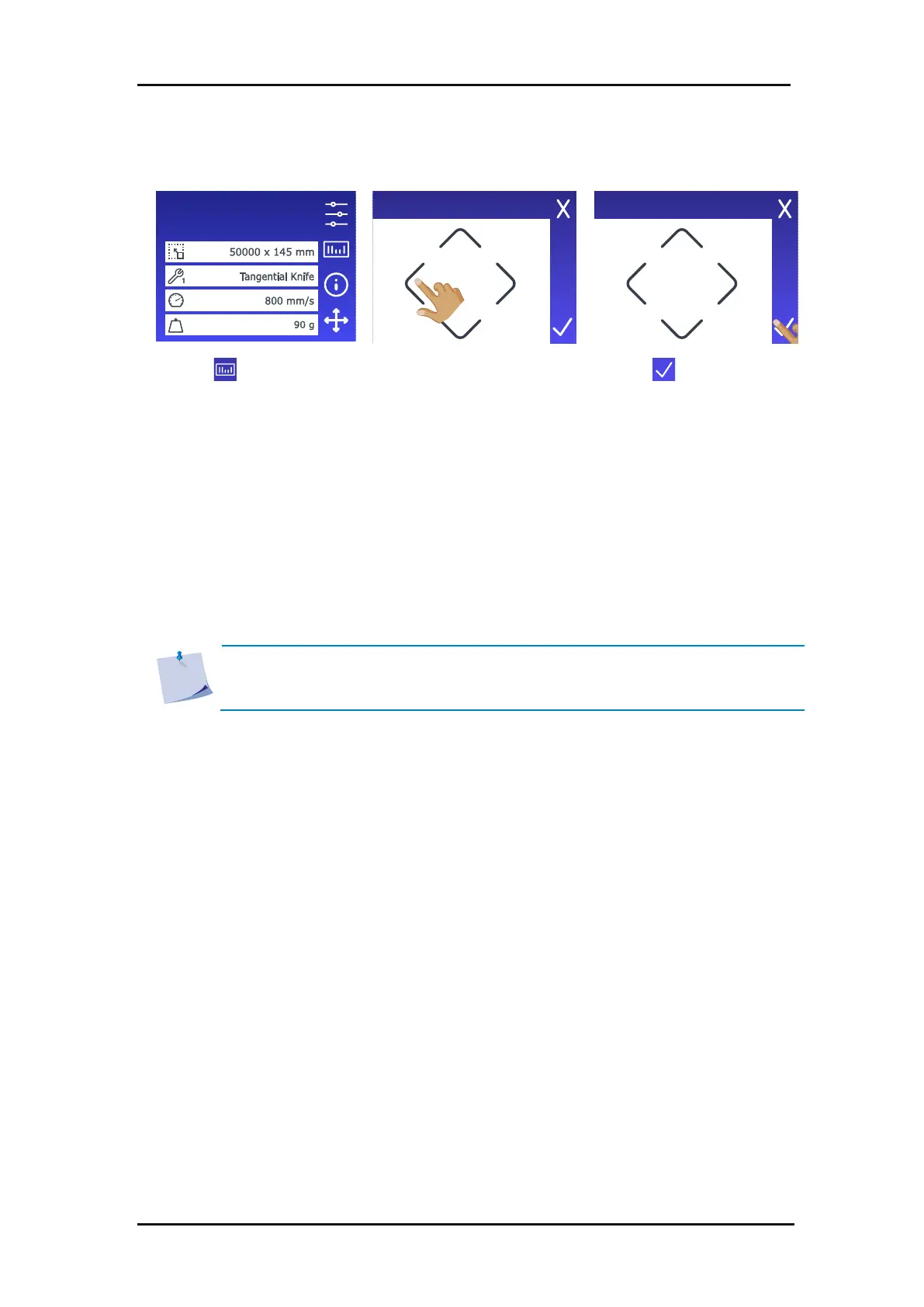
The cutting process starts.
• The cutter reads the barcode and sends this data to the computer.
• The cutting software automatically sends the correct cutting data to the cutter.
• The cutter starts registering the OPOS marks and cut the job.
• The OPOS sensor now searches whether there is another job printed after the one just
completed and continues cutting contours.
This is repeated until all contour cutting jobs on the loaded roll have been cut.
NOTE: If the procedure is to be started from the computer (barcode server
program), click the start icon in the program (please refer to the manual of this
program for more information). Then go to step 3 in the above procedure.









 To Next Page