S Class 3 User’s Manual
Basic operation 2-8
1. Tap to perform the tangential knife calibration test, each time a parameter was
changed.
2. Tap to confirm the chosen value.
3. Tap to leave the value unchanged.
Once is tapped, the current value is automatically set to the new value and the cutter will cut
the test pattern.
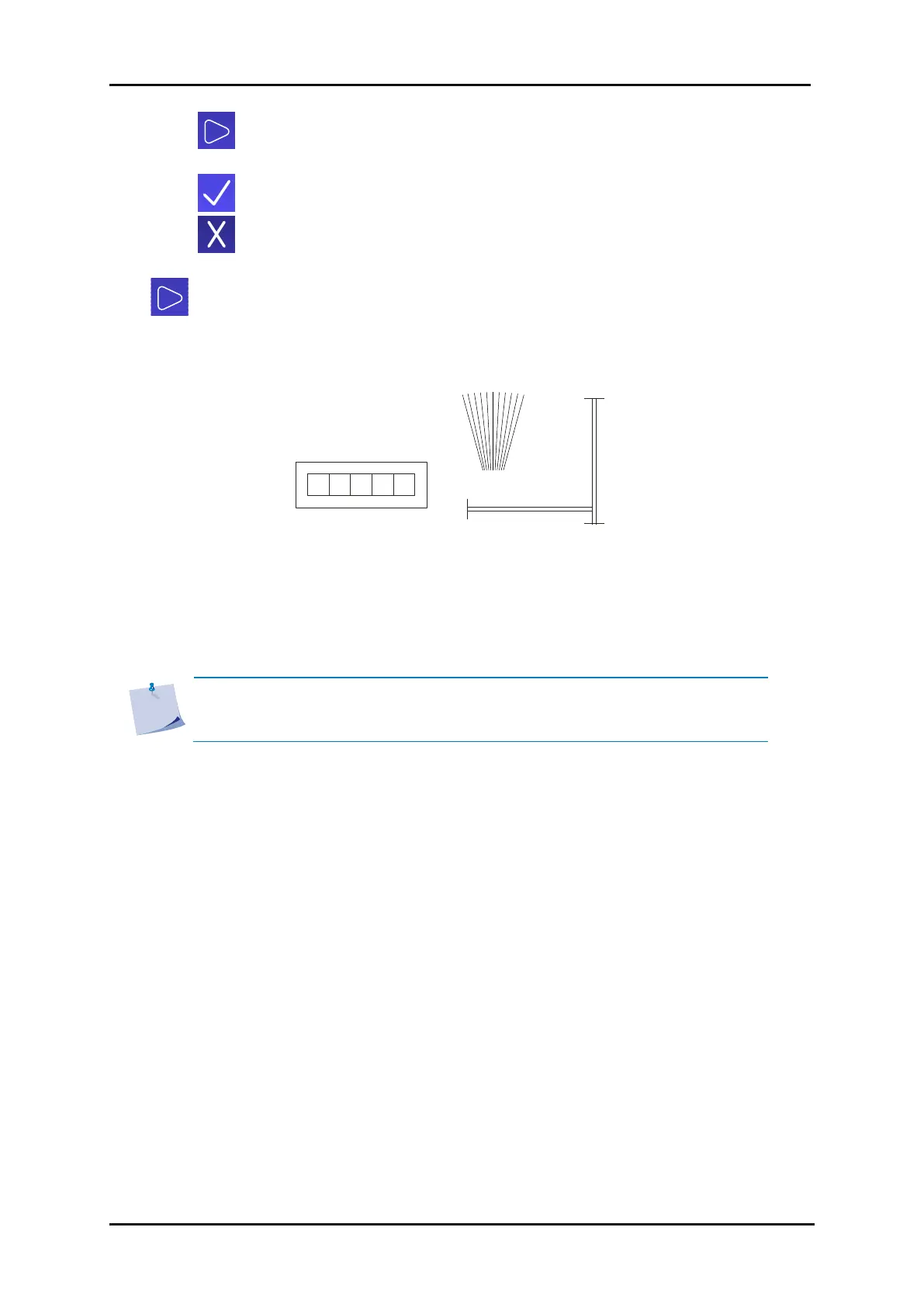
Analyse the test pattern that is cut. It should look like this:
FIG 2-10
2-10 CORRECT TANGENTIAL KNIFE CALIBRATION TEST
Rectangle (1) and (2) should weed out (remove) smoothly without sticking to the rest of the vinyl.
The fan-shaped pattern (3) should have a clear, straight cut line in the middle while the other cut
lines are irregular. The squares (4) should be aligned and equal in size.
NOTE: Not all test pattern results may be perfect (this depends on the type of
vinyl). Test patterns 1 and 4 are the most important test patterns and they must
be as perfect as possible.









 To Next Page