S Class 3 User’s Manual
Basic operation 2-2
: Gives access to the main menu. Tapping this button will cause the cutter to go offline and
suspend all operations in progress. The main menu contains all parameter settings, submenus and
access to tests and calibration routines. The chosen tool influences the displayed settings.
: Displays the current origin and arrow keys to change it.
: Starts the barcode workflow, explained in section 3.3.3.
: Displays information about the firmware version and serial number.
: Appears when the cutter is cutting a job. Tap it to stop the current job.
: Appears when the cutter is cutting a job. Tap it to pause the current job.
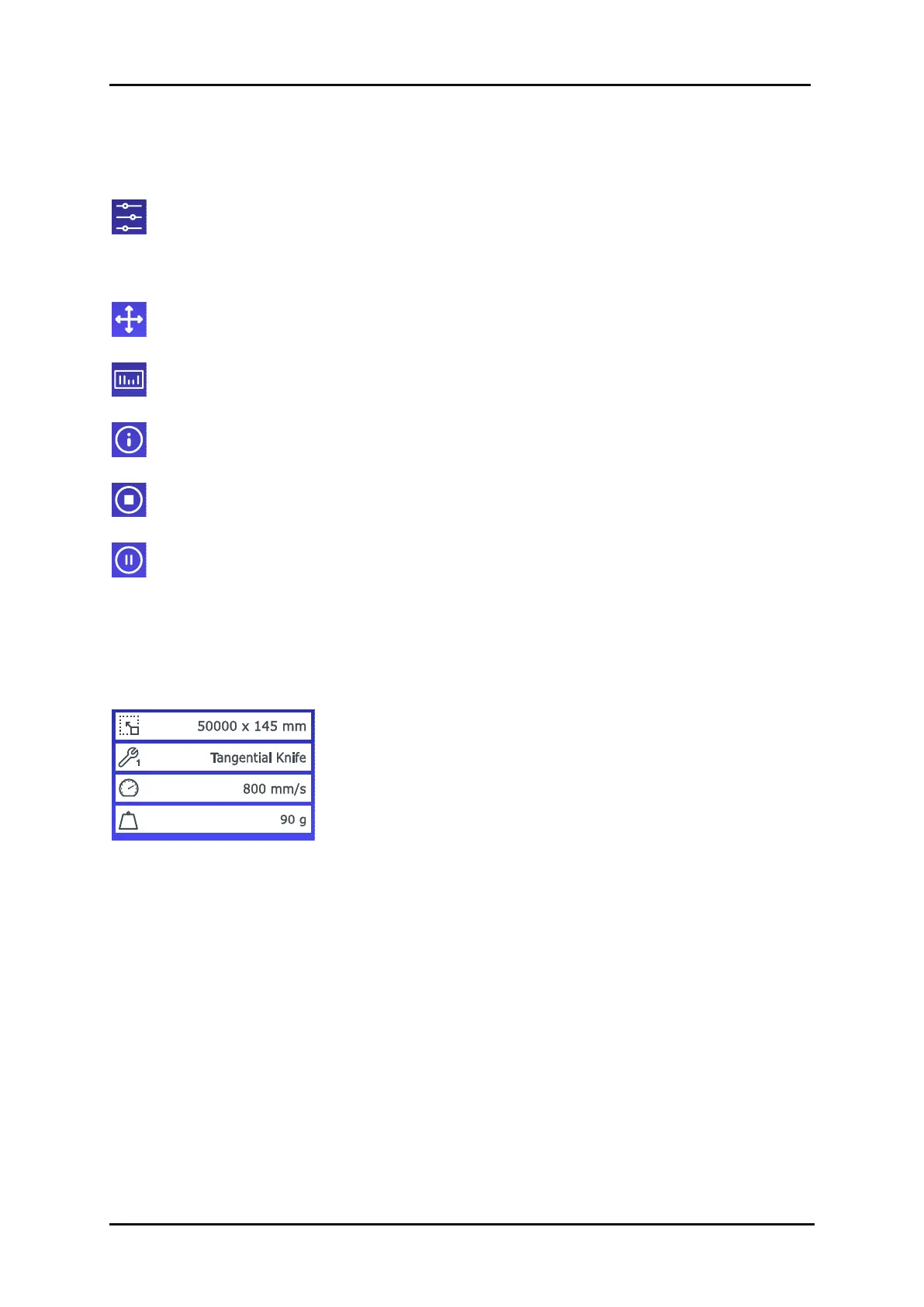
The default screen shows an overview of the most important settings
such as media size, current tool, current tool speed and current tool
pressure. By tapping the displayed value, you can quickly change it.
These parameters can also be changed in the different menus (see
section 4).









 To Next Page