S Class 3 User’s Manual
Detailed operation 4-9
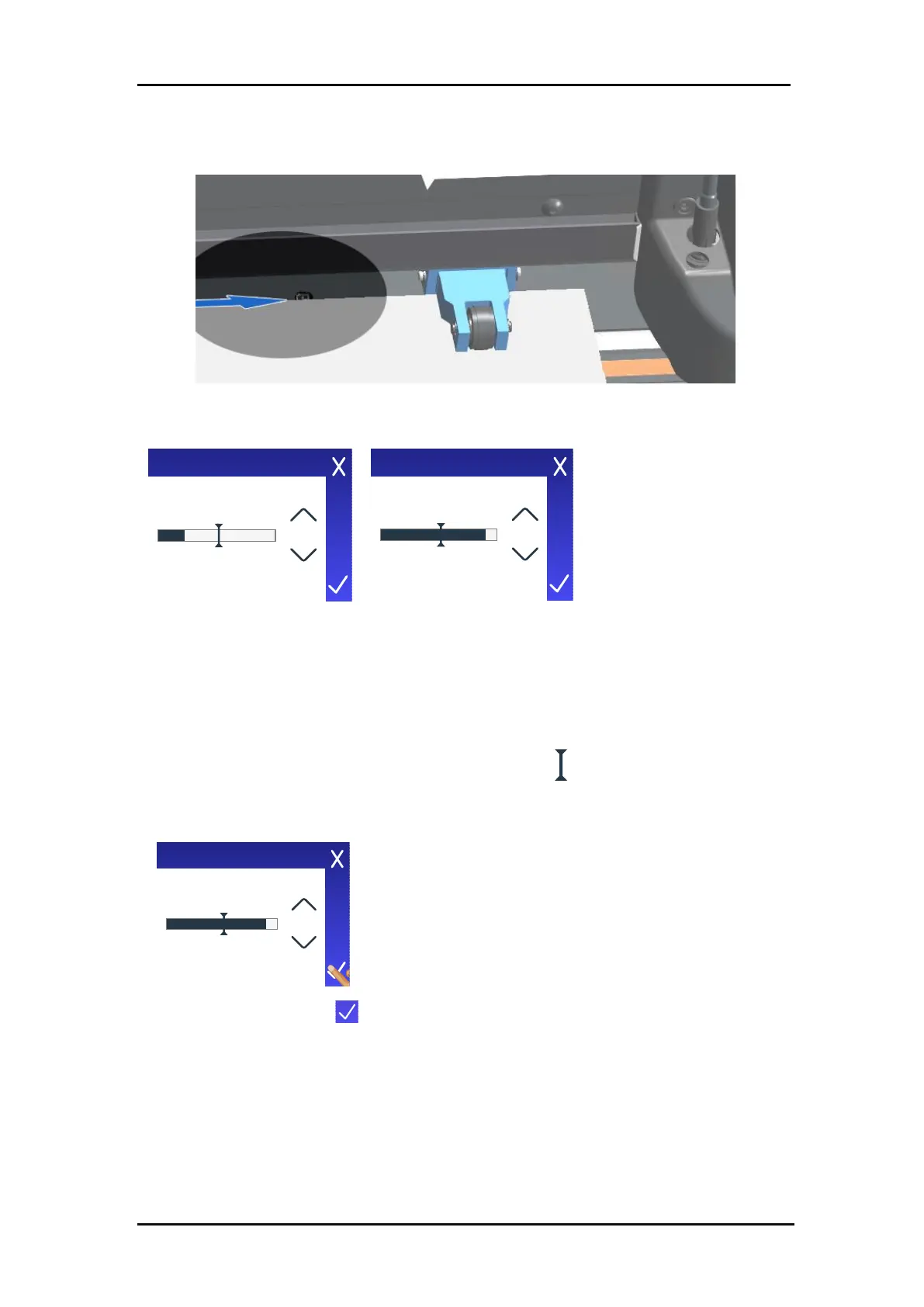
When the test starts, the cutter moves the media back and forth to cover and expose the media
sensor.
FIG 4-7
4-7 LOAD MEDIA FOR SENSOR TEST
8. Use the arrows to set the sensitivity between 0 (most sensitive) and 4 (least sensitive).
The sensitivity is correctly set if, when the sensor is covered, the indicator bar is (almost
completely) black, and when it is not covered, (almost completely) white.
9. Ideally, the slider indicating the sensitivity trigger level should be halfway the indicator
bar, both when the sensor is covered and when it is not. If necessary, slide it to the left or
to the right.









 To Next Page