S Class 3 User’s Manual
Detailed operation 4-3
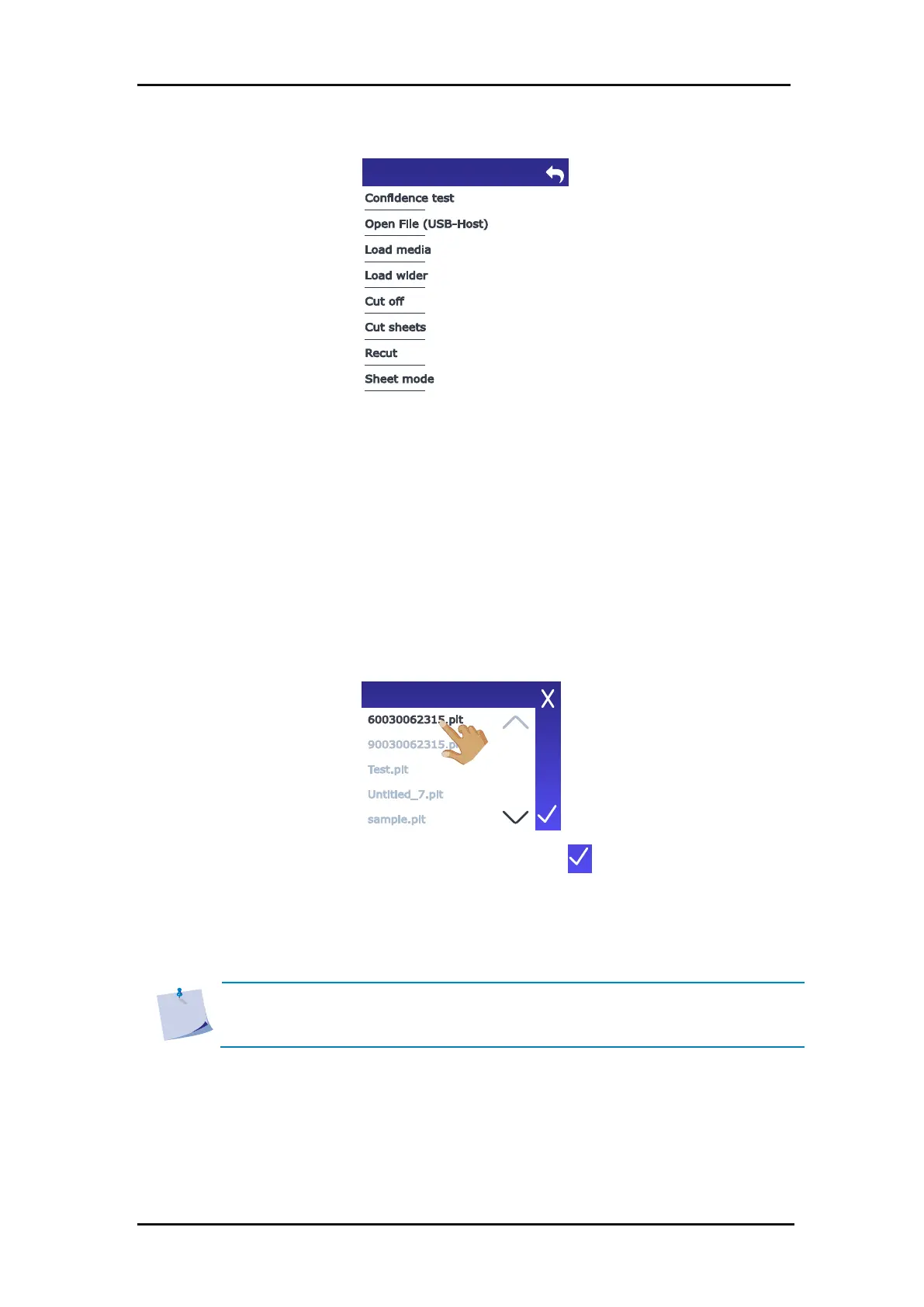
FIG 4-2
4-2 ACTION MENU
This submenu allows you to perform a quick electrical and mechanical test of the cutter to
ensure that the cutter is fully operational. A media sheet of at least A3/B size must be used for
this test. This test always cuts the left side of the loaded media.
Use this option to cut directly from the USB flash drive (FAT32 formatted) or to upgrade the
cutter. Tap it to get the list of the files on the USB stick.
Select the file to cut then tap .
If the file contains a new firmware version, the firmware will be upgraded.
If the file contains a design, the cutter will now cut the file.
NOTE: The cutter only accepts design files with cutting data: HPGL or DMPL files
made by software that is used to drive the cutter directly. Their extension can be
.plt, .dmpl, .hpgl, or .summa1.
4.3.2 Open File (USB stick)









 To Next Page