S Class 3 User’s Manual
OPOS 3-14
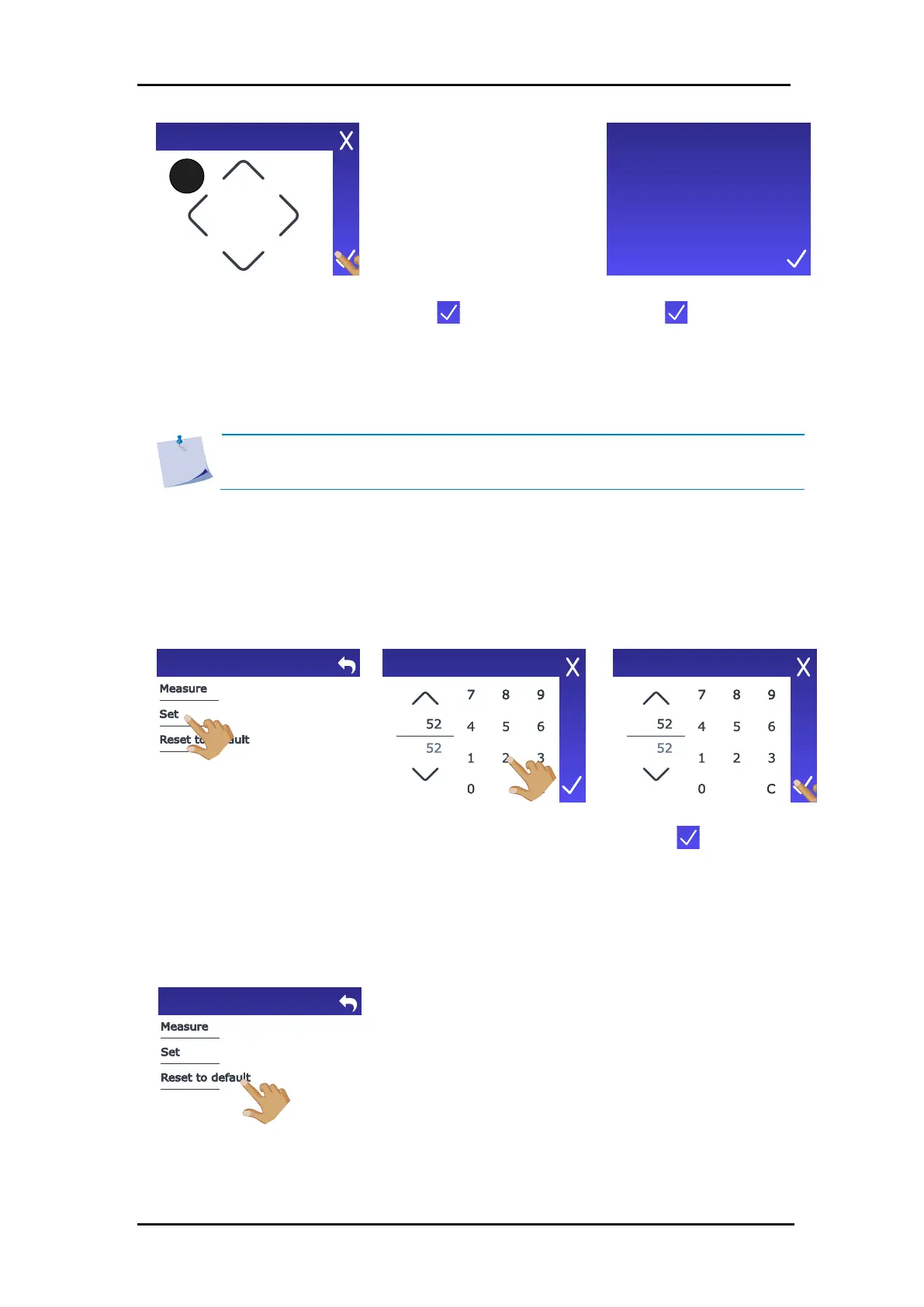
The small circle in the upper
left corner shows what the
OPOS sensor actually sees
(white media in this case).
8. Use the arrows to position
the OPOS sensor above an
unprinted area.
Then a value is shown that is typical for this combination of media colour - mark colour. Save
this value for future reference.
NOTE: An error message will appear if the sensor is not able to differentiate
between black and white. Make sure that the test has been performed correctly.
Set value:
If a combination of media colour – mark colour has already been calibrated and set, this value
can be entered directly. Follow the procedure on the previous page up to and including step
4, then continue with the steps below.
6. Use the arrows to change
the value or enter a value.
Default value:
Follow the procedure on the previous page up to and including step 4, then perform the
following action:
Calibrate media (OPOS)
Position
OPOS sensor
above printed
media.









 To Next Page