CHAPTER 7 Quality control
Sysmex XE-5000 Instructions for Use 7-19
Revised April 2007
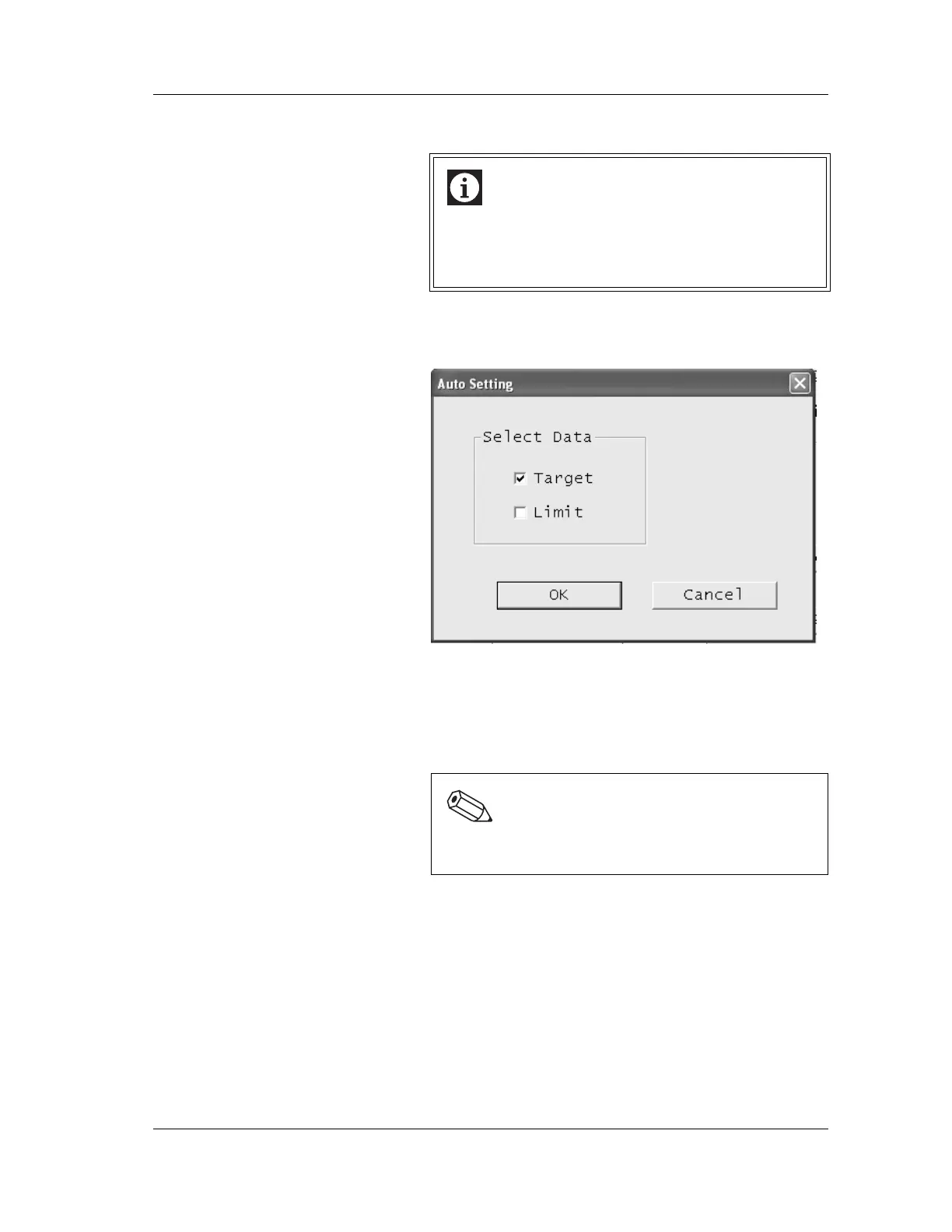
Auto setting
1. Click a parameter in the list to select.
2. Click the “Auto Setting” button.
The Auto Setting dialog box will be displayed.
3. Click the “Target” and/or “Limit” check box to select.
4. Click on “OK” to automatically calculate the target or limit
for the selected parameter, based on the control data
selected with the range selection function in the chart.
Click “Cancel” to cancel the auto calculation procedure.
Information
The automatic calculation of Target/Limit according to
auto setting employs the control data selected by the
range selection function in the chart. (If no range is
specified, it is calculated from one control data.
Note:
Automatic calculation is executed on the basis of the
limit which was set in “Chapter 7: 7.3 Limit setting”.



 To Next Page