CHAPTER 9 Cleaning and Maintenance
9-24 Sysmex XE-5000 Instructions for Use
Revised April 2007
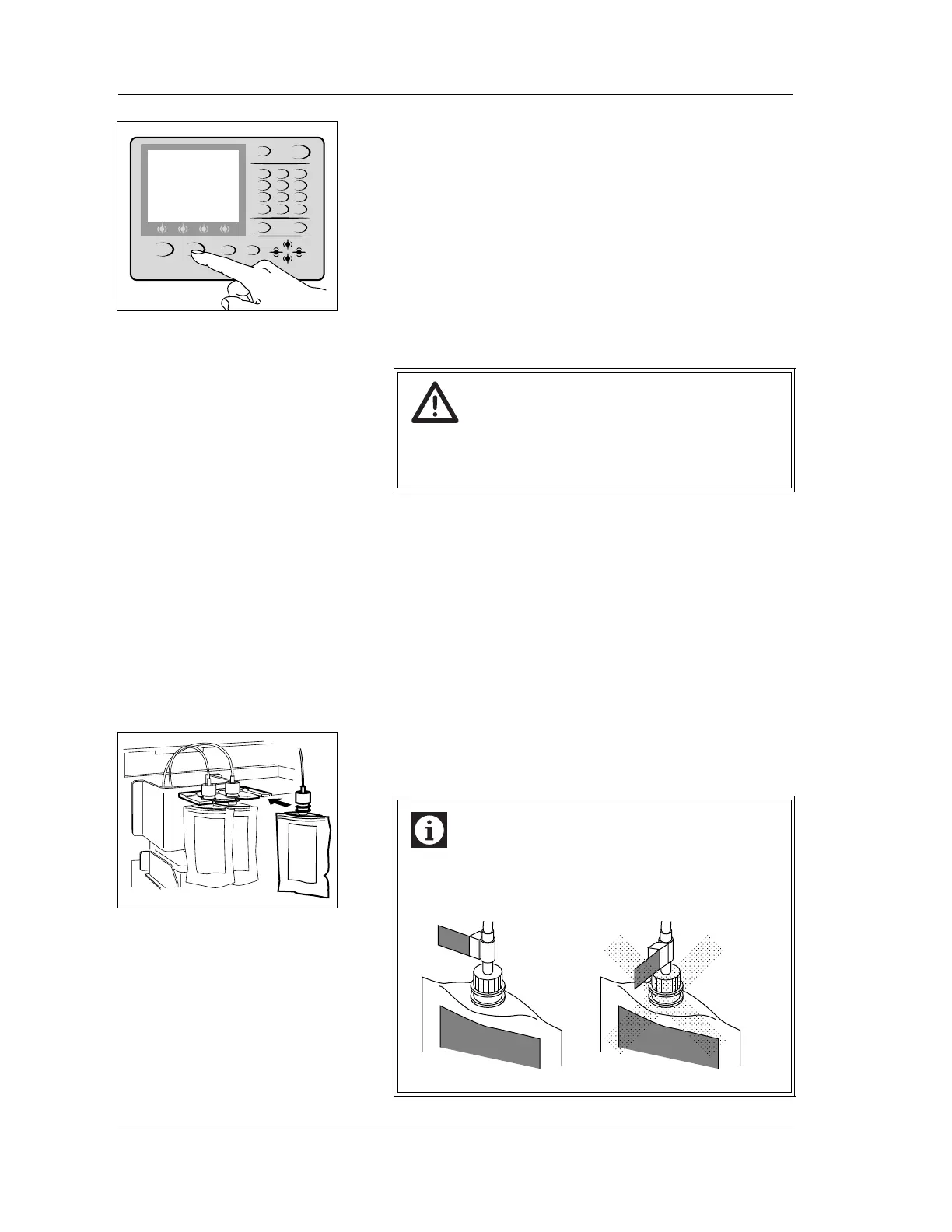
5. Press the HELP key on the Main Unit panel keypad.
The HELP screen will appear.
6. If you select “OK” on the function menu of the HELP
screen, the Reagent setting screen will appear.
See “Chapter 9: 9.13 Replacing and registering reagents”
for explanation of the Reagent setting screen.
STROMATOLYSER-4DS (FFS) replacement procedure
1. Prepare a new reagent and confirm that its expiration date
has not expired.
2. Open the Main Unit front cover.
3. Remove the empty STROMATOLYSER-4DS from the
holder.
4. Remove the cap of the empty STROMATOLYSER-4DS,
and pull out the pipe straight up.
5. Open the cap of new STROMATOLYSER-4DS, and insert
the pipe straight in, and close the cap.
6. Insert it all the way into the holder.
7. Close the Main Unit front cover.
SHUTDOWN HELP
SAMPLER
RETURN MORE
NUM./ALPH. ENTER
MANUAL
QZ
0 -/. C
PRS
1
TUV
2
WXY
3
GHI
4
JKL
5
MNO
6
7
ABC
8
DEF
9
Warning!
Before operating with the front cover open, be sure to
set the stop bar. Otherwise, the cover can drop down
and injure your head.
Information
To prevent the sensor malfunction, replace the
STROMATOLYSER-4DS (FFS) so that two FFS labels
will face the same direction.
FFS
FFS
FFS
FFS



 To Next Page