CHAPTER 9 Cleaning and Maintenance
9-32 Sysmex XE-5000 Instructions for Use
Revised April 2007 EU
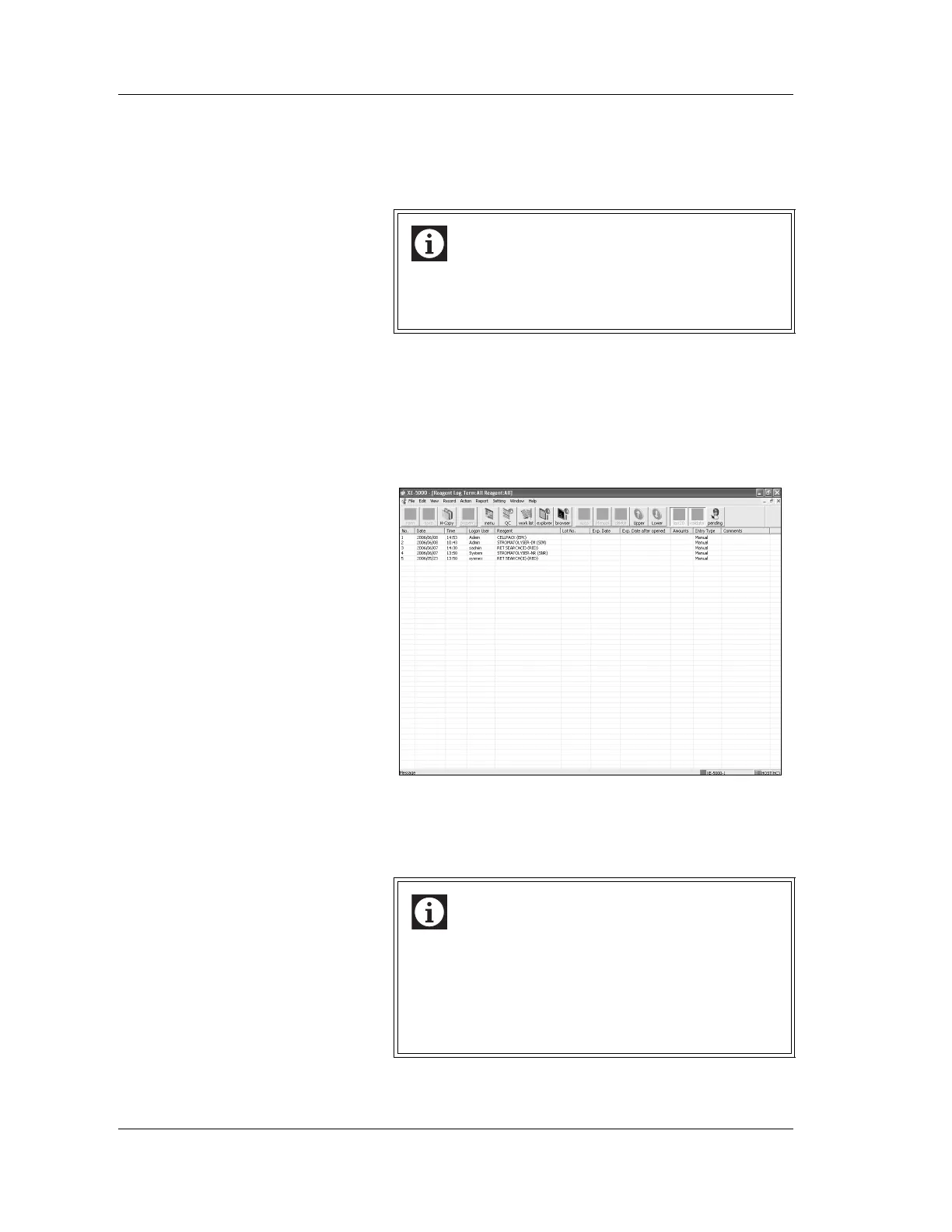
Displaying the reagent replacement log screen
Reagent Replacement Log Screen can display and delete the
reagent replacement log of up to 1,000 reagents at maximum
that are saved on the hard disk drive.
1. Double-click the “Controller” icon on the menu screen.
The Controller menu appears.
2. Double-click the “Reagent Log” icon on the Controller
menu.
The Reagent Replacement Log screen appears.
Entering comments
Comments concerning the registered reagents can be
entered.
Information
When the number of reagent replacement log exceeds
1,000, the system automatically deletes the oldest
data.
Information
Comments cannot be edited or deleted after they are
entered. However, additions may be made to a
previously-entered comment, provided that the total
number of characters remains 50 or fewer. The
comments which had already been entered are not
displayed in the dialog box.



 To Next Page