CHAPTER 9 Cleaning and Maintenance
Sysmex XE-5000 Instructions for Use 9-33
Revised April 2007 EU
1. From the Reagent Replacement Log screen, select a
record, then double-click or press the Enter key.
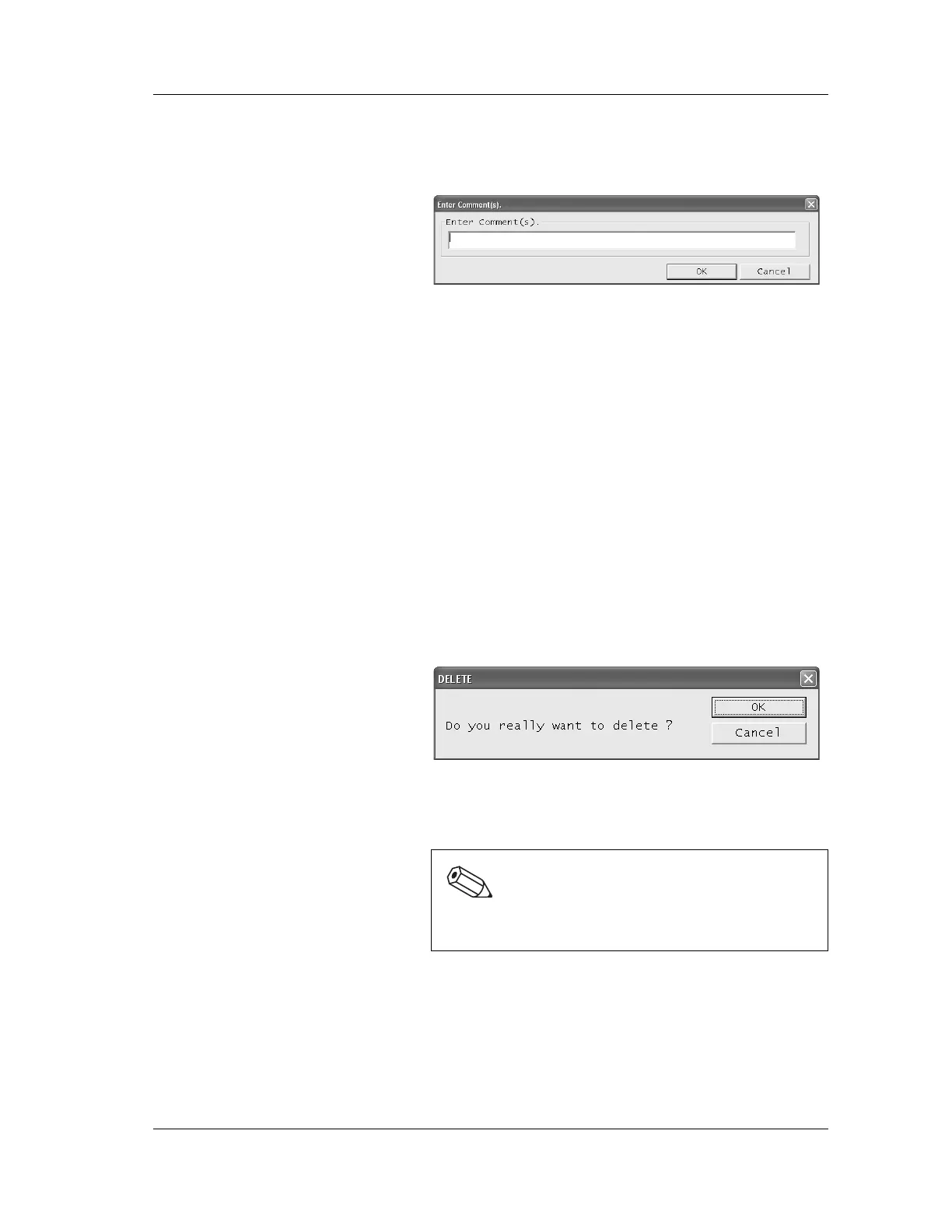
2. The Enter Comment(s) dialog box appears.
3. Enter a comment.
The comment can be up to 50 characters in length. (Up to
25 2-byte characters)
4. After entering the comment, click “OK” or “Cancel”.
OK: The entered comment is saved and the
dialog box is closed.
Cancel: The entered comment is discarded and
the dialog box is closed.
Delete
Stored reagent replacement records can be deleted.
1. From the Reagent Replacement Log screen, select a
record to delete by clicking on it.
2. Select “Delete (D)” on the “Record (R)”, or press the
Delete key.
3. The Confirm Delete dialog box appears.
4. Click “OK” to delete the selected record and close the
dialog box.
Click “Cancel” to cancel deletion.
Filter
The reagents and term for display on the Reagent
Replacement Log screen can be set.
1. Select “Filter (F)” on the “Record (R)” menu of the
Reagent Replacement Log screen.
Note:
Multiple reagent replacement records cannot be
selected nor deleted at a time.



 To Next Page