CHAPTER 3 Design and Function
3-6 Sysmex XE-5000 Instructions for Use
Revised April 2007
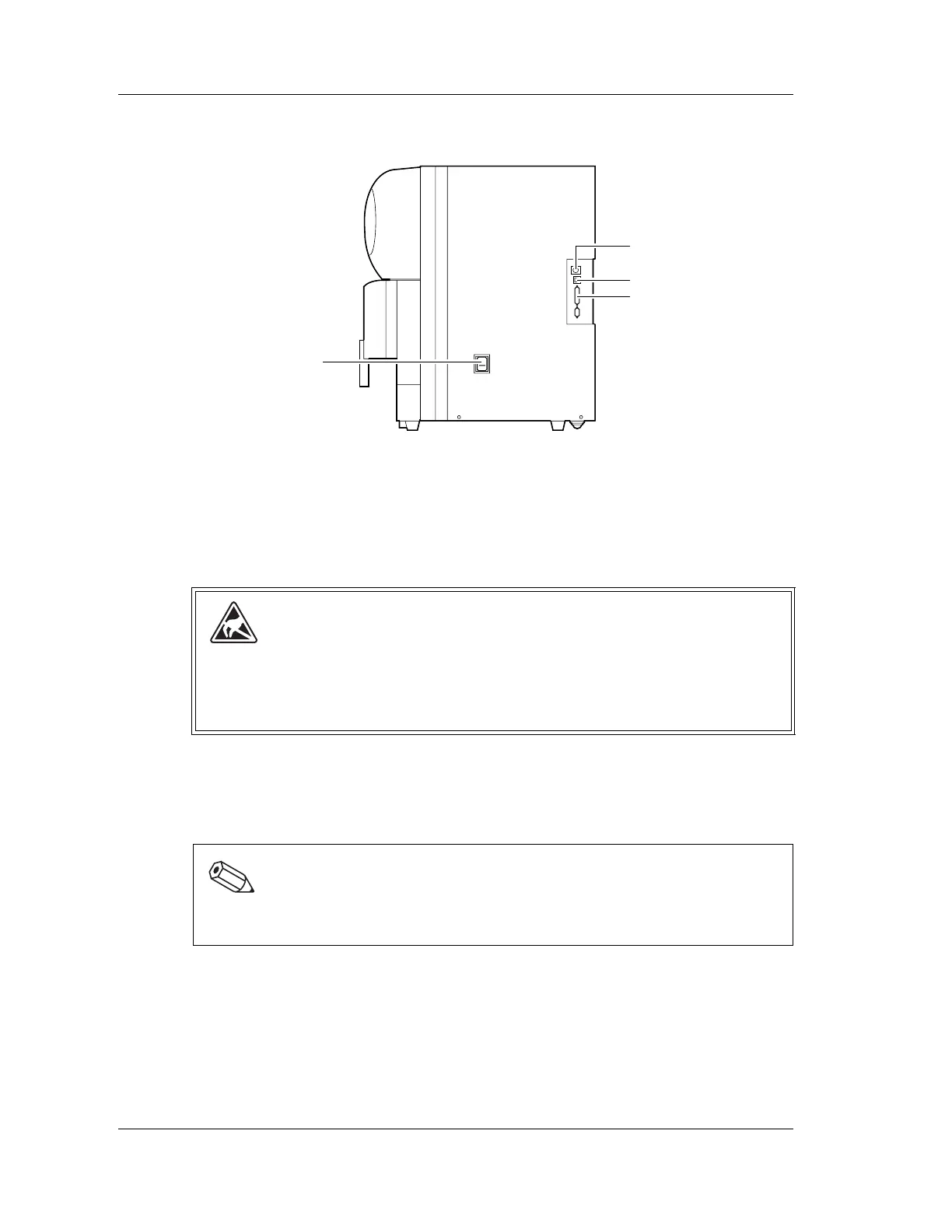
Right Side View
1 Handheld barcode scanner connector
Connected to the optional handheld barcode scanner required to input sample ID
numbers.
2 IPU connector
The communication connector with the IPU. Connects to the connector of the IPU using
the provided cable.
3 DP connector
Connected to the data printer.
4 Power Supply Switch
Turns the power ON and OFF.
Caution!
When connecting the communications cable (LAN cable) to the Information
Processing Unit (IPU), there is a risk of damage to communications equipment due
to static electrical charges on human body. Touch something else to discharge static
before connecting the cable.
Note:
Do not turn the power ON and OFF repeatedly in a short period of time.
This can cause an overload to blow the fuse.
3
2
1
4



 To Next Page