CHAPTER 6 Operation
6-28 Sysmex XE-5000 Instructions for Use
Revised April 2007
HPC analysis mode
When cord blood or peripheral blood are analyzed in HPC
analysis mode, the HPC# is displayed.
Sample analysis in HPC analysis mode
The HPC mode needs to be selected on the Main Unit, prior
to performing the HPC analysis. The method for selecting
HPC analysis mode and performing the analysis is explained
below.
Information
When leukemia samples are analyzed, cells other
than HPC may appear in the HPC area.
Note:
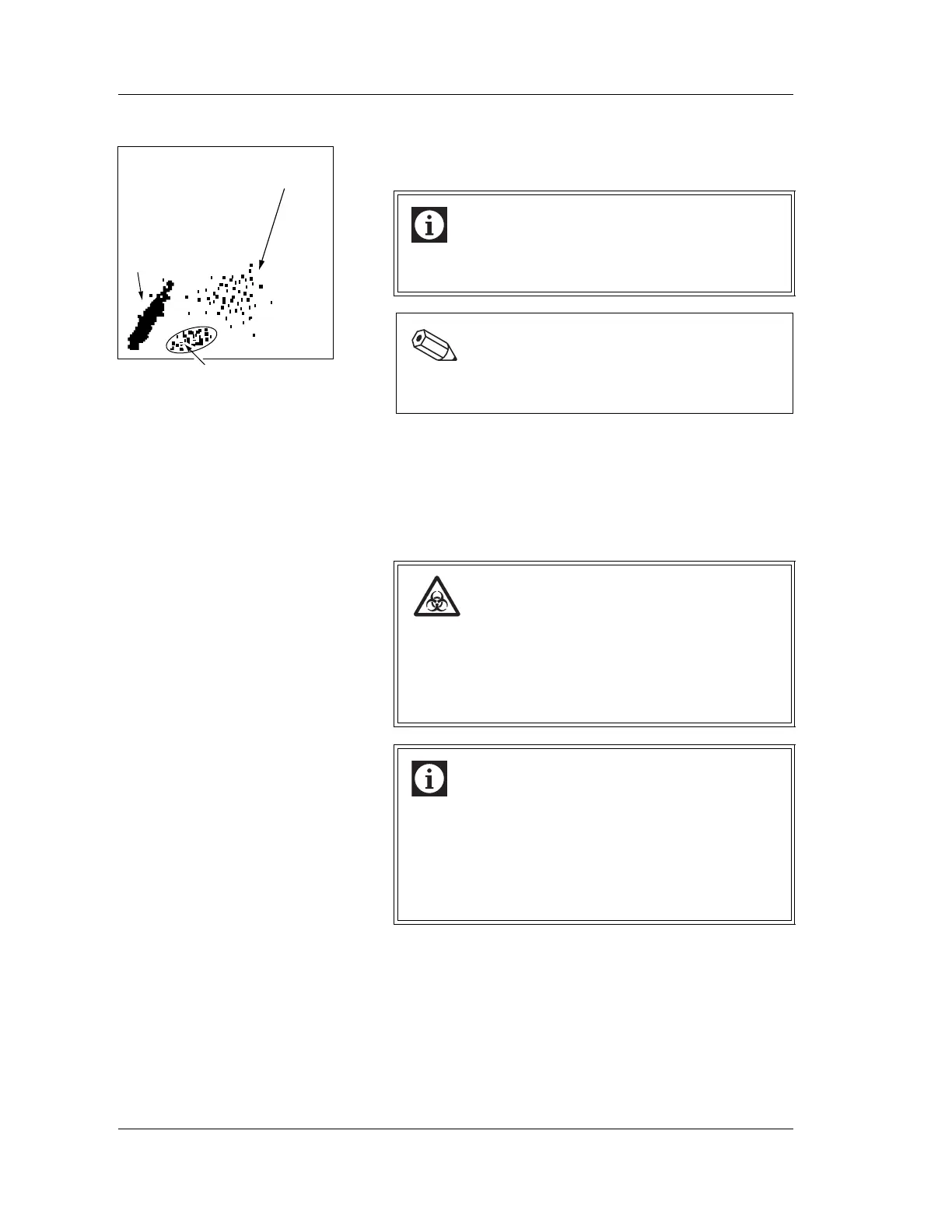
The HPC detection area exists as a special area on
the IMI scattergram.
The discriminated particles
are displayed in red as an
immature cell.
The particles in the HPC detection
area are displayed in magenta(pink).
The RBCs, WBC ghosts
and discriminated
particles are displayed
in blue.
Risk of infection
When analyzing samples, be sure to wear gloves.
After completion of the analysis, be sure to wash your
hands with disinfectant.
If your hands or body are contaminated by blood, etc.,
you might be infected by pathogen, etc.
Information
• Samples should be measured immediately after
being drawn.
• Prior to sample analysis, ensure that the white blood
cell (WBC) concentration is no greater than the
linearity limit stated in this manual. The HPC result
can be used if it is within the HPC linearity limit.



 To Next Page