CHAPTER 6 Operation
Sysmex XE-5000 Instructions for Use 6-41
Revised July 2007
Logging off from the XE-5000 application program
To change a user, logoff from the XE-5000, and then logon
again.
1. From the “file(F
)” menu, select “Logoff (L)”.
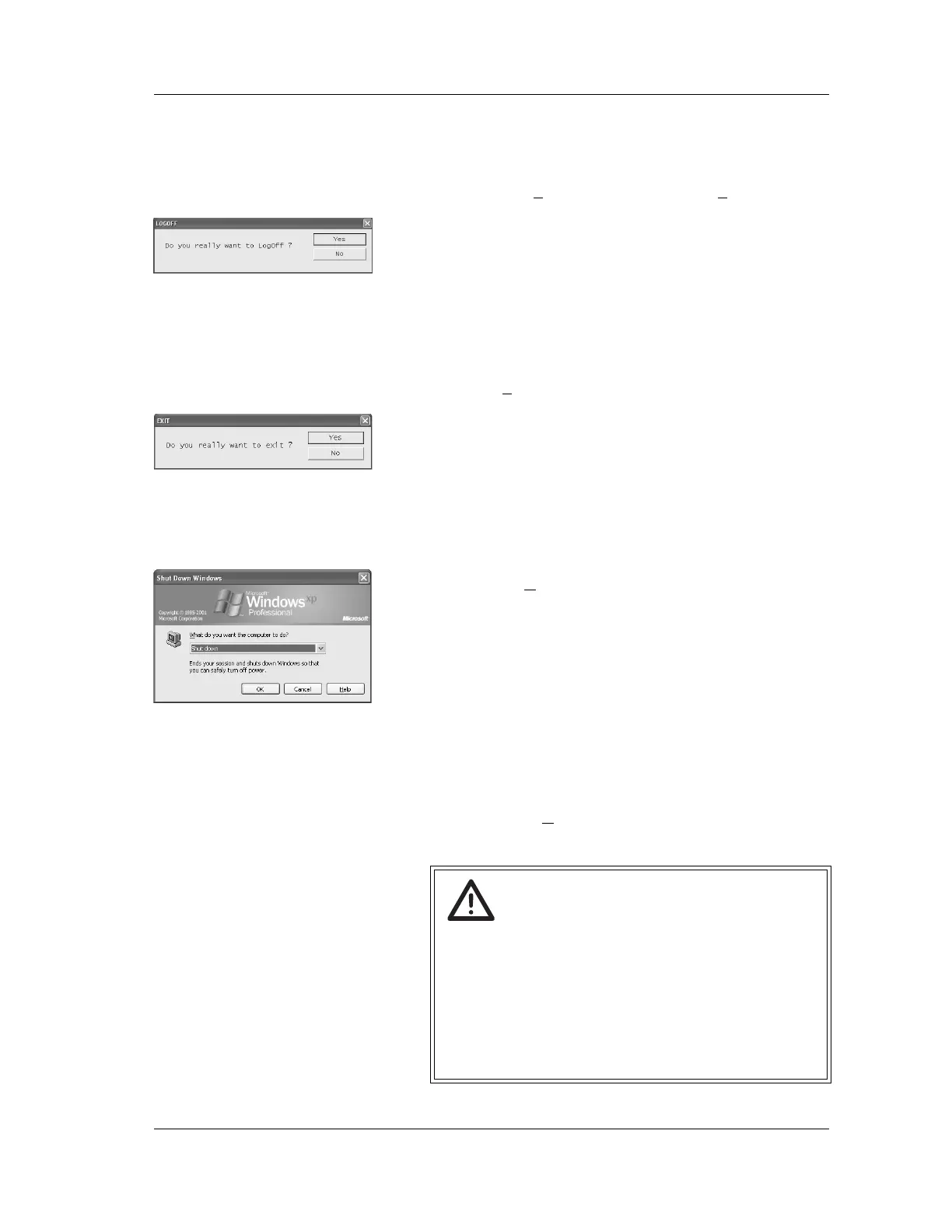
2. The Logoff confirmation dialog box will be displayed.
3. Click “Yes” or “No”.
Yes: The system will perform the Logoff procedure and
the XE-5000 Logon dialog box will be displayed.
No: Logoff procedure will be canceled.
Closing the XE-5000 application
1. To close the XE-5000 application, click on “Close” from
the “File (F
)” menu.
2. The Exit confirmation dialog box will be displayed.
3. Click “Yes” or “No”.
Yes: The application will end.
No: The application quit operation will be canceled.
Shutting down the Windows system
1. Use the mouse to click on the Start button on the task bar
in the window to display the Start menu, then select
“Shutdown (U
)”.
The dialog box for Windows shutdown will appear on the
screen.
2. Select “XE-5000 Logoff”, then click on “OK” to display
the Windows logon screen.
Select “Shut down”, then click on “OK” to shut down the
Information Processing Unit (IPU) and turn the power Off.
Select “Restart”, then click on “OK” to restart the
Information Processing Unit (IPU) and automatically logon
to Windows as XE-5000 user after the restart is complete.
Click on “Cancel” to close the Windows shutdown dialog
box and return to the state which preceded its opening.
Click on “Help (H
)” to display the Help screen. (The
Windows shutdown dialog box closes).
Caution!
• Do not turn the power OFF while attempting the
shutdown preparation.
If the power is turned OFF during this task, the data
may be saved improperly and the system may get
damage.
• Execute the shutdown at least once per week.
For details, contact your Sysmex technical
representative.



 To Next Page