CHAPTER 7 Quality control
Sysmex XE-5000 Instructions for Use 7-3
Revised April 2007
X-barM control setting
1. From the Main Menu screen on the Main Unit, select
“QC” on the function menu.
The QC Menu screen will appear.
2. From the QC Menu screen, select “Xm STT/STP” on the
function menu.
• If Xm is displayed in the upper right of the LCD screen,
it indicates that X
M control is ON.
• If Xm is not displayed in the upper right of the LCD
screen, it indicates that X
M control is OFF.
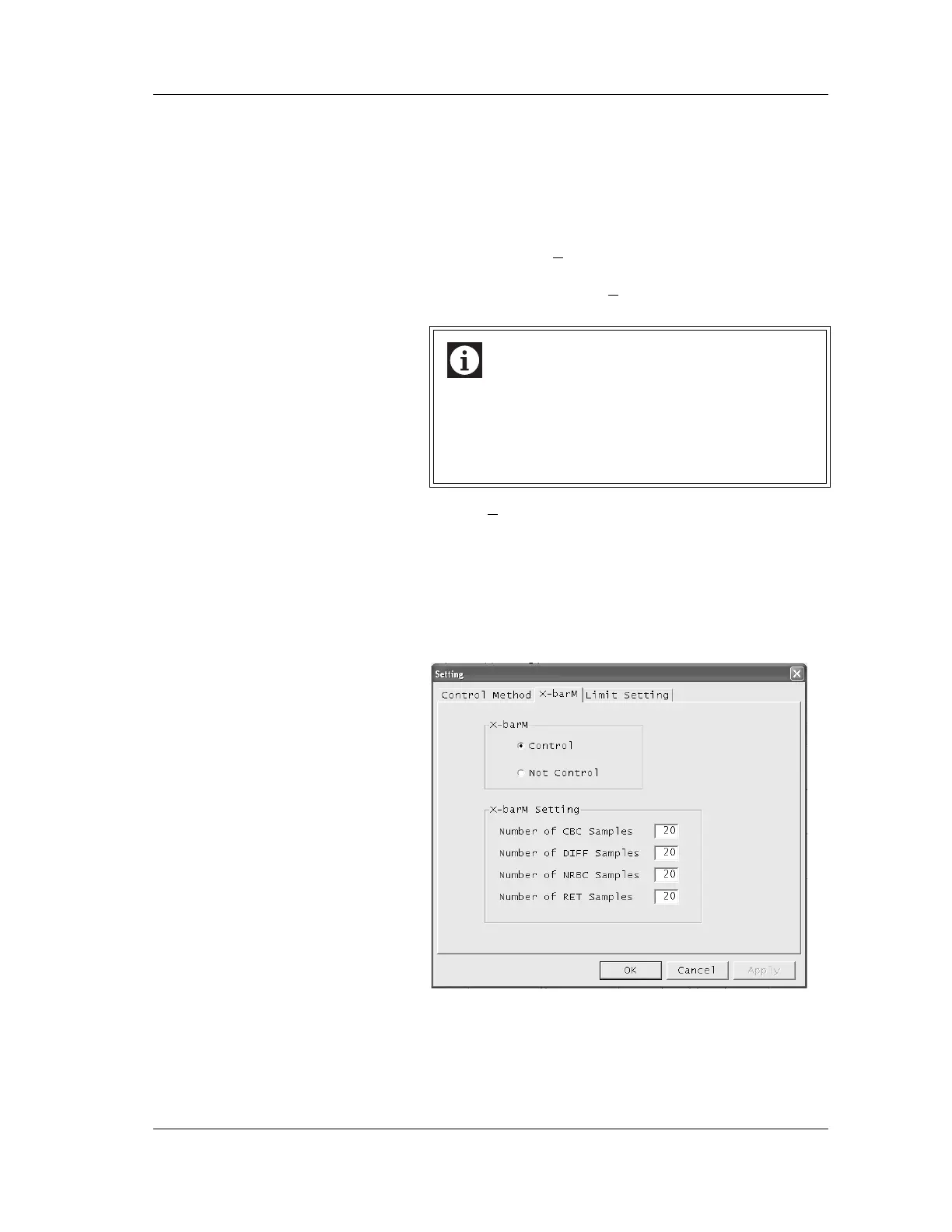
Settings for X
M control can be changed as described below.
1. Start quality control from the Information Processing Unit
(IPU).
2. Click the “Setting” button.
The QC Setting dialog box will be displayed.
3. Click the “X-barM” tab.
The X-barM Setting screen will be displayed.
Information
Even if X-barM control is canceled in this menu when
“Execute X-barM control” is set in the IPU, X-barM
control is executed automatically after the power is
turned on again. Use the menu only when you analyze
a sample in which control error may occur.



 To Next Page