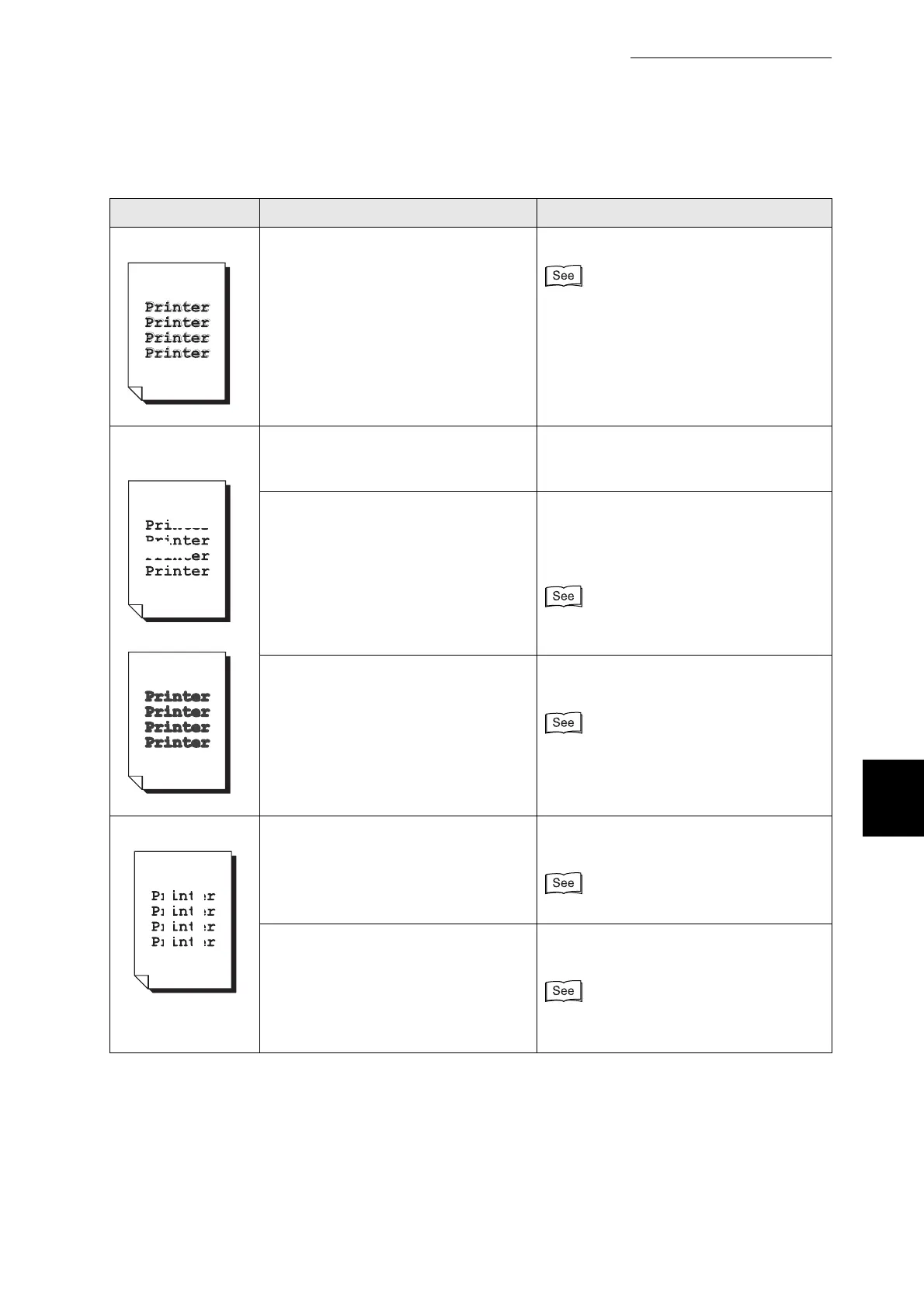
6.4 Print Quality is Not Good
143
6
Troubleshooting
Partial blanks Is the color registration correctly
adjusted?
Adjust the color registration.
"1.1 Adjusting Color Registration"
Blotted printing
Blurred printing
Is the paper damp?
Is it too dry?
Use at room temperature.
Use the paper immediately after opening
the package.
Is the media suitable? Replace the media with a size and type
of media suitable for use with this printer.
Set the printer driver to the type of paper
you are using.
"4.1 Suitable and Unsuitable Paper
Types"
Is the transfer roller properly installed
in the printer?
Make sure that the transfer roller is
properly installed.
"8.3.2 Replacing the Transfer Roller"
Vertical blanks Is the drum cartridge properly
installed in the printer?
Make sure that the drum cartridge is
properly installed.
"8.2.2 Replacing the Drum Cartridge"
The drum cartridge or transfer roller is
old or damaged.
Check the drum cartridge and transfer
roller and replace them as necessary.
●
"8.2.2 Replacing the Drum Cartridge"
●
"8.3.2 Replacing the Transfer Roller"
Symptom Possible Cause Action



 To Next Page