xvii
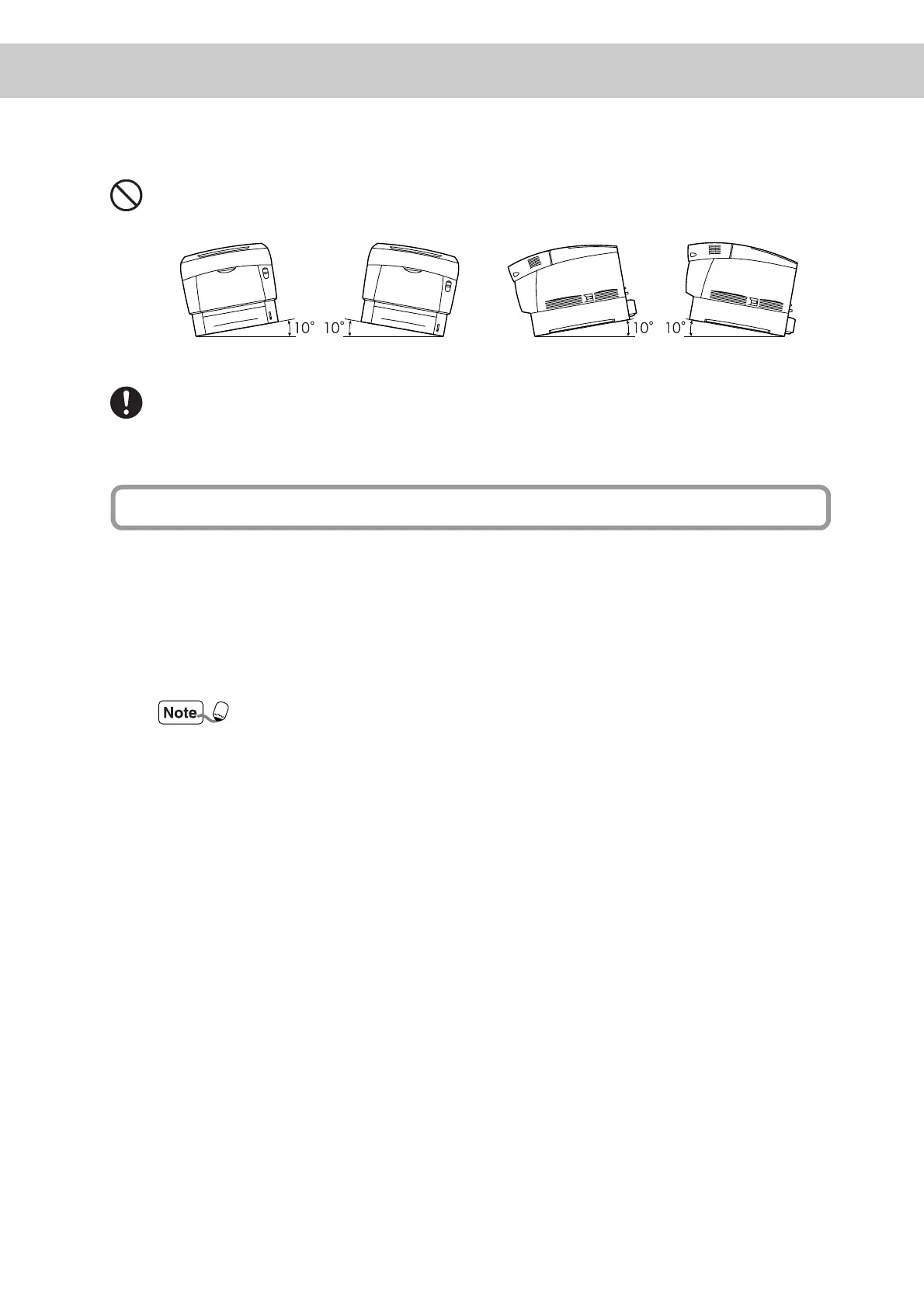
When moving the printer, do not tilt it more than 10 degrees. If tilted excessively,
the printer may fall over and cause injuries.
After installing the tray module, lock down the brakes on the casters at the front of
the tray module. Failure to lock down the brakes can cause the printer to move
unexpectedly, resulting in injury.
■ Operate the printer in a location that meets the following conditions:
Ambient temperature range of 10 to 32°C, relative humidity of 15 to 85% (no con-
densation)
If operating the printer with an ambient temperature of 32°C, the relative humidity
should not exceed 65%. If the relative humidity reaches 85%, the ambient temper-
ature should not exceed 28°C.
Do not place the printer in a room where there are sudden fluctuations in tempera-
ture, and do not move the printer from a cold place to a warm humid place. If you do,
condensation may occur within the printer and print quality deteriorate.
■ Do not place the printer in direct sunlight, as this may damage the printer.
■ When installing the printer, do not place it on an uneven surface where it could be
tilt more than 5 degrees in any direction in order to prevent trays or consumables
from falling out.
■ Do not place the printer directly next to an air conditioner or heater, as this affects
the temperature inside the printer and can cause damage.
Other Precautions



 To Next Page