7.4 Paper Jams between the Drum Cartridge and Fuser Cartridge
177
7
Clearing Paper Jams
3
Be sure to close levers at the ends of
the fuser cartridge after removing the
jammed paper.
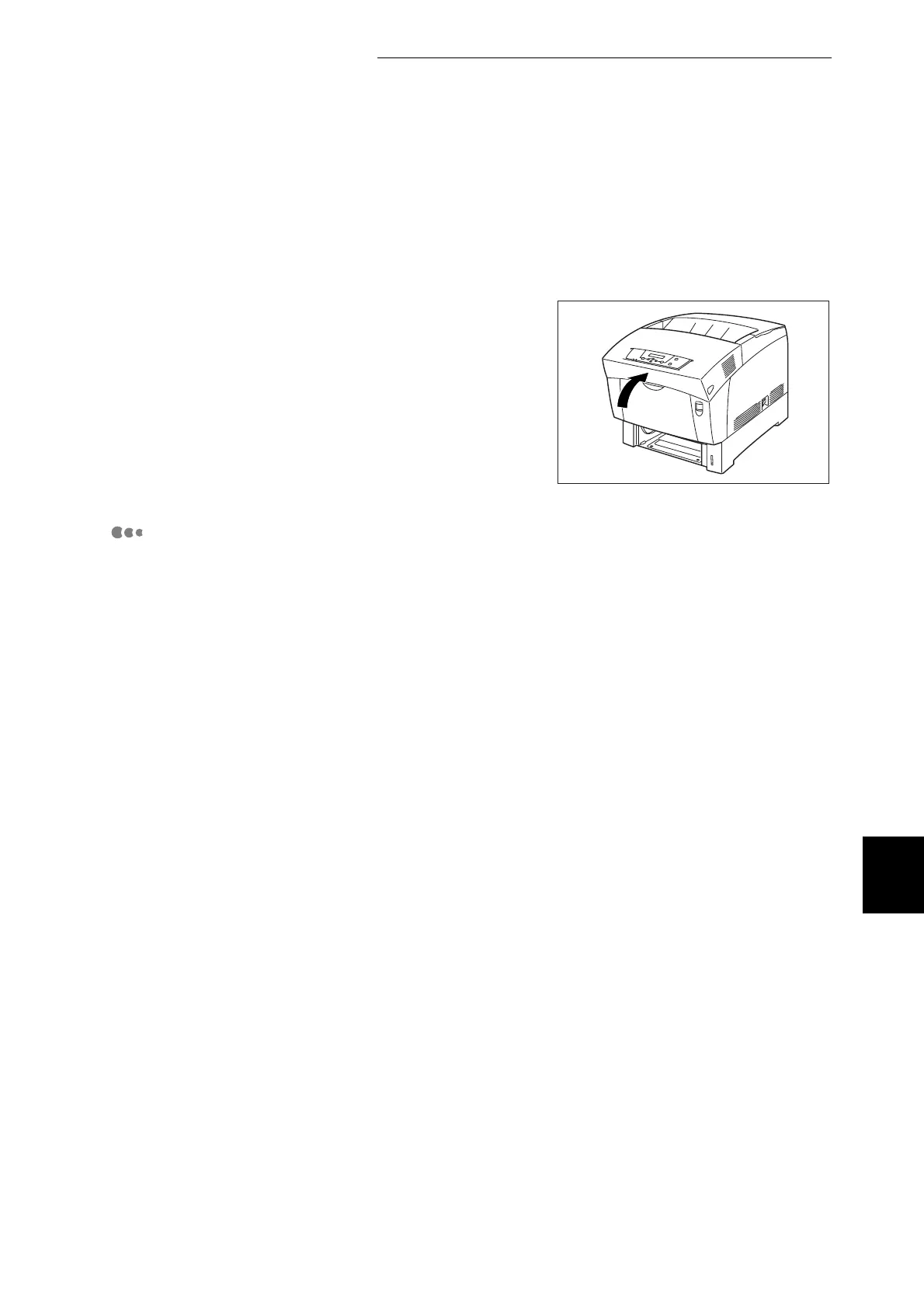
4
Close the front door.
Paper Longer Than 355.6 mm Becomes Jammed:
If paper longer than 355.6 mm becomes jammed in the printer, cut the paper as
necessary and remove the paper from the location where it is jammed using the
appropriate procedure. If the front door is difficult to open, do not force it. Switch
off the printer immediately and contact your Tally service or dealer.



 To Next Page