8.2 Replacing the Drum Cartridge
190
Daily Care
8
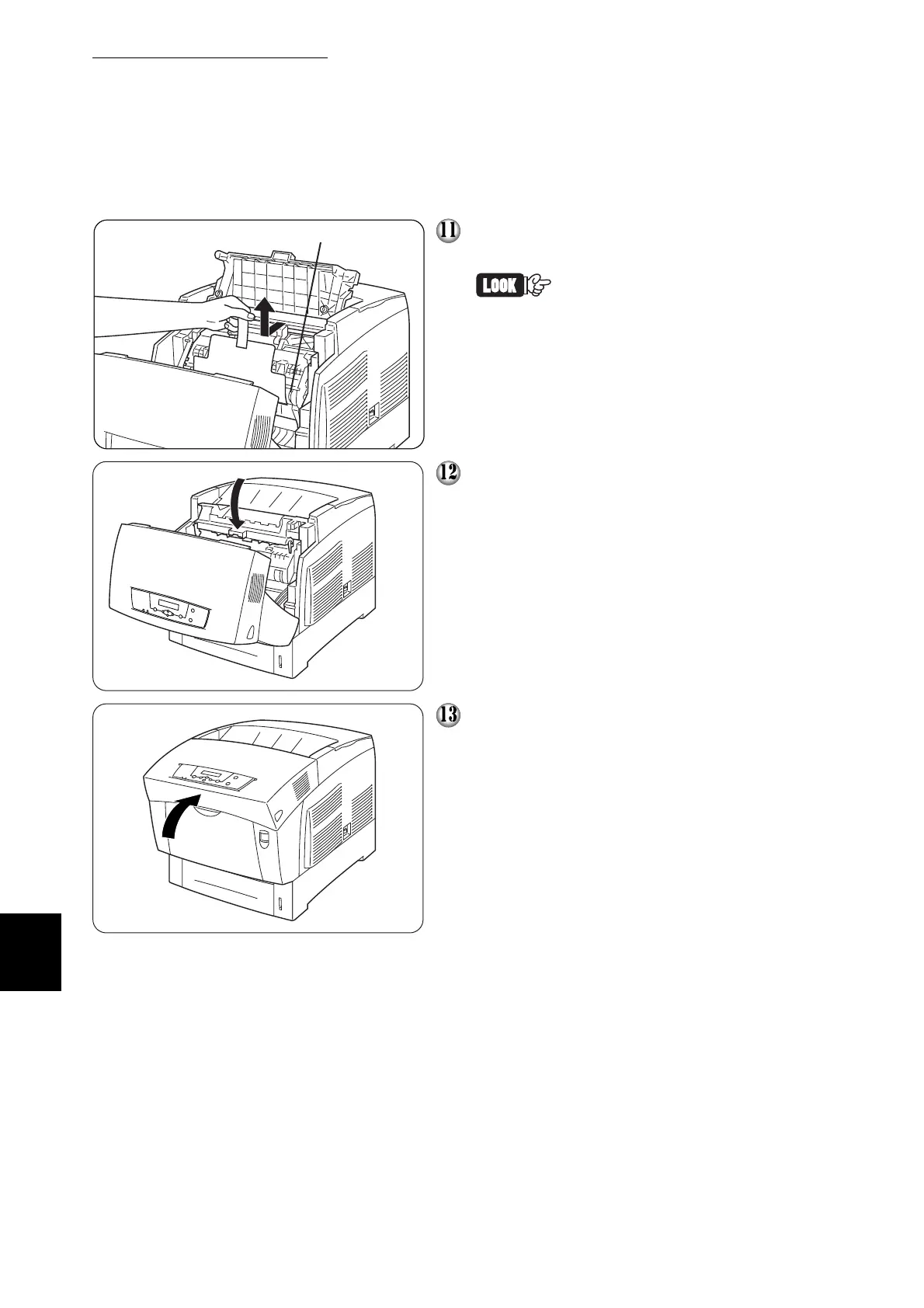
Pull the protective sheet on the cartridge
straight up to remove it, as illustrated.
Do not touch the transfer roller
(black part). Make sure that
nothing touches or scratches
the roller surface. Scratches or
oil from your hands on the roller
deteriorates print quality.
Close the paper outlet cover.
Close the front cover.
Do not touch the transfer roller



 To Next Page