xx
• Move the printer away from TV and/or radio.
• Reposition the printer, TV and/or radio.
• If the printer, TV and/or radio are plugged into the same outlet, unplug them,
then plug them into different outlets.
• Reposition the TV and/or radio antennas and cables until the interference stops.
For external antennas, consult your local electrician.
• Use coaxial cable with the antennas
#
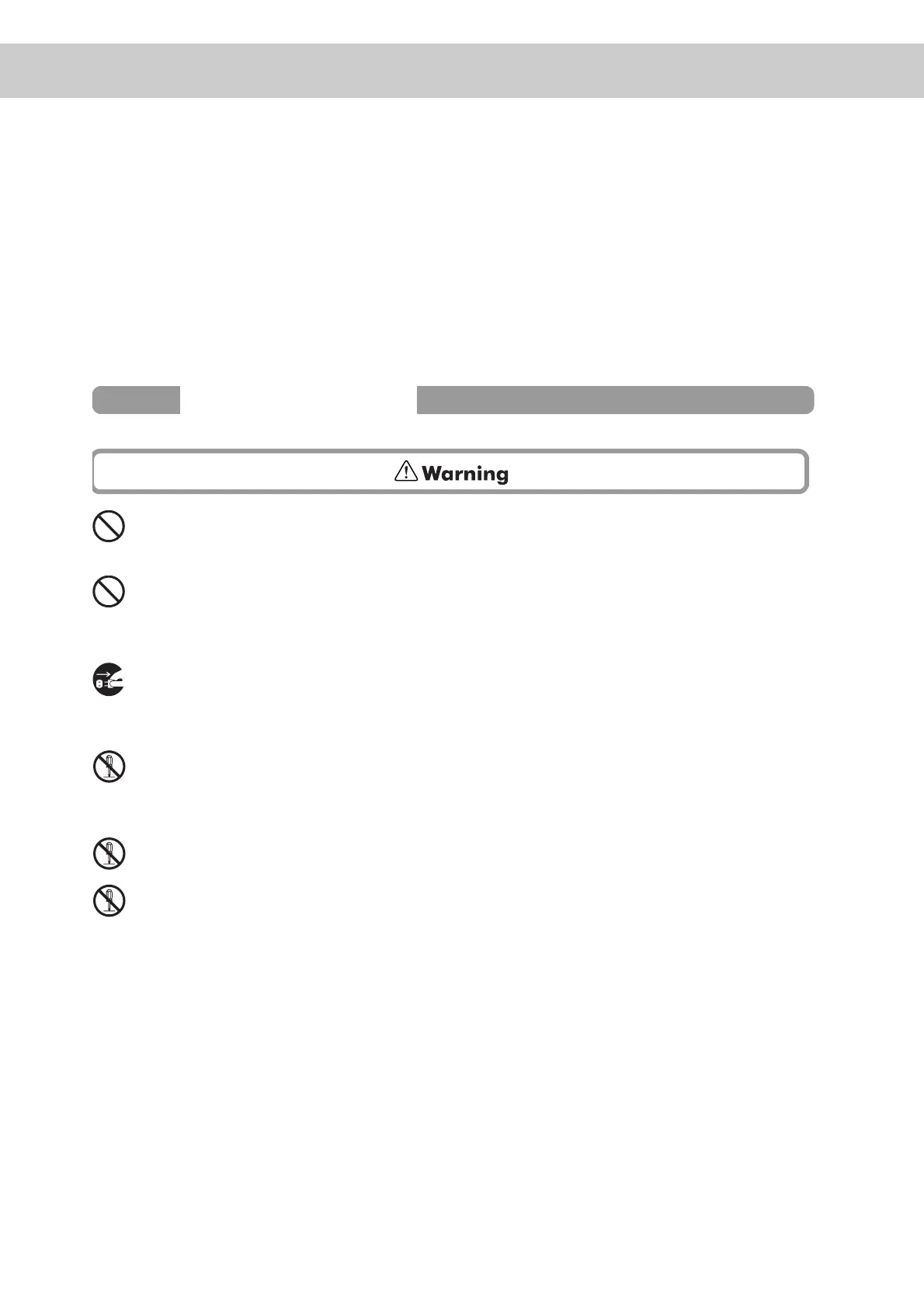
Do not place any liquid containers such as vases or coffee cups on the printer.
Liquids spilt on the printer constitue a fire and electrical shock hazard.
Do not place any metal parts such as staples or clips on the printer. If metal and
flammable parts get into the printer, they can short-circuit internal components,
and cause fire or electric shocks.
If debris (metal or liquid) gets into the printer, turn off and unplug the printer. Con-
tact your dealer. Operating a debris-contaminated printer can cause fire or electric
shocks.
Never open or remove printer covers that are secured with screws unless specifi-
cally instructed to do so in the this manual.
A high-voltage component can cause electric shocks.
Do not try to alter the printer's configuration or modify any parts. An unauthorized
modification can cause smoke or fire.
This printer complies with the IEC60825 (Class 1) international laser standard.
This means that the printer does not present any risk of injury to persons from
laser radiation. Various covers confine the laser radiation to the inside of the
printer; hence, users cannot incur injury from the laser under normal operating
conditions. Removing covers, unless instructed to do so in this manual, can cause
injury from laser radiation.
Operating Precautions



 To Next Page