A Introduction to Options and Consumables
216
Appendix
13
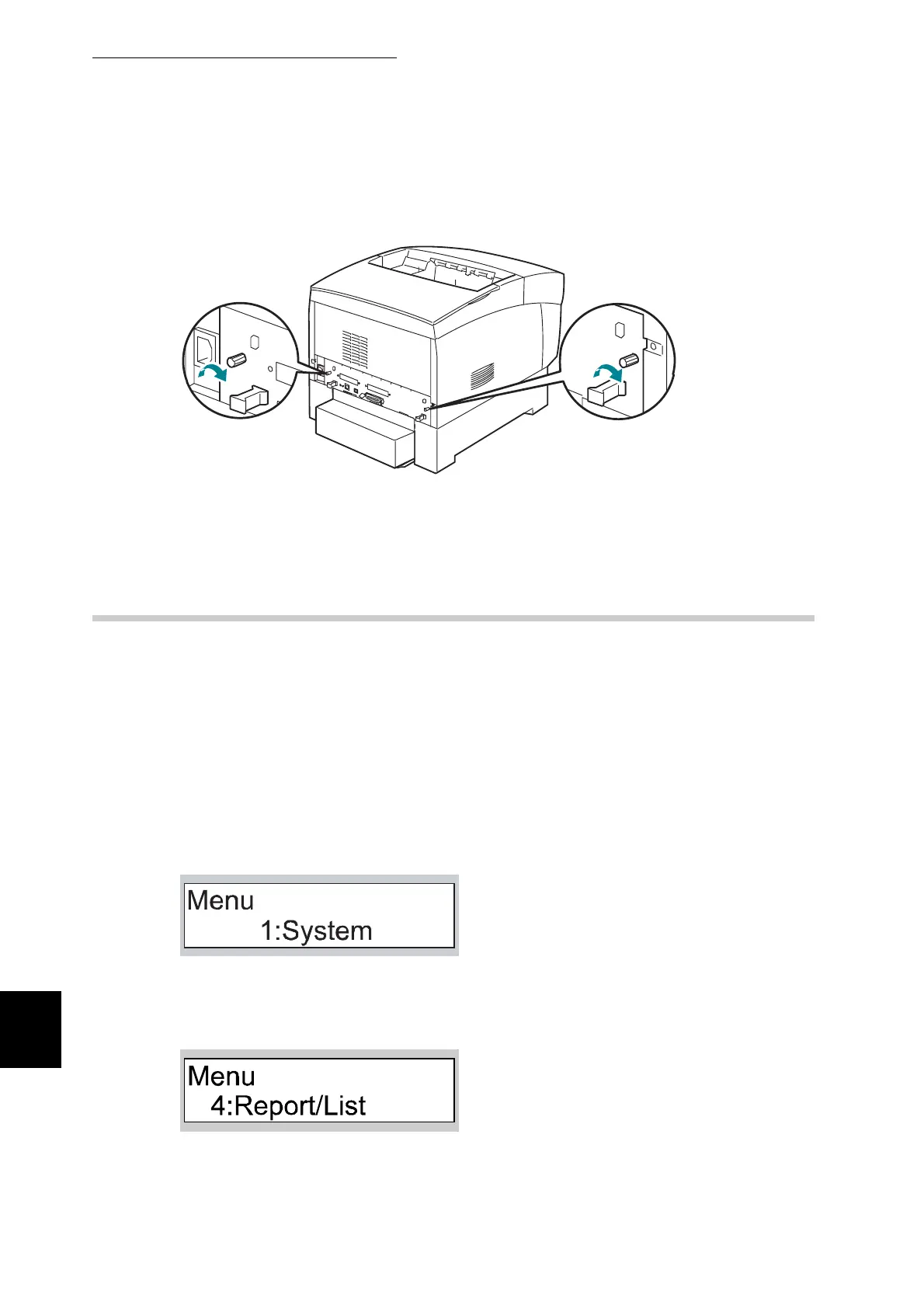
Secure the interface board using the two screws.
14
Reinsert the power cable and power the printer on
A.1.2 Confirming Settings
To confirm whether the printer is set up correctly, you can print the
Printer Settings list.
1
Power the printer on
2
Check that A4-size paper is set in the paper tray.
3
Press the Menu button.
The following message appears.
4
Press the T button three times.
The following message appears.



 To Next Page