1.2 Configuring the Printer
17
Printer System Settings
1
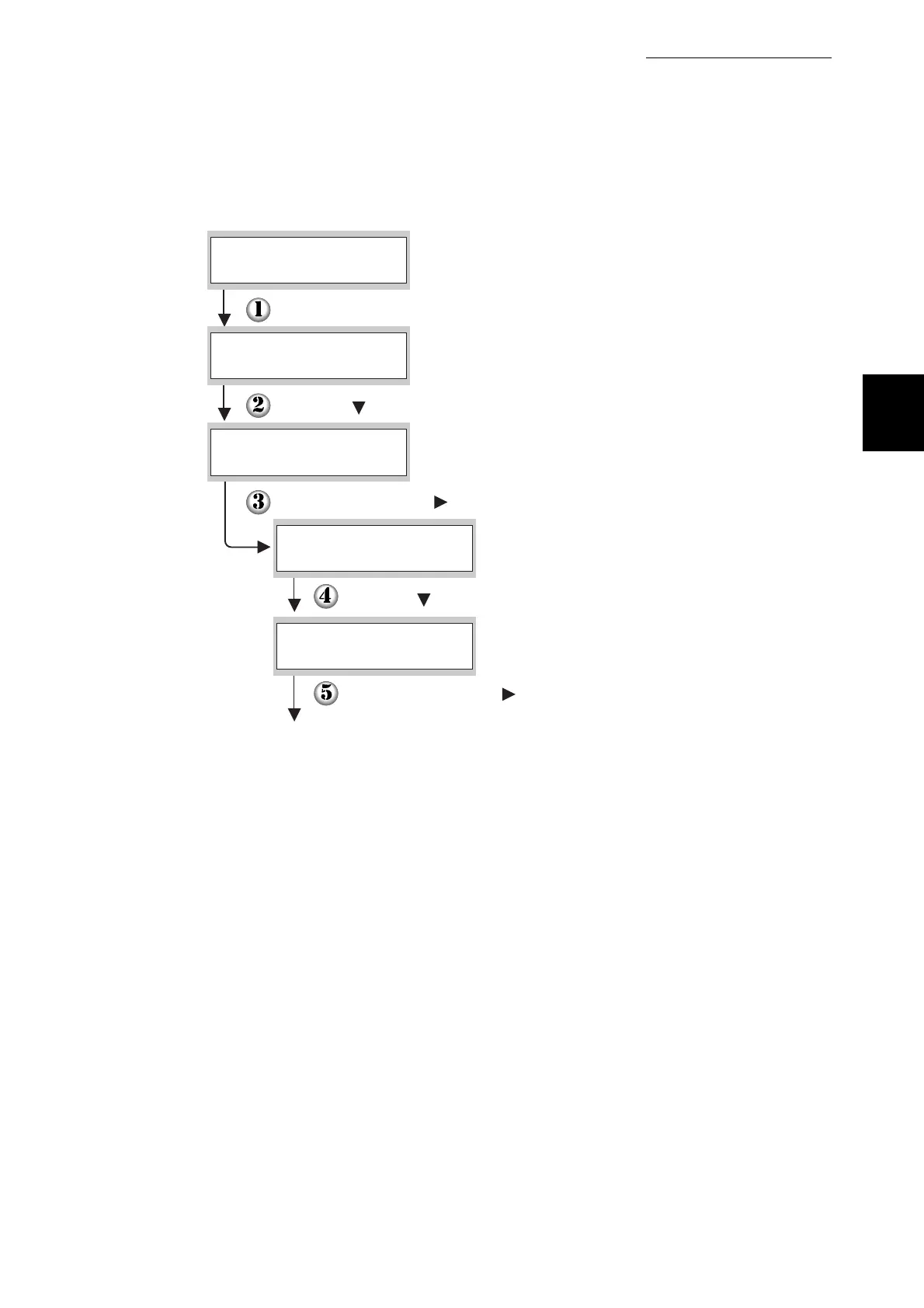
(The print screen. The printer is ready to print.)
Press the Menu button. The menu screen appears.
(The menu screen)
Press the button four times.
Press the Set/Eject or button once.
Press the button two times.
Press the Set/Eject or button once.
Continued
Ready to Print
1:System
Menu
5:Network
Menu
Ethernet
5:Network
Protocol
5:Network



 To Next Page