1.2 Configuring the Printer
18
Printer System Settings
1
To finish the setting
procedure, go to step .
Press the button once.
Press the button once.
Press the button once.
Press the button once.
Press the button once.
Protocol
SNMP UDP\IP
Protocol
SNMP IPX
Protocol
Internet Services
Protocol
ethertalk
Protocol
Continued from previous page.
Press the button once.
Press the button once.
Press the button once.
Press the button once.
Press the button once.
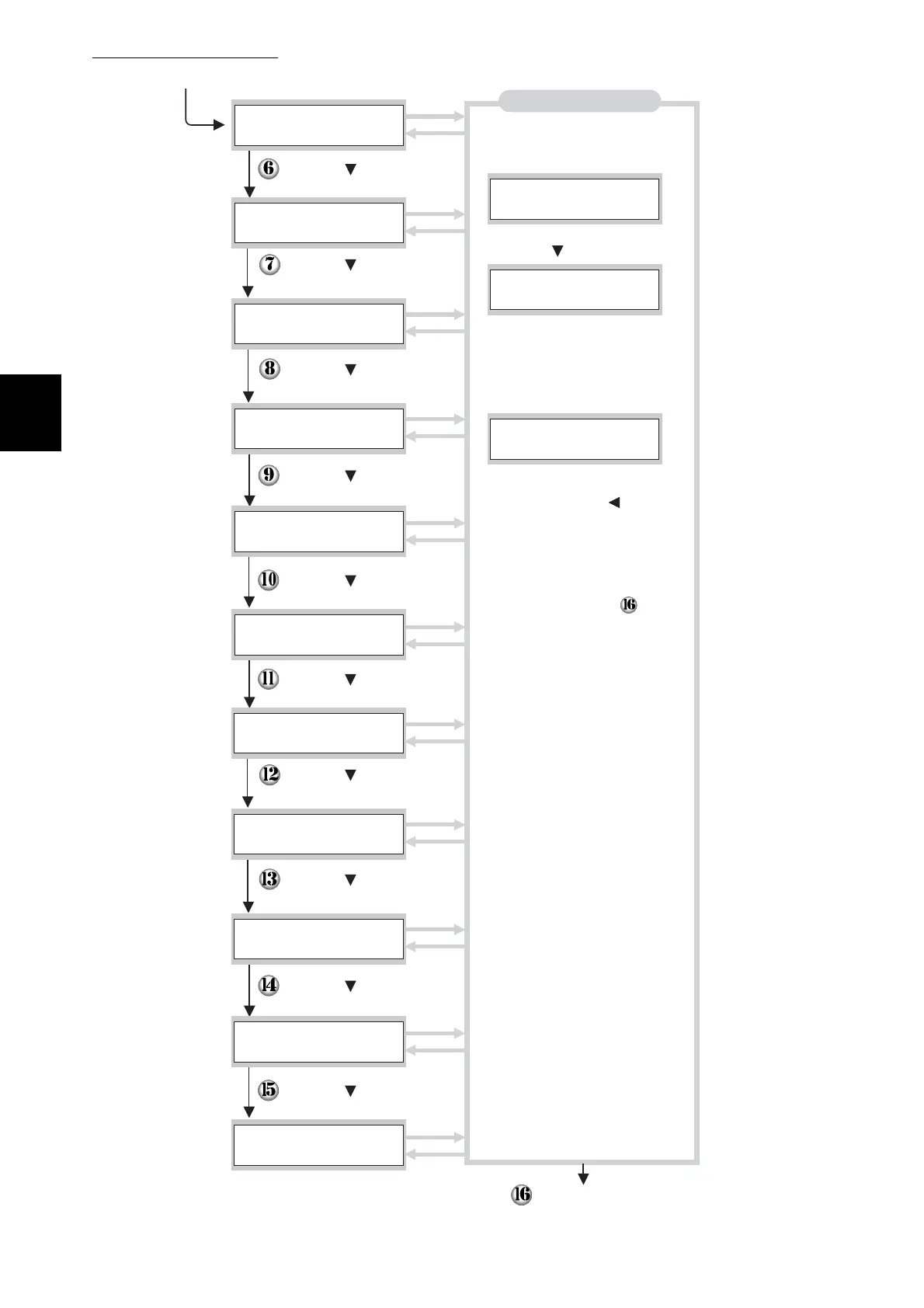
Starting protocols
1. Press the Set/Eject button
once. XXX indicates the protocol
name.
2. Press the button once.
3. Press the Set/Eject button
once. "Reboot Printer to Take
Effect" appears for three seconds,
then following screen appears.
4. To start other protocols, press
the Cancel/Back or button
once and continue to the next
step.
Restart the printer.
LPD
Protocol
SMB TCP/IP
Protocol
SMB NetBEUI
Protocol
NetWare
Protocol
Port9100
Protocol
xxx
Enabled
xxx
xxx
Disabled
*
Enabled
*
FTP
Protocol
IPP



 To Next Page