2.4 Installing the Printer Driver
49
Installing the Printer Driver
2
When you do not know the IP address of the printer, either check with the network
administrator, or print out the Printer Settings list to confirm. Refer to "8.4.1 Confirming
Printer Configuration and Network Settings".
Click Next
.
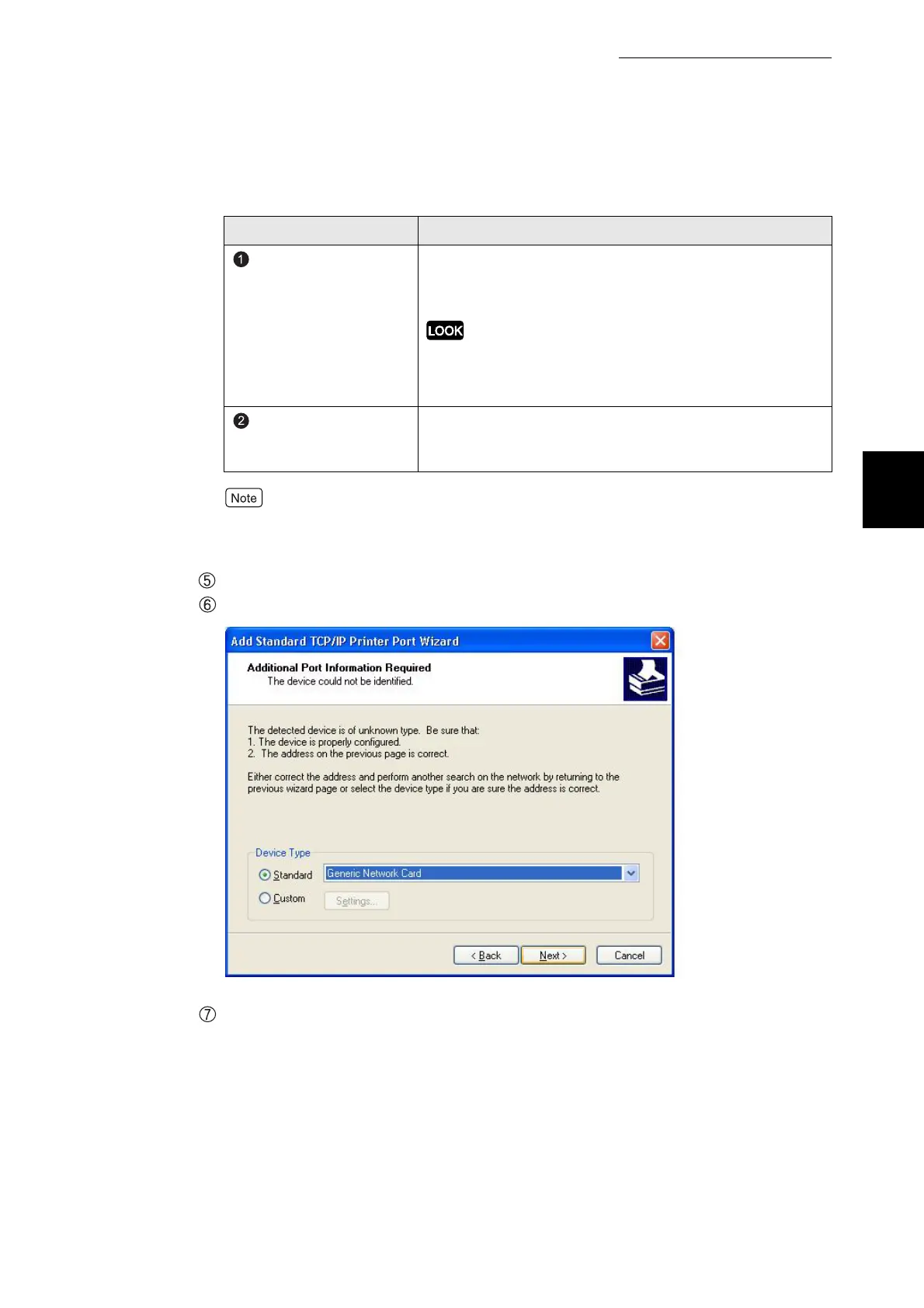
Click next to the additional port information required box.
Check the contents on the screen and click Finish.
5
If connected with a USB cable, move on to "2.5 Setting Up the USB
Port".
Item Remarks
Printer Name or IP
Address
Enter the IP address of the printer. You can enter the
registered printer name when it is possible to use name
resolving services like WINS.
When the IP address has numbers with less than three digits, do
not enter "0" before these numbers, e.g.
"XXX.XXX.00X.0XX". It will not work properly.
Port Name
Enter name or IP address of the printer and the name of
port is automatically set. Enter the port name only when
you want to make changes.



 To Next Page