2.5 Setting Up the USB Port
55
Installing the Printer Driver
2
8
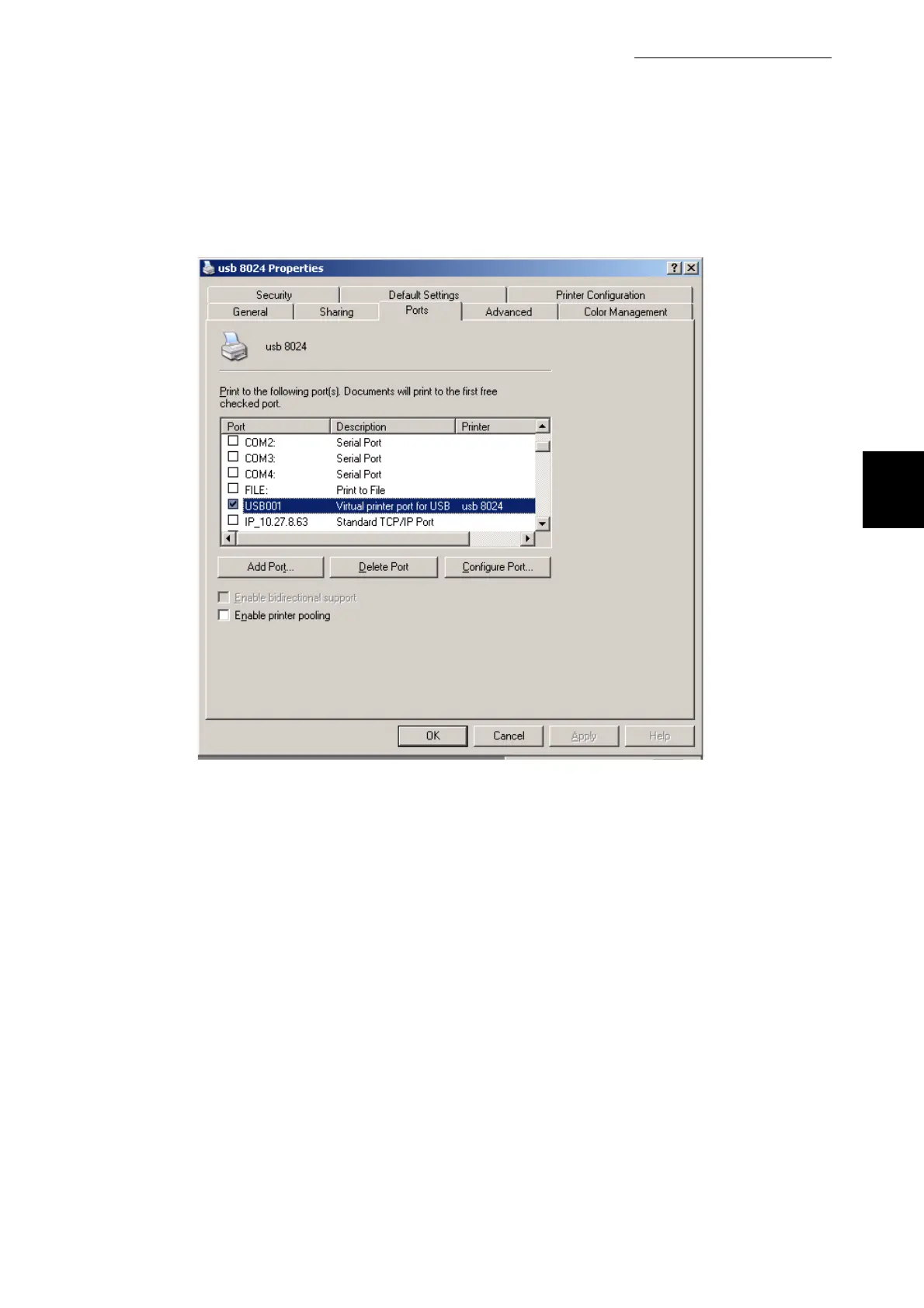
The USB port now appears in "Print to the following port(s)" on the
Ports tab. Click the OK button
9
Click Print Test Page on the General tab.
A dialog box to confirm whether or not the test page is printed correctly will be displayed.
10
Check the print results, and if the test page is printed correctly, click
OK.
11
Click OK on the Properties dialog box.



 To Next Page