2.5 Setting Up the USB Port
56
Installing the Printer Driver
2
For Windows 98 or Windows Me
The following example is for Windows 98.
■Install the USB Print Utility
Procedure
1
If the USB cable is connected, temporarily disconnect and power the
printer off.
2
Insert the Tally Auto run CD into the CD-ROM drive.
The Tally StartUp Tool dialog box appears automatically.
3
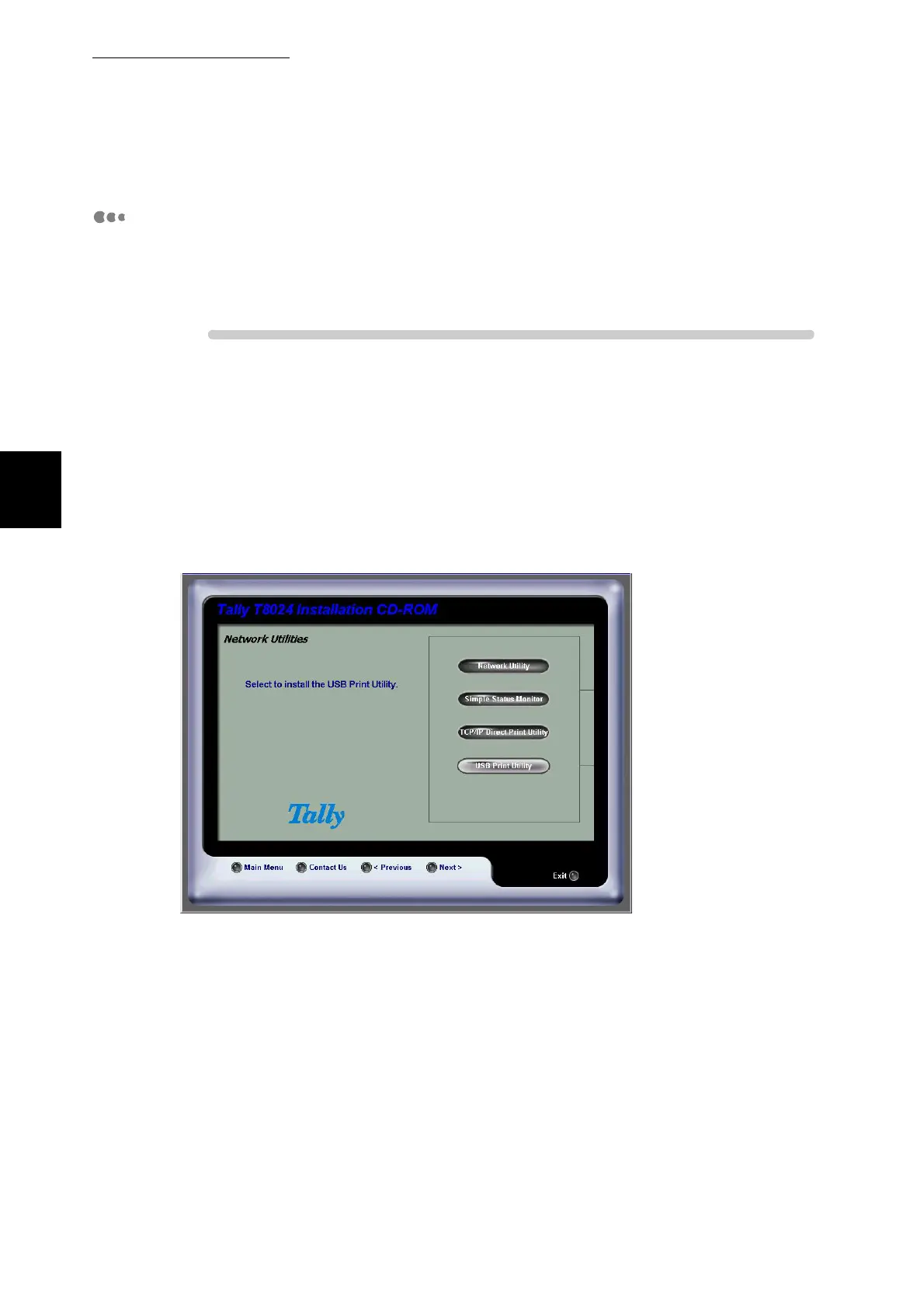
Read the license and select I accept. Select the Network Utility and
select the USB install and follow the wizard.



 To Next Page