2.5 Setting Up the USB Port
57
Installing the Printer Driver
2
4
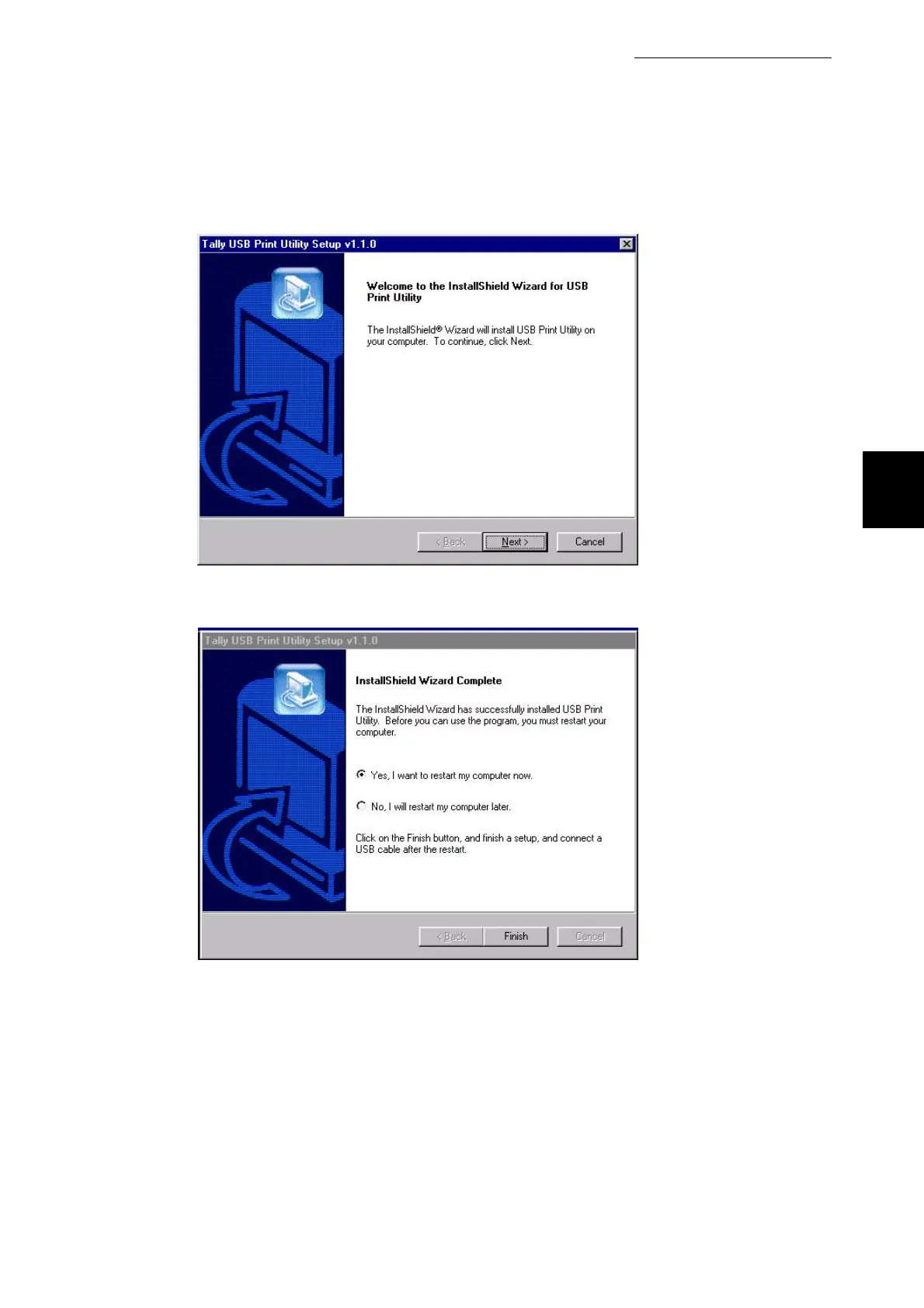
Select Next.
5
The USB utility will prompt to restart. Click on the Finish box.
6
After starting up your computer, run Windows 98. Click Start, select
Settings and then Printers.
The Printers window is displayed.
7
The T8024 printer icon has been added by installation of the printer
driver. Select this added printer icon and click Properties from the File
menu.
The Properties dialog box is displayed.



 To Next Page