BRAKES
4262930-Rev A 7-5
7
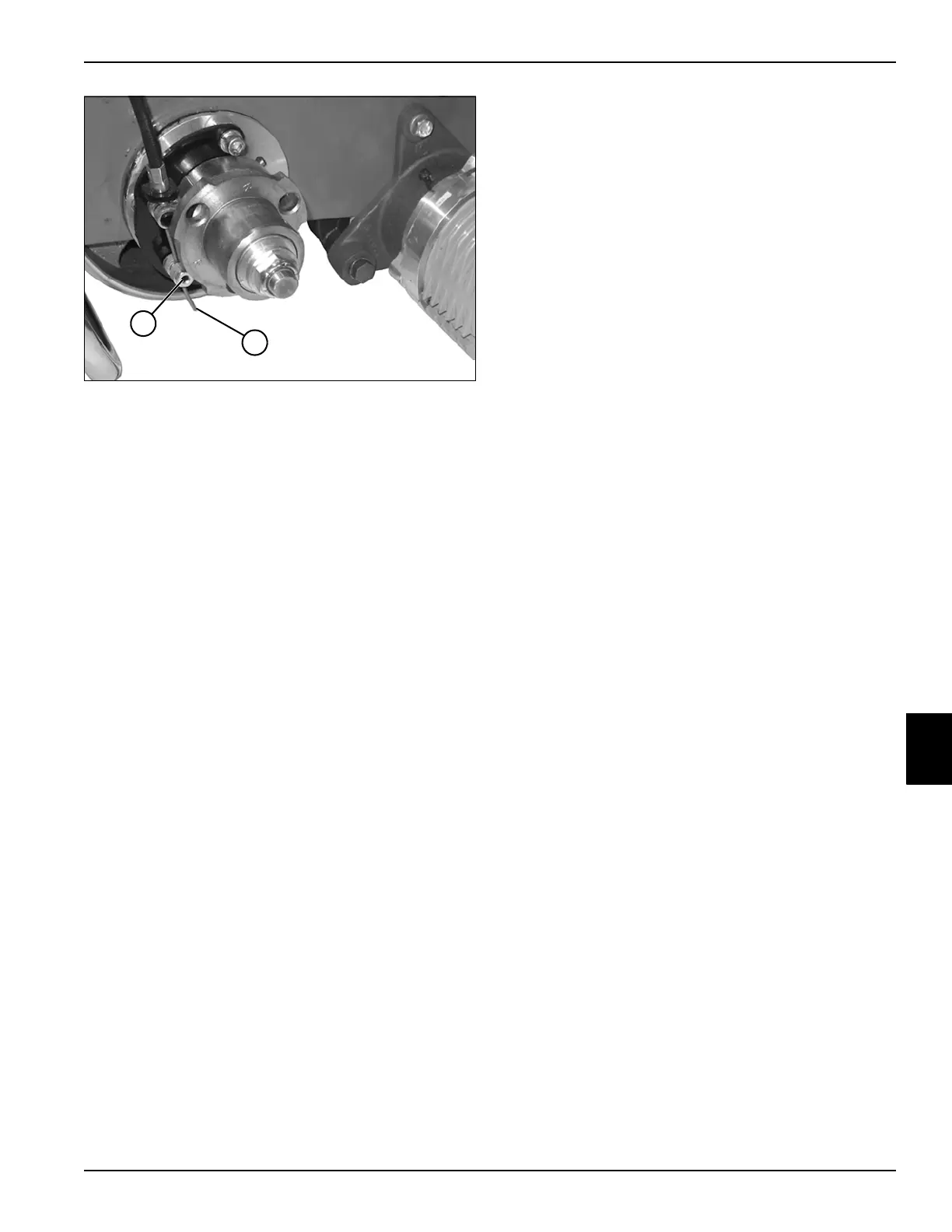
Figure 7-4
3. Loosen screw (7) and pull cable (8) to obtain desired
brake tension. Tighten screw (7).
4. Repeat “Check Procedure.”
5. Install handle cover. (See “Handle Cover” on
page 6-4.)
6. Install transport wheels (if equipped). (See
“Transport Wheels (Optional)” on page 9-2.)
TN4407
8
7








 To Next Page