131
FUNCTION SETTING USING SETTINGS
SETTING THE BRIGHTNESS OF FIXATION TARGET (TARGET BRIGHTNESS)
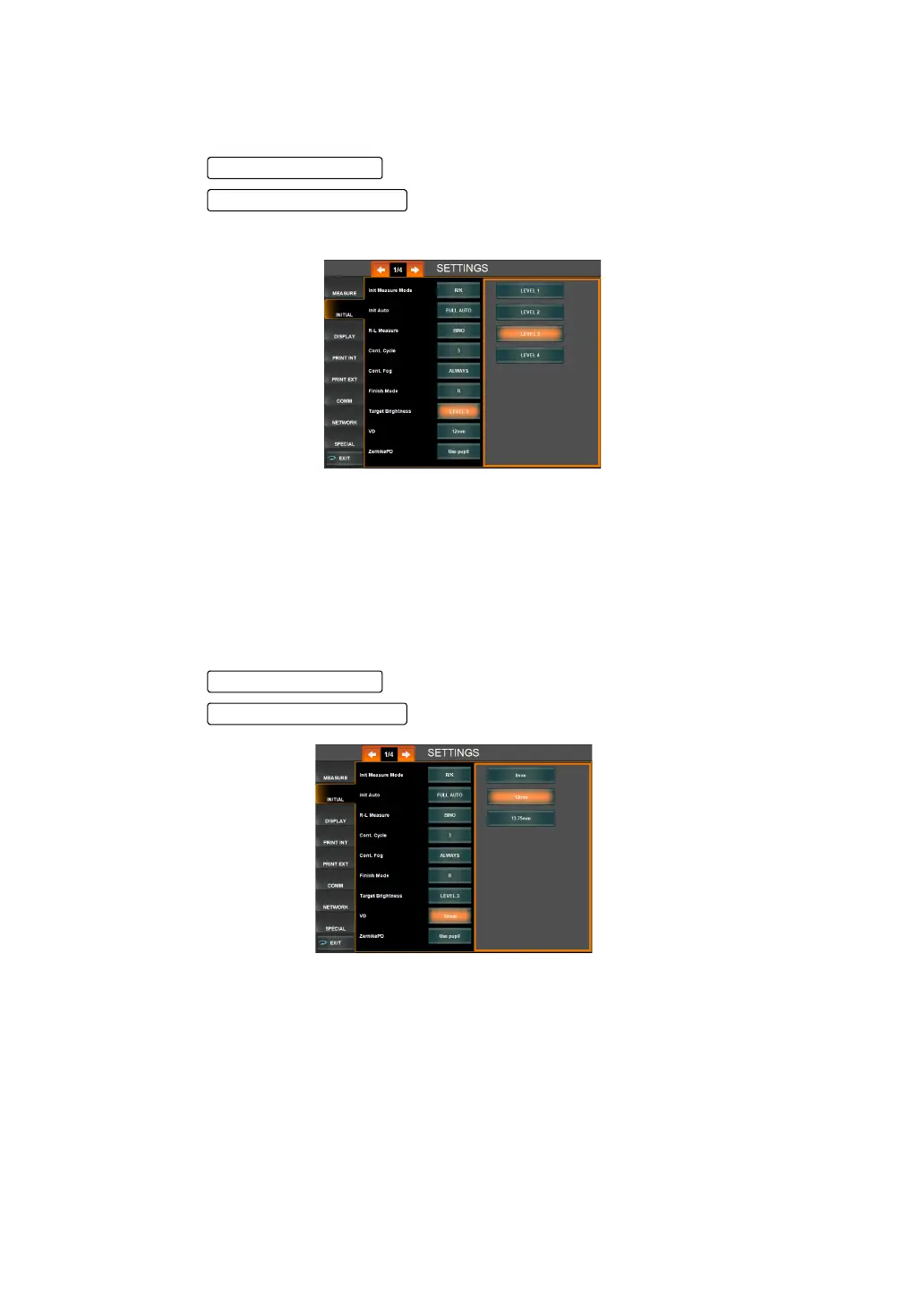
The brightness of fixation target can be set at 4 different steps. Before shipment, the default
setting is Level 3.
1 Tap the of the set item display "Target Brightness" of "INITIAL."
2 Tap the and select the brightness of fixation target.
3 Setting is done.
"Level 1" : Target brightness is set to the darkest of 4 levels.
"Level 2" : Target brightness is set to the 2nd darkest of 4 levels.
"Level 3" : Target brightness is set to the 3rd darkest of 4 levels.
"Level 4" : Target brightness is set to the brightest of 4 levels.
SETTING THE VERTEX DISTANCE (VD)
In vertex distance setting, contact lens (0mm) or eyeglass lens (12mm or 13.75mm) can be
selected. Before shipment, the default setting is eyeglass lens (12mm).
1 Tap the of the set item display "VD" of "INITIAL."
2 Tap the and select the VD value.
"0.00" : The VD value is set to contact lens (0.00mm).
"12.00" : The VD value is set to eyeglass lens (12.00mm)
"13.75" : The VD value is set to eyeglass lens (13.75mm)
3 Setting is complete.
Set Condition button
Setting Change button



 To Next Page