136
FUNCTION SETTING USING SETTINGS SCREEN
SETTING THE BUZZER SOUND (BUZZER)
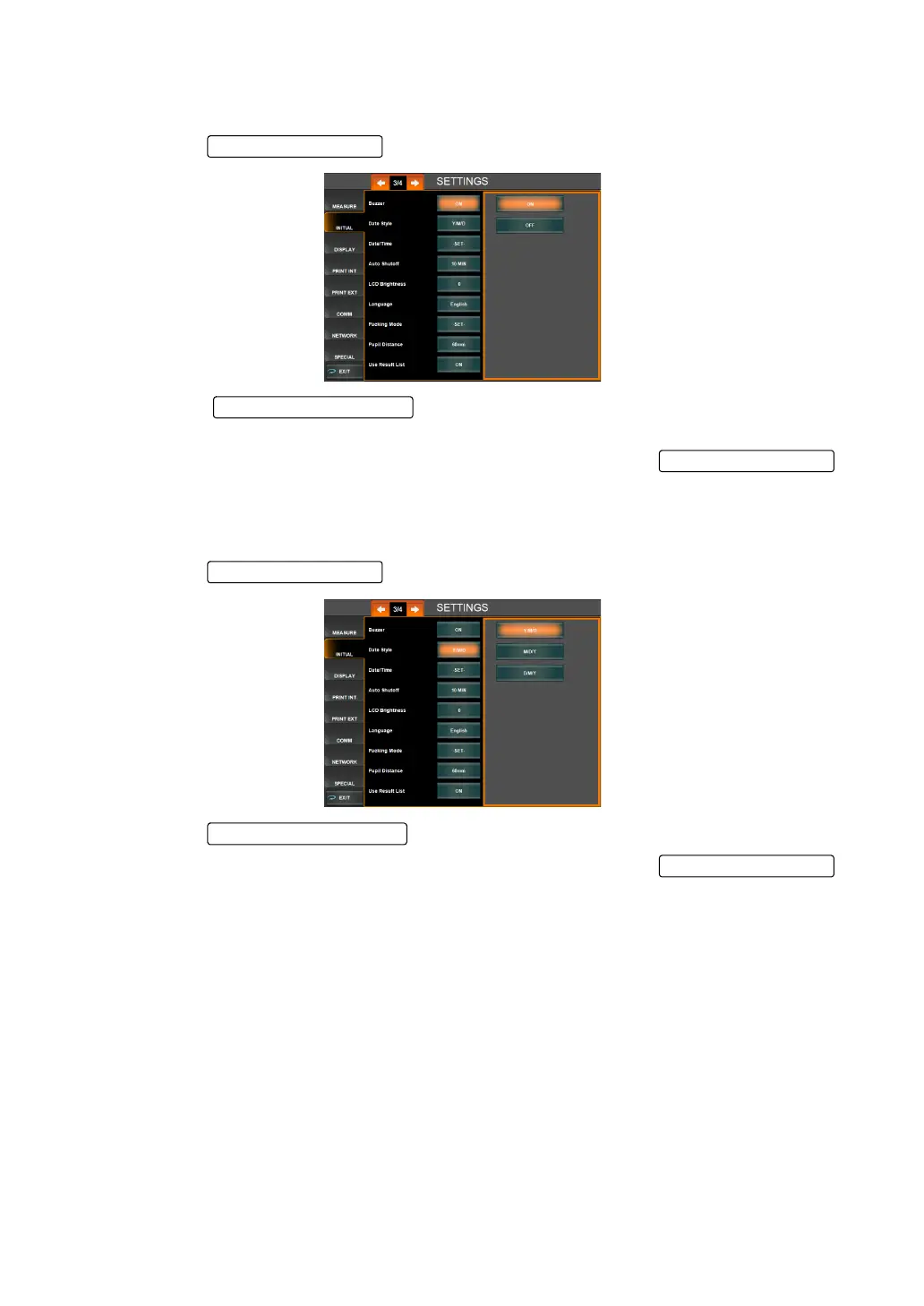
The buzzer sound can be set. Before shipment, the default setting is "ON" (Buzzer sounds).
1 Tap the of the set item display "Buzzer" of "INITIAL."
2 Tap the and select "ON" (Buzzer sounds) or "OFF" (Buzzer
does not sounds).
3 Setting is completed and the changed setting is displayed on the .
SETTING THE DATE STYLE
Date style can be set. Before shipment, the default setting is "Y/M/D."
1 Tap the of the set item display "Date Style" of "INITIAL."
2 Tap the and select the date style.
3 Setting is completed and the changed setting is displayed on the .
Set Condition button
Setting Change button
Set Condition button



 To Next Page