137
FUNCTION SETTING USING SETTINGS
SETTING THE DATE AND TIME (DATE/TIME)
Date and time can be set.
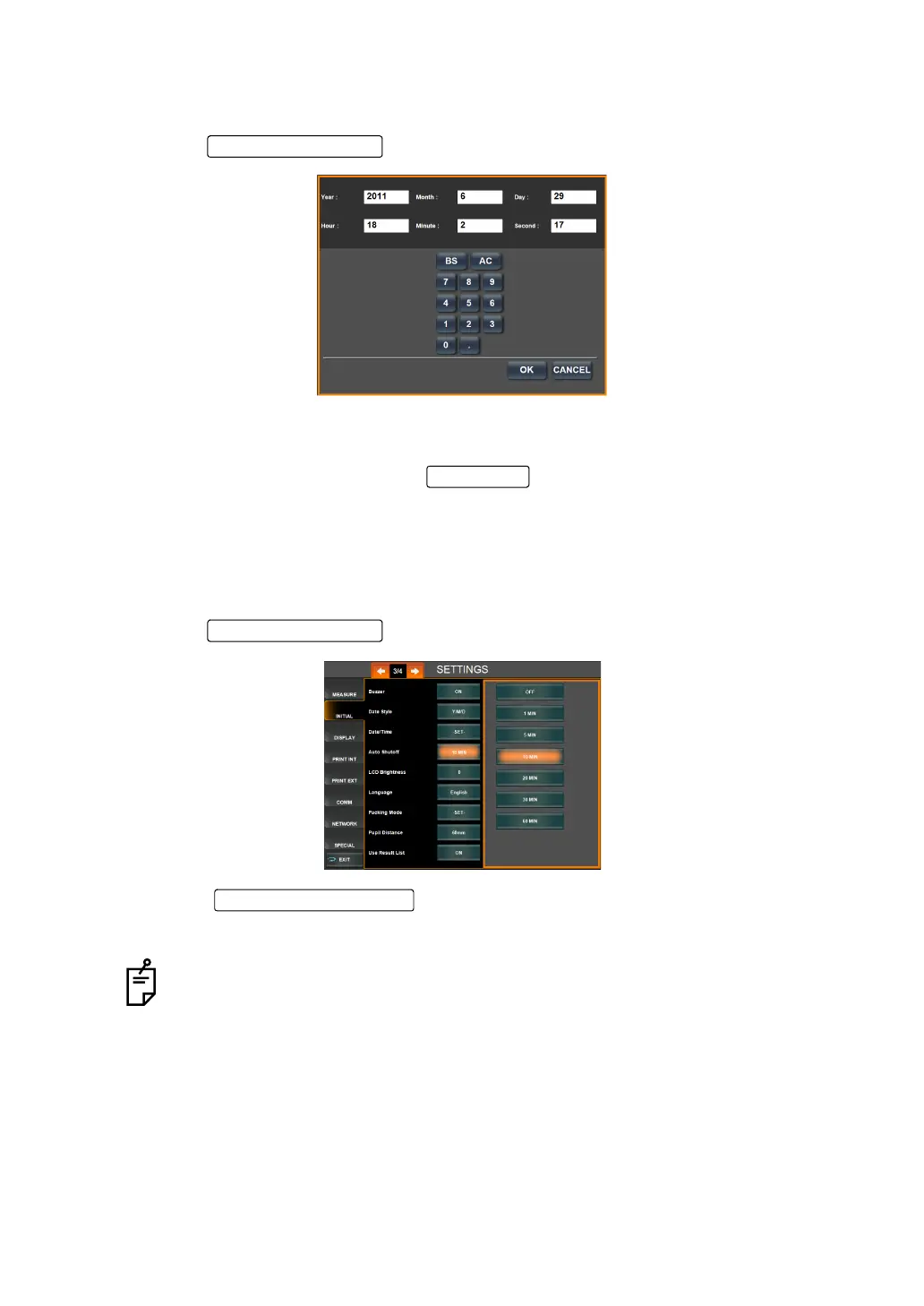
1 Tap the of the set item display "Date/Time" of "INITIAL."
2 Tap and select the item to be set (year, month, day, hour, minute, second), and enter the
number from the ten-key display shown below.
3 Setting is completed by tapping the .
SETTING THE POWER SAVE TIME (AUTO SHUTOFF)
The power save timer can be set. Before shipment, the default setting is "10 MIN" (to get to
the power save status in 10min).
1 Tap the of the set item display "Auto Shutoff" of "INITIAL."
2 Tap the and select "OFF," "1 MIN," "5 MIN," "10 MIN," "20
MIN," "30 MIN" and "60 MIN".
3 Setting is complete.
When "None" is set, the power save function does not work.
OK button
Set Condition button



 To Next Page