138
FUNCTION SETTING USING SETTINGS SCREEN
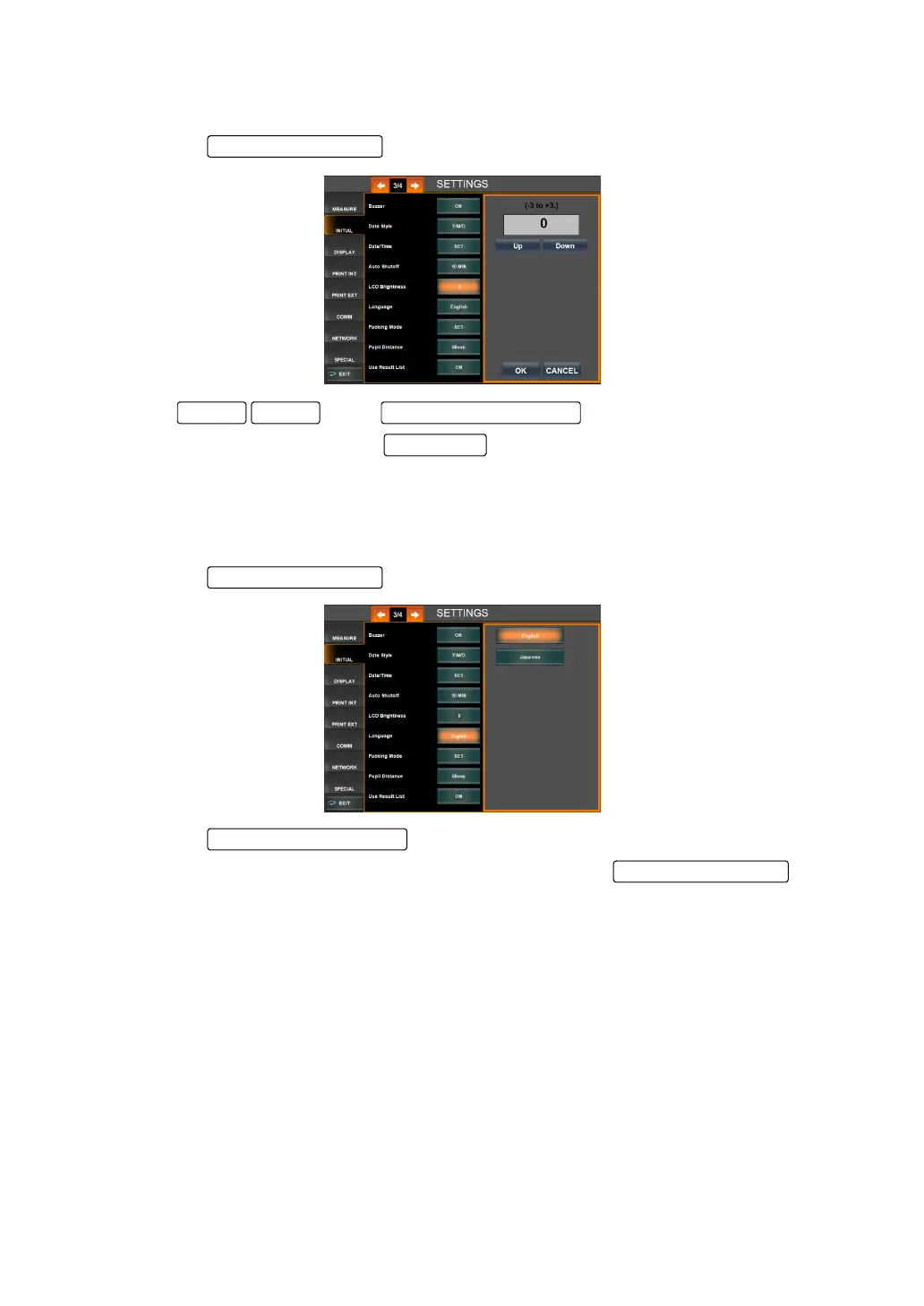
SETTING THE LCD BRIGHTNESS
Brightness of the LCD can be set. Before shipment, the default setting is "0."
1 Tap the of the set item display "LCD Brightness" of "INITIAL."
2 Tap of the and set the brightness.
3 Setting is done by tapping the .
SETTING THE LANGUAGE
The language displayed on the monitor screen can be set. Before shipment the default setting
is "English."
1 Tap the of the set item display "Language" of "INITIAL."
2 Tap the and select the language.
3 Setting is completed and the changes are displayed on the .
DownUp Setting Change button
OK button
Setting Change button
Set Condition button



 To Next Page