153
FUNCTION SETTING USING SETTINGS
SETTING THE ASTIGMA SIGN (CYL SIGN)
The astigma sign displayed on the monitor screen can be selected from "-," "+" and "MIX."
Before shipment the default setting is "-."
1 Tap the of the set item display "Cyl Sign" of "DISPLAY."
2 Tap the and select "-," "+" or "MIX."
3 Setting is complete.
"-" : Display style of astigma sign is set to "-."
"+" : Display style of astigma sign is set to "+".
"MIX" : Display style of astigma sign is set to "MIX".
TOPOMAP SMOOTHING
To perform topo-map smoothing or not is set. Before shipment, the default setting is
"OFF."
1 Tap the of the set item display "TopoMap Smoothing" of the SET-
TINGS screen "DISPLAY."
2 Tap the and select "ON" or "OFF."
3 The setting is complete.
PROGRESS MAP GRAPH SCALE
The graph scale of the progress map can be set from "0.1," "0.2," "0.5," "1.0" and "2.0."
Before shipment, default setting is "1.0."
1 Tap the of the set item display "Progress Map graph scale" of the
SETTINGS screen "DISPLAY."
2 Tap the and select the graph scale to be set.
3 The setting is complete.
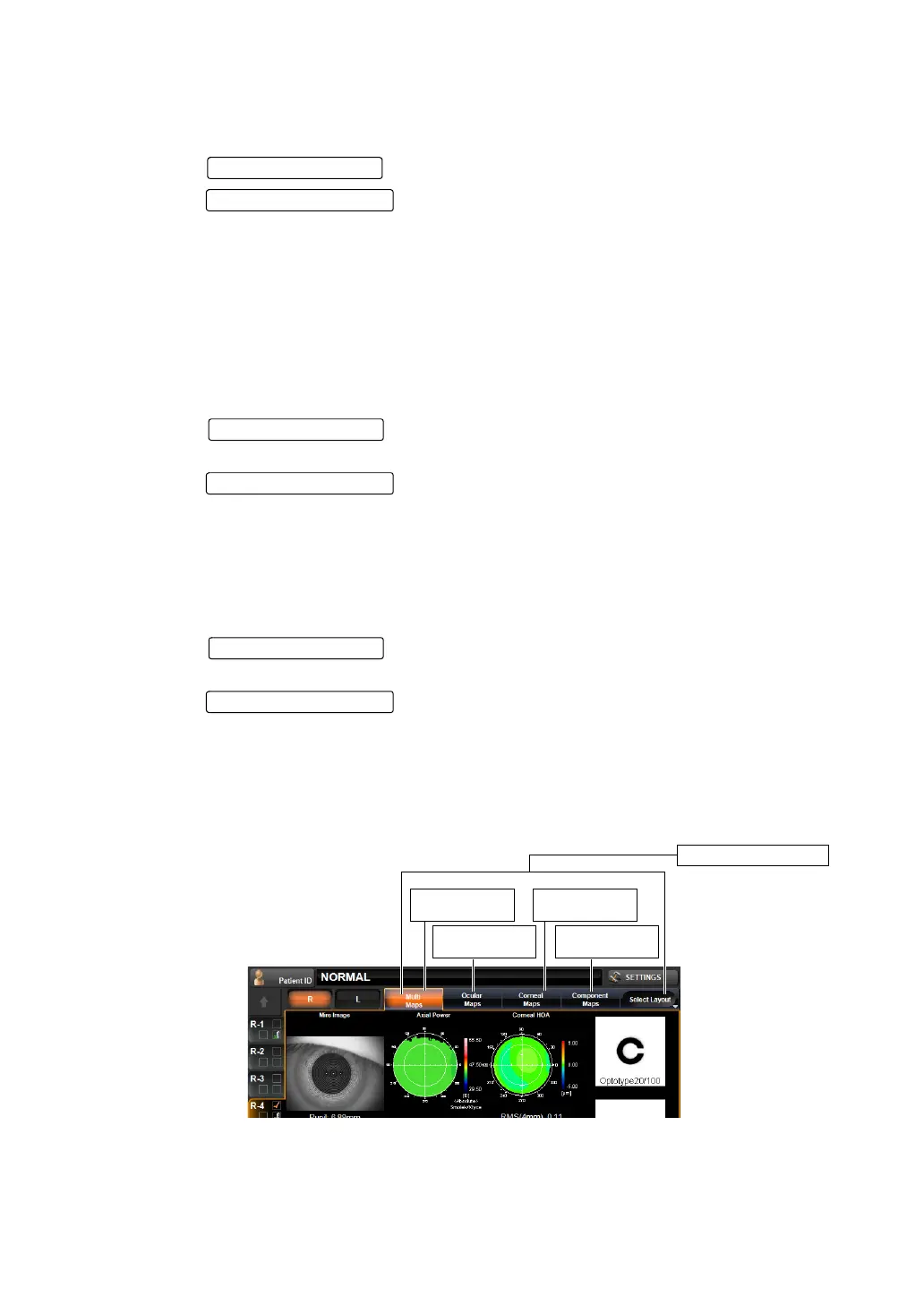
SETTING THE MAP OF ANALYSIS SCREEN LAYOUT BUTTON 1
The map to be placed in the Layout Change button of the Analysis Result screen can be
selected. Before shipment, the default setting is "Multi map."
Set Condition button
Setting Change butto
Set Condition button
Setting Change butto
Layout Change
button 1
Layout Change
button 2
Layout Change
button 3
Layout Change
button 4
Layout Change button



 To Next Page