7. B-FV Setting Tool EO18-33030
7.2 Working with B-FV Setting Tool (V1.0.21)
7-22
Property Name Description
Channel
The Wi-Fi channel. In Infrastructure mode, it is set to AUTO
automatically; in Ad hoc mode, you need to specify the
channel.
SSID
Short for service set identifier. It is the name of a wireless
local area network.
Port Number The wireless LAN port number of your printer.
DHCP
Enable The DHCP server assigns the IP address, the
subnet mask and the gateway to your printer automatically.
By default, it is enabled.
Disable You need to specify the IP address, the subnet
mask and the gateway to your printer manually.
Host Name
It is the name of a DHCP client. The host name allows up to
32 alphanumeric characters. You can leave it blank or type a
name you want. By default, there is no host name.
WPA/WPA2
Wi-Fi Protected Access. If the wireless network is encrypted
with a WPA/WPA2 password, you need to enter it here.
WEP Input Type
The type of your WEP password.
ASCII If your code is generated in ASCII, select this. ASCII
includes the English alphabet, numbers and punctuation
symbols.
HEX If your code is generated in hexadecimal (HEX),
select this. HEX includes the numbers 0 to 9 and the letters
A to F.
WEP-128
Wired Equivalent Privacy. If the wireless network is
encrypted with a WEP-128 password, you need to enter it
here.
Setting up WLAN Connection
Before you set up a wireless LAN connection, make sure your computer has connected to a
wireless network.
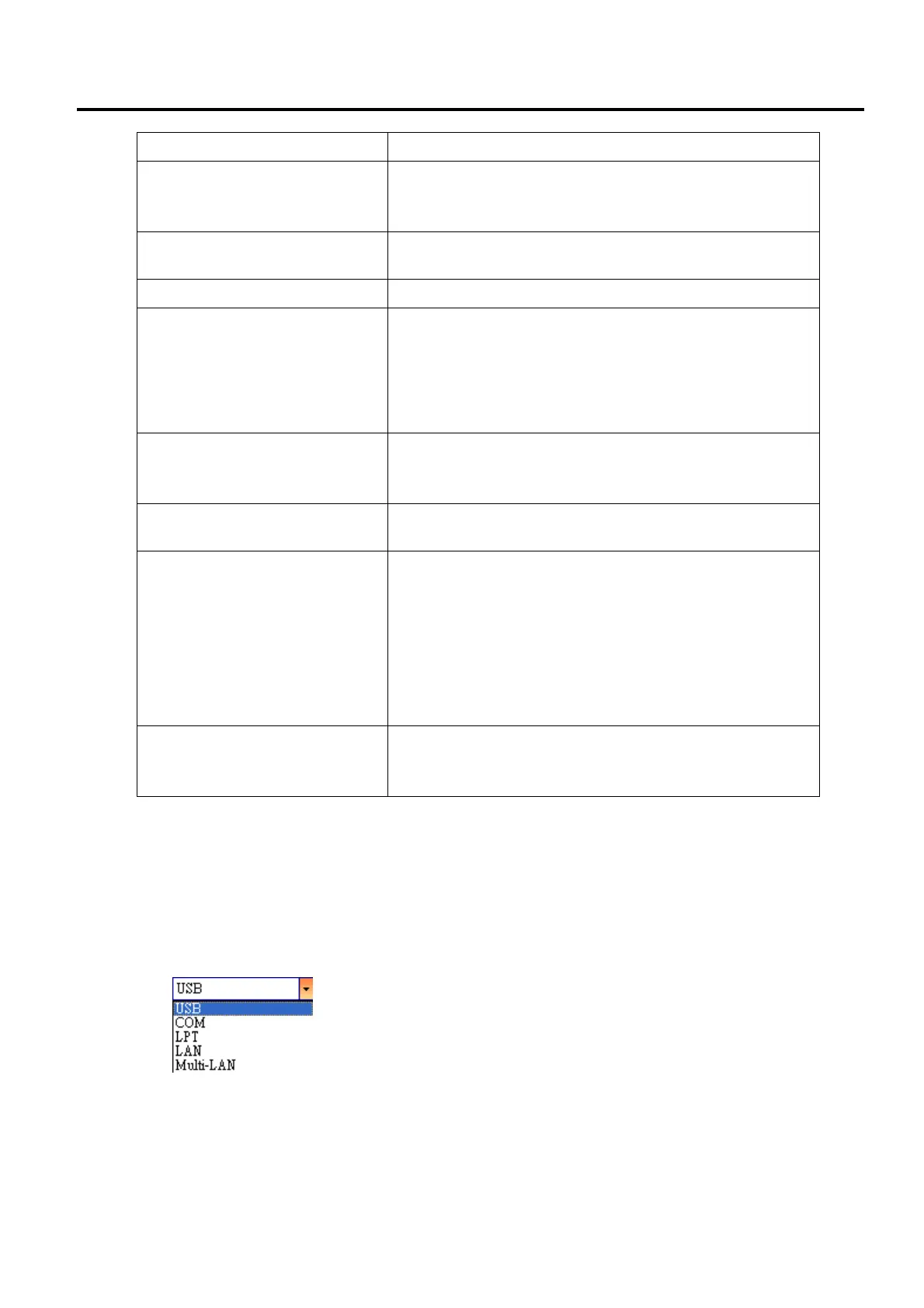
1. In the Input/Output Port list, click USB or COM.



 To Next Page
 Loading...










