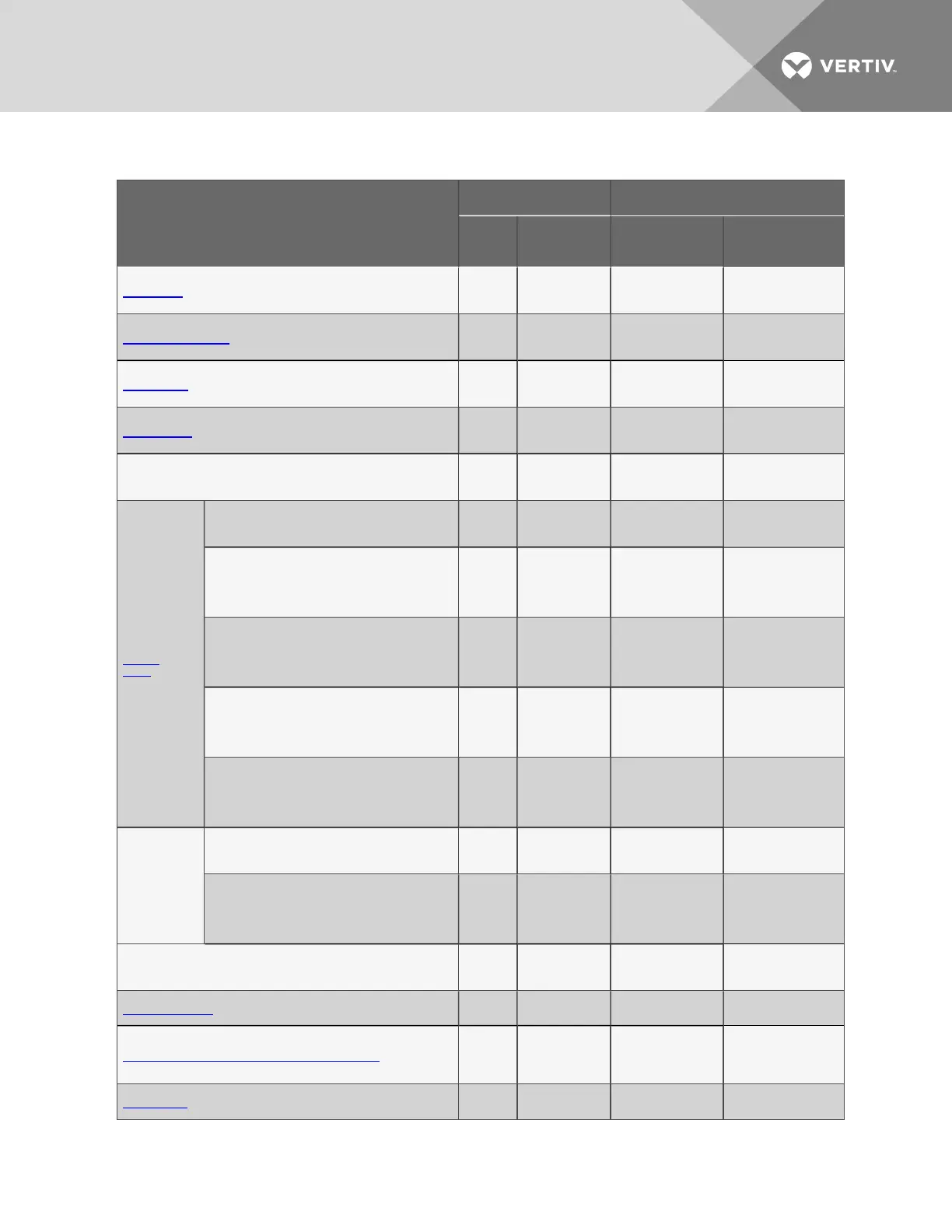
Function
Can be performed via: Where to find:
LCD
Service
Terminal
Instructions on
using function
Service Terminal
screen examples
Setup Inputs x x
Setup System -
Setup Inputs on
page56
Setup Inputs
Setup Common Alarm x x
Setup System -
Setup Common
Alarm on page60
Setup Common Alarm
Setup Sensor x x
Setup System -
Setup Sensor on
page60
Setup Sensor
Setup Outputs x x
Setup System -
Setup Outputs on
page70
Setup Output
Setup Modem & Pagers x x
Setup System -
Setup Modem &
Pagers on page72
Setup Modem &
Pagers
Modem
Setup
Initialization String x x
Modem Setup -
Initialization String
on page73
Modem Setup
Enter Liebert AC8 Phone Number — x
Modem Setup -
Additional Features
(Service Terminal
Interface only) on
page75
Modem Setup
Enable Modem Diagnostic Messages — x
Modem Setup -
Additional Features
(Service Terminal
Interface only) on
page75
Modem Setup
Change Modem Dial Prefix — x
Modem Setup -
Additional Features
(Service Terminal
Interface only) on
page75
Modem Setup
Change Modem Hang Up Delay After a Call — x
Modem Setup -
Additional Features
(Service Terminal
Interface only) on
page75
Modem Setup
Pager
Setup
Pager Number & PIN x x
Pager Setup - Pager
Number and PIN on
page78
Pager Setup
Communications Check — x
Pager Setup -
Communications
Check (Service
Terminal Interface
only) on page80
Pager Setup
Setup System Info x x
Setup System -
Setup System Info
on page82
Setup System Info
Change Password x x
Change Password
on page83
Change Password
Change Date & Time/Automatic Daylight Saving Time x x
Change Date &
Time/Automatic
Daylight Saving
Time on page84
Set Date &
Time/Automatic
Daylight Saving Time
Setup Site ID x x
Setup Site ID on
page85
Setup Site ID
Table A.1 Guide to Liebert AC8 functions (continued)
Vertiv | Liebert® AC8 User Manual | 110



 To Next Page